How to Set Up an OpenVPN Server on Raspberry Pi
TL;DR
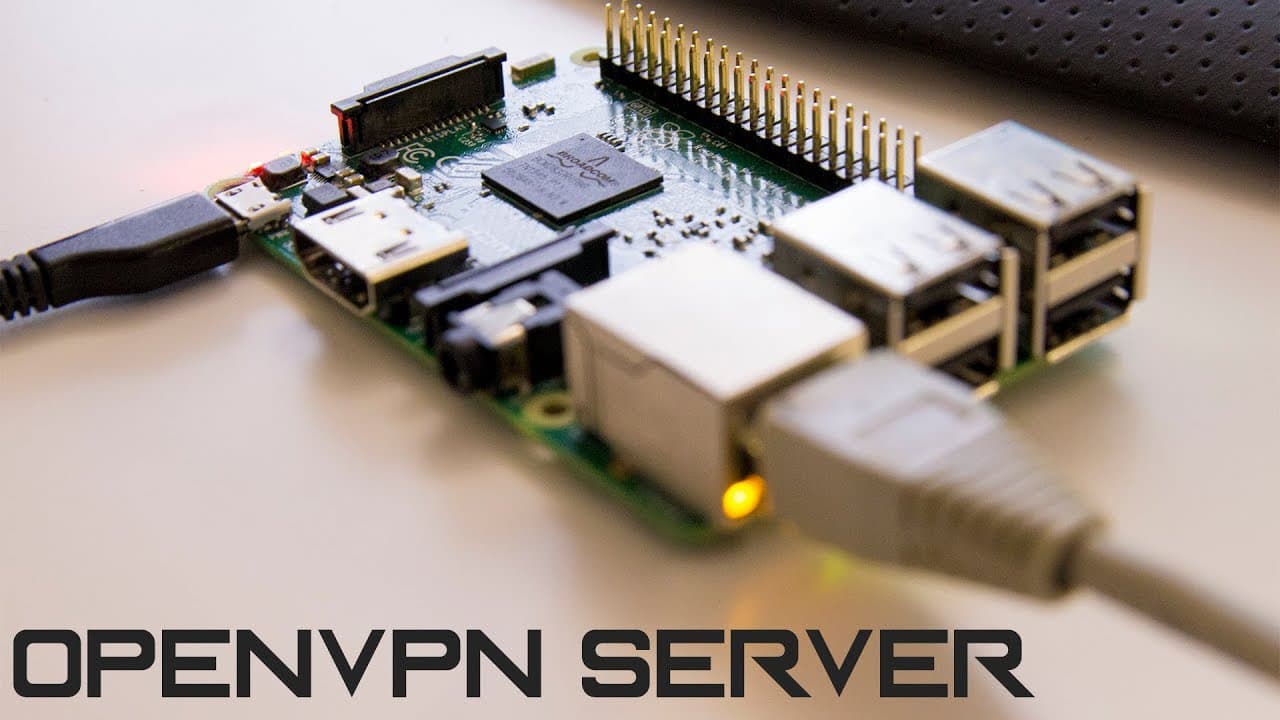
To set up an OpenVPN server on a Raspberry Pi, use a single command from PiVPN to automate the installation and configuration. Ensure you choose secure settings, like custom ports and necessary encryption levels. The tutorial also covers connecting an Android device by importing the VPN profile, facilitating seamless access to your home network.
Transcript
you guys what's going on it's dawn here from Nova spirit Tech and today I got a highly requested video on creating a VPN server using our Raspberry Pi so let's get started well on topic off VPN if you guys are not joined up with a VPN service like private Internet access to secure your Internet traffic I would highly suggest it and I'll leave a lin... Read More
Key Insights
- 😫 Setting up a VPN server on a Raspberry Pi is straightforward, primarily using a single command for the installation process.
- 🔒 Using a reputable VPN service enhances online security and privacy, as demonstrated with Private Internet Access.
- 👻 Configuring a Raspberry Pi with dynamic DNS allows for consistent access even when the public IP address changes frequently.
- 🔒 Enabling unintended upgrades helps maintain the software's security by implementing updates automatically when vulnerabilities are discovered.
- 😒 Choosing the right encryption level is crucial; while 2048 is recommended for optimal security, faster setups can use 1024 for quick deployment.
- 🛂 Users can quickly port forward on various router models, which is essential for allowing VPN traffic to pass through the firewall.
- 📁 Python’s HTTP server can be efficiently used to transfer files, simplifying the process of moving configuration files to mobile devices.
Install to Summarize YouTube Videos and Get Transcripts
Explore YouTube Video Summarizer or Get YouTube Transcript Extractor
Questions & Answers
Q: What are the benefits of using a VPN on a Raspberry Pi?
Setting up a VPN on a Raspberry Pi provides several benefits, including the ability to secure internet traffic, access geo-restricted content, and maintain anonymity online. A personal VPN can also help protect your devices when connected to public Wi-Fi networks, enhancing overall security.
Q: Why is it recommended to change the default OpenVPN port?
Changing the default OpenVPN port is important for security reasons. The default port (1194) is often scanned by bots and malicious users, making it a prime target for attacks. By using a different port, you can reduce the likelihood of being targeted while maintaining the functionality of your VPN.
Q: What is dynamic DNS, and why is it useful for VPNs?
Dynamic DNS allows users with changing IP addresses to access their VPNs via a consistent domain name. This is particularly beneficial for those who do not have a static IP, as it simplifies connection and eliminates the need to manually check and update IP addresses when they change.
Q: How can you transfer the OpenVPN configuration files to a mobile device?
There are multiple ways to transfer OpenVPN configuration files to a mobile device. One efficient method involves setting up a simple HTTP server using Python on your computer, allowing you to download the configuration files directly onto your phone by accessing the server’s IP address.
Q: What are unintended upgrades, and why should you enable them?
Unintended upgrades are automatic updates that occur when security patches or bug fixes are released. Enabling them ensures that your Raspberry Pi software, including VPN software, stays up to date, which can protect against vulnerabilities and improve overall security.
Q: How can you ensure the security of your VPN service setup?
To secure your VPN service, it’s crucial to use strong encryption settings, regularly update software, change default ports, and utilize complex passwords. Additionally, implementing network firewall configurations and using reputable dynamic DNS services can further enhance security.
Summary & Key Takeaways
-
The video demonstrates a simple method to set up an OpenVPN server on a Raspberry Pi using a single command, making it accessible even for beginners.
-
Recommendations are given for using secure VPN services, changing default ports for enhanced security, and utilizing dynamic DNS services for changing IP addresses.
-
The tutorial guides users through client setup, including connecting an Android device to the VPN and importing the necessary configuration files for seamless operation.
Read in Other Languages (beta)
Share This Summary 📚
Summarize YouTube Videos and Get Video Transcripts with 1-Click
Try YouTube Summary with ChatGPT & Claude or YouTube Transcript Generator
Explore More Summaries from Novaspirit Tech 📚






Summarize YouTube Videos and Get Video Transcripts with 1-Click
Try YouTube Summary with ChatGPT & Claude or YouTube Transcript Generator