How to Run Claude Code as a 24/7 Telegram Agent with ClaudeClaw
TL;DR
Claude Code can run as a 24/7 Telegram agent when its Telegram channel plugin and terminal session stay active on an always-on computer or VPS. Setup requires a bot created through BotFather, the plugin, a bot token, and configuration files; separate workspaces can also support multiple specialized agents. Read on to understand the setup, permission safeguards, and workspace structure.
Transcript
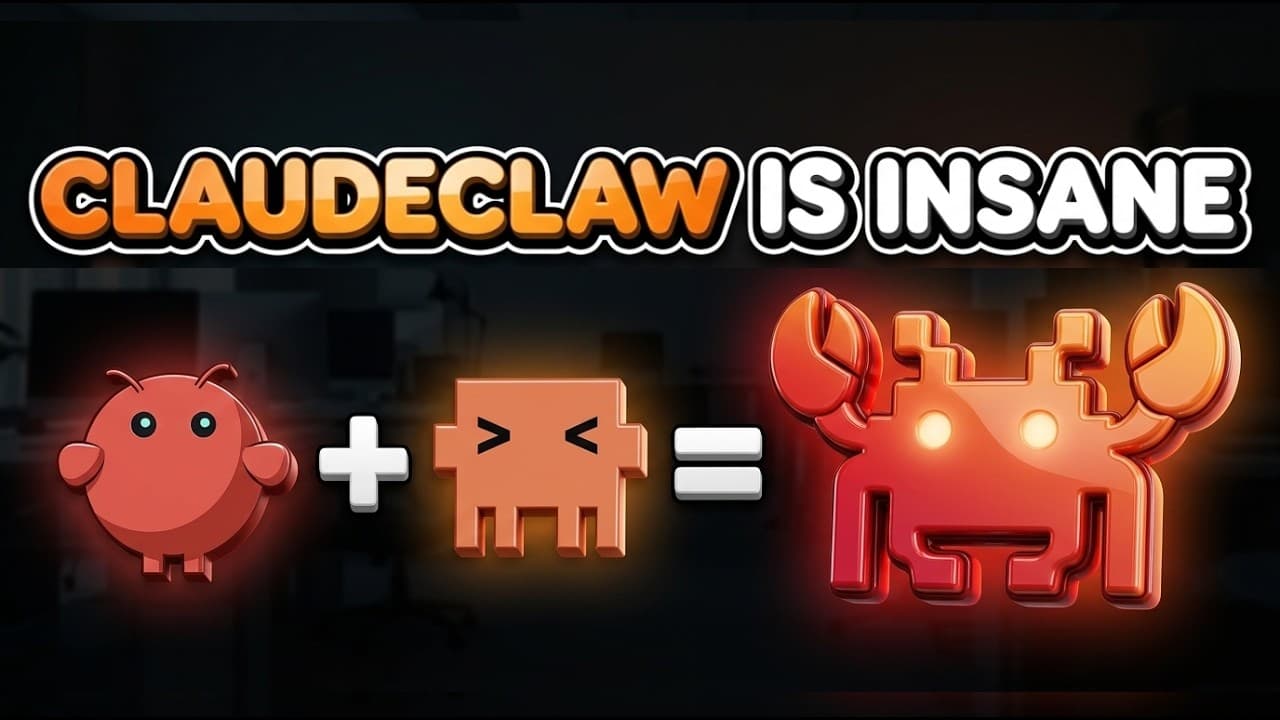
Imagine if you could take everything that makes OpenClaw great, the multi-agent setup, mission control dashboards, and the ability to run on its own, and combine that with a raw power of Cloud Code. Well, I did [music] exactly that, and I found capabilities that genuinely changed how I work. This is now possible with new Cloud Code features that ca... Read More
Key Insights
- Claude Code can communicate through Telegram by using a channel plugin that runs as a Model Context Protocol server in the background. Incoming bot messages are forwarded to an active terminal session, and the response produced by Claude Code is returned through the same Telegram channel.
- A Telegram integration requires creating a bot through BotFather, installing the Telegram channel plugin, and placing the bot token in the appropriate configuration files. The presenter suggests using either Claude Code's official documentation or the provided ClaudeClaw blueprint to guide this setup.
- The Telegram bot remains available only while its associated Claude Code terminal session is running. Exiting Claude Code severs the connection, so a long-running agent depends on keeping the session and its background channel process active for the required period.
- A dedicated computer can provide continuous access by leaving Claude Code running for long periods. The presenter identifies an old laptop or Mac mini as possible options, while a virtual private server is an alternative for technical users but carries additional cloud security risks.
- Permission prompts can interrupt remote conversations because Claude Code may pause in the terminal until the user approves a command. Messages received during that pause can enter a queue, but the agent will not act on them until the terminal permission request is resolved.
- Permission bypassing can reduce interruptions when launching a Telegram-connected session, but the presenter reports that Claude Code may still behave cautiously or later request approval. Adjusting settings.json or settings.local.json can provide more direct control over which operations are automatically allowed.
- A deny list can preserve safeguards while routine commands are allowed to proceed without repeated approval. The recommended balance is to let normal remote interactions continue smoothly while ensuring that destructive commands still require explicit permission before they can run.
- A multi-agent-style system can be created by organizing Claude Code into separate workspaces for distinct responsibilities. The presenter uses dedicated agents for development, community operations, educational content, business dealings, and general assistance to simplify context switching and task tracking.
Install to Summarize YouTube Videos and Get Transcripts
Explore YouTube Video Summarizer or Get YouTube Transcript Extractor
Questions & Answers
Q: How can Claude Code run as a 24/7 Telegram agent?
Keep the Claude Code terminal session and its Telegram channel process running on a device that remains powered on. The presenter suggests an old laptop or Mac mini, while technical users can use a VPS despite its additional cloud security risks.
Q: How can Claude Code connect to Telegram?
Claude Code connects through a Telegram channel plugin that runs as an MCP server in the background. Create a bot through BotFather, install the plugin, and place the bot token in the appropriate configuration files before launching Claude Code with the Telegram channel enabled.
Q: Why does the Claude Code Telegram bot go offline?
The bot goes offline when its connected Claude Code terminal session stops running. Closing or exiting Claude Code severs the Telegram connection because no active process remains to listen for messages.
Q: What happens when someone messages the Telegram bot?
The Telegram plugin forwards the incoming message to the active Claude Code terminal session. Claude Code drafts a reply and sends it back through the Telegram channel, allowing the user to interact from a phone without seeing the terminal processing.
Q: Why do permission prompts interrupt Telegram access?
Claude Code may pause in the terminal while waiting for approval to execute a command. Messages received during that pause can enter a queue, but the agent cannot act on them until the permission request is resolved.
Q: How can Claude Code permission interruptions be reduced?
Permission bypassing can reduce interruptions when the Telegram-connected session starts, though Claude Code may still request approval later. The presenter recommends adjusting settings.json or settings.local.json to control which routine operations are automatically allowed.
Q: How can destructive commands remain protected?
Place destructive operations on a deny list so they still require explicit approval before execution. This lets routine remote tasks proceed more smoothly while preventing commands that could delete files or cause similar damage from running automatically.
Q: How does a multi-agent Claude Code setup work?
Organize separate workspaces and Telegram chats around responsibilities such as development, community operations, educational content, business dealings, and general assistance. This structure keeps unrelated tasks from mixing together and makes context switching and task tracking easier.
Summary & Key Takeaways
-
Claude Code can connect to Telegram through a channel plugin that operates as an MCP server. Messages sent to a Telegram bot reach an active terminal session, and Claude Code sends its drafted responses back through Telegram. Setup requires BotFather, the plugin, a bot token, and the relevant configuration files.
-
The Telegram connection depends on a live Claude Code session. Closing the terminal session disconnects the bot, so continuous availability requires leaving the process running on a computer, using a dedicated old laptop or Mac mini, or configuring a VPS. The VPS option introduces its own security risks.
-
Claude Code can support a multi-agent-style workflow by assigning separate workspaces and Telegram chats to development, community operations, educational content, business dealings, and general assistance. This organization improves context switching, makes responsibilities visually distinct, and prevents unrelated messages and tasks from becoming mixed together in one conversation.
Read in Other Languages (beta)
Share This Summary 📚
Summarize YouTube Videos and Get Video Transcripts with 1-Click
Try YouTube Summary with ChatGPT & Claude or YouTube Transcript Generator
Explore More Summaries from Jay E | RoboNuggets 📚






Summarize YouTube Videos and Get Video Transcripts with 1-Click
Try YouTube Summary with ChatGPT & Claude or YouTube Transcript Generator