How to Create Pixar-Style Images Using LensGo.ai
TL;DR
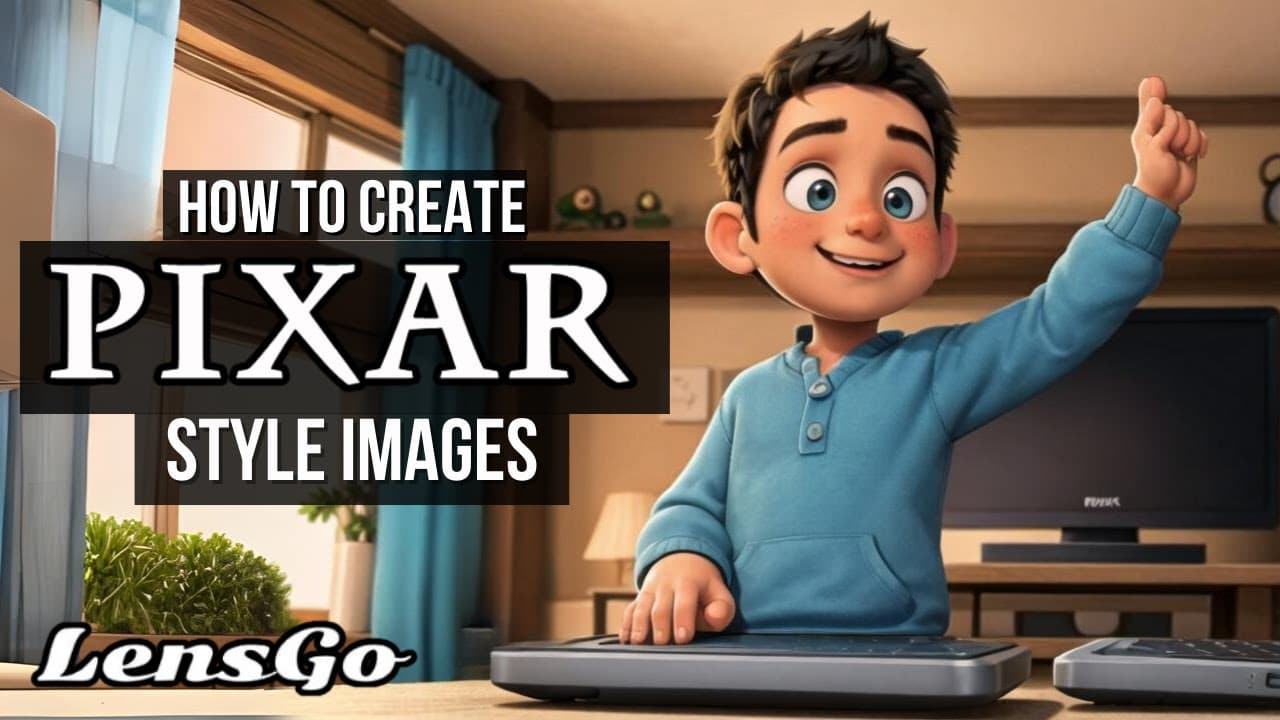
To create Pixar-style images with LensGo.ai, visit the website and sign up for free. Choose the desired image dimensions and enter a detailed prompt to generate unique images. Options are available to refine results by adjusting the number of generations and utilizing negative prompts for better output.
Transcript
hey and welcome to ech hustle my name is Rich and today we are going to look at another generative AI site if you follow my channel you know that I love this type of thing we're going to take a look at Lens go this is a brand new site that will allow you to generate images or videos today we're going to focus how to create Pixar style images so let... Read More
Key Insights
- 🎮 Lens Go is a website that focuses on generative AI for creating images and videos.
- 🎮 The platform offers different modes, including image creation and video animation.
- 👤 Users can define prompts to guide the AI in generating unique images.
- ❓ The results of the generated images can vary, depending on the prompts and settings chosen.
- 👤 Lens Go provides a user-friendly interface, making it easy for anyone to create Pixar style images.
- #️⃣ The website offers options for image dimensions and the number of generations desired.
- ❎ Negative prompts can be used to further refine the AI's output.
Install to Summarize YouTube Videos and Get Transcripts
Explore YouTube Video Summarizer or Get YouTube Transcript Extractor
Questions & Answers
Q: How does Lens Go work?
Lens Go uses generative AI to create images based on user-defined prompts. Users can choose image dimensions, number of generations, and negative prompts to guide the AI.
Q: Can Lens Go generate videos as well?
Yes, Lens Go offers a mode for animating videos, allowing users to create animated content in addition to static images.
Q: Are there any limitations to the generated images?
Some of the generated images may have inconsistencies or odd details, but overall, the results can be quite impressive. Users may need to experiment with different prompts to achieve their desired outcome.
Q: Is Lens Go free to use?
Yes, Lens Go offers free sign-up and allows users to start creating images and videos without any cost.
Summary & Key Takeaways
-
Lens Go is a website that offers three different modes: creating images, animating videos, and training models.
-
Users can choose image dimensions and the number of generations they want for their images.
-
Different prompts can be used to generate unique images, with options ranging from NBA players to half-human half-bunny rabbits.
Read in Other Languages (beta)
Share This Summary 📚
Summarize YouTube Videos and Get Video Transcripts with 1-Click
Try YouTube Summary with ChatGPT & Claude or YouTube Transcript Generator
Explore More Summaries from EdTech Hustle 📚
![Keynote: Remove The Background of Any Photo [Using Instant Alpha] thumbnail](/_next/image?url=https%3A%2F%2Fi.ytimg.com%2Fvi%2F0Ji-uTffzJE%2Fhqdefault.jpg&w=750&q=75)





Summarize YouTube Videos and Get Video Transcripts with 1-Click
Try YouTube Summary with ChatGPT & Claude or YouTube Transcript Generator