How to Use Postman for Effective API Testing?
TL;DR
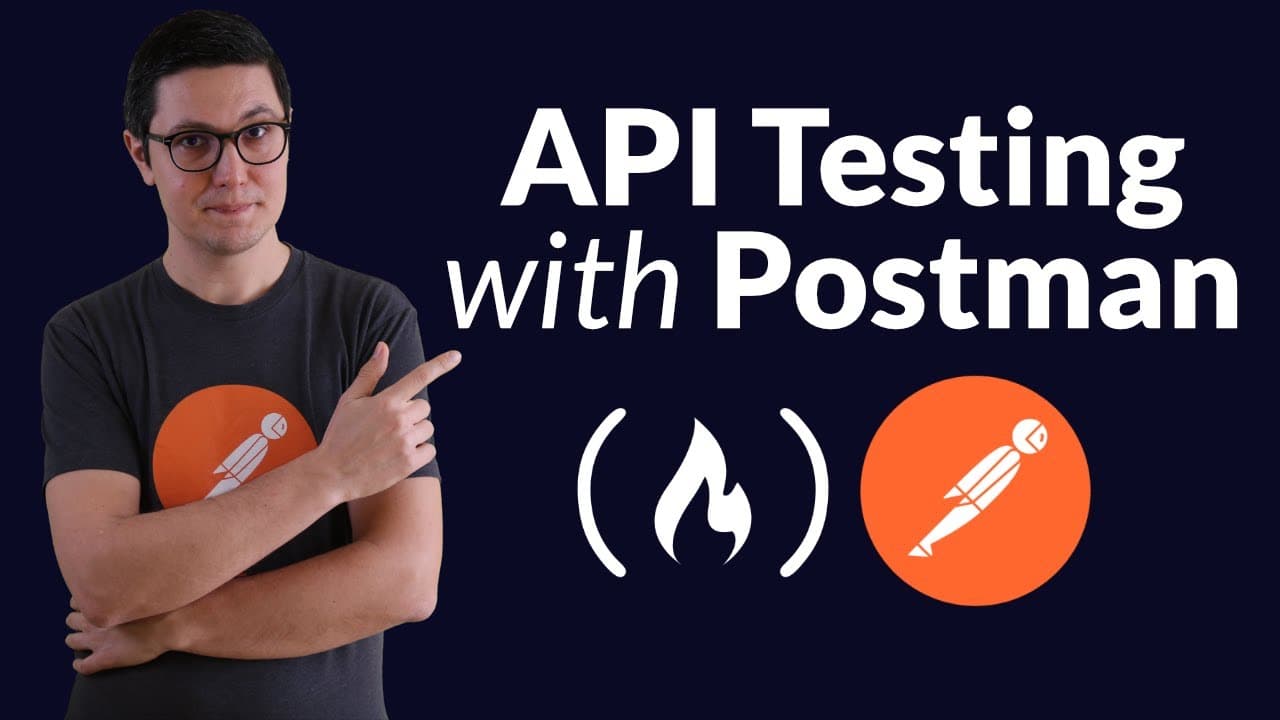
To effectively use Postman for API testing, start by understanding APIs as interfaces to servers that let you retrieve or send data. After installing Postman, familiarize yourself with sending requests, reviewing responses, and utilizing features like collections, variables, and automated tests. Hands-on practice with exercises and exploring API documentation are key to mastering API interactions.
Transcript
hi there and welcome to the api testing with postman course my name is valentine i'm a software developer and i like to share my passion for apis with others in a way that is easy to understand when i'm not speaking at a conference or traveling the world i like to share what i know by creating short tutorials and online courses like this one in thi... Read More
Key Insights
- 🛟 APIs are interfaces to servers that provide data or perform actions.
- 🔨 Postman is a tool that simplifies the process of interacting with APIs.
- 🔠 API testing is important to ensure that the API is functioning correctly and returning the expected results.
- 👨💻 Postman can be used to automate API testing by writing tests using JavaScript code.
- 💁 Query parameters can be used to provide additional information or filter and sort data in API requests.
- 💦 The status endpoint is used to check if the API is available and working correctly.
- 🈸 Postman allows for easy installation and updates, and offers both a browser application and a standalone app.
Install to Summarize YouTube Videos and Get Transcripts
Explore YouTube Video Summarizer or Get YouTube Transcript Extractor
Questions & Answers
Q: What is an API and why do we need tools like Postman to interact with them?
An API is an interface to a server that provides data or performs actions. Postman allows us to connect to APIs and make the process of sending and receiving data much easier.
Q: What is the purpose of the status endpoint in an API?
The status endpoint is used to check if the API is available and working as expected. It returns a status code indicating the status of the API.
Q: What are query parameters and how are they used in API requests?
Query parameters are additional data that can be submitted with an API request. They can be used to filter and sort data or provide additional information to the server.
Q: How can Postman be used to automate API testing?
Postman allows us to write tests using JavaScript code. These tests can be used to verify the response status, check the response body, and perform various assertions to ensure the API is working correctly.
Key Insights:
- APIs are interfaces to servers that provide data or perform actions.
- Postman is a tool that simplifies the process of interacting with APIs.
- API testing is important to ensure that the API is functioning correctly and returning the expected results.
- Postman can be used to automate API testing by writing tests using JavaScript code.
- Query parameters can be used to provide additional information or filter and sort data in API requests.
- The status endpoint is used to check if the API is available and working correctly.
- Postman allows for easy installation and updates, and offers both a browser application and a standalone app.
- Collections in Postman are used to organize and save requests for easier access and reuse.
Summary & Key Takeaways
-
The course is led by Valentine, a software developer who shares his passion for APIs through easy-to-understand tutorials and courses.
-
The course covers the basics of APIs, explains the concept of interfaces, and demonstrates how Postman can be used to interact with web-based APIs.
-
The course also includes hands-on exercises and assignments to practice using Postman and interacting with APIs.
-
Postman is a tool for interacting with APIs and makes the process of sending and receiving data much easier.
Read in Other Languages (beta)
Share This Summary 📚
Summarize YouTube Videos and Get Video Transcripts with 1-Click
Try YouTube Summary with ChatGPT & Claude or YouTube Transcript Generator
Explore More Summaries from freeCodeCamp.org 📚



Summarize YouTube Videos and Get Video Transcripts with 1-Click
Try YouTube Summary with ChatGPT & Claude or YouTube Transcript Generator