52Pi Mini Tower NAS Kit Pi-Hosted Case
TL;DR
Don from Novice Bear Tech demonstrates building a Raspberry Pi NAS case with 52 Pi's components.
Transcript
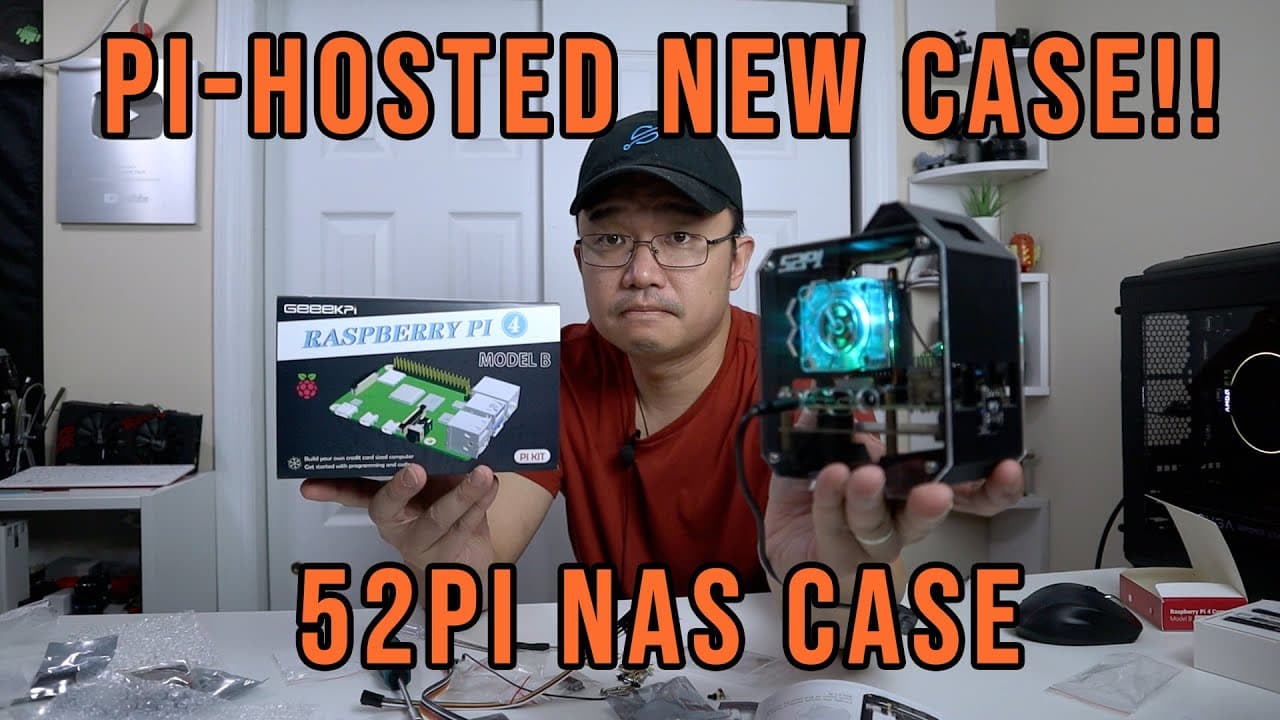
hey guys what is going on it's don here from novice bear tech and welcome back to the channel and today we are going to be building ourselves a pie hosted case from 52 pi so as you can see on the thumbnail that's how it looks like so let's begin so i went from one unboxing to two unboxings from the same company 52 pie or geek pie as you can say now... Read More
Key Insights
- ♓ The 52 Pi NAS kit provides a comprehensive solution for individuals looking to create a Raspberry Pi-based NAS, delivering both flexibility and power.
- 🎵 Packaging includes personalized notes and quality components, indicating a commitment to customer engagement and quality.
- 😎 The design of the case accommodates various cooling solutions, enhancing the overall performance and longevity of the Raspberry Pi.
- 👻 The installation process integrates modular features, allowing for easy upgrades and customization, including the installation of additional drives or peripherals.
- 👤 The presence of dual screens in the kit offers expanded monitoring capabilities, appealing to users interested in maintaining live system statistics.
- 🚵 52 Pi's emphasis on practical accessories, such as adapters and mounts, demonstrates an understanding of user needs in building efficient, functional systems.
- 🪭 The use of quieter fan technology improves the NAS's usability in home environments, reducing noise pollution compared to older models.
Install to Summarize YouTube Videos and Get Transcripts
Explore YouTube Video Summarizer or Get YouTube Transcript Extractor
Questions & Answers
Q: What is the primary purpose of the 52 Pi NAS kit shown in the video?
The primary purpose of the 52 Pi NAS kit is to create a Network Attached Storage (NAS) system utilizing the Raspberry Pi. This allows users to create a flexible server environment for data storage and sharing across a network, taking advantage of the Raspberry Pi’s compact size and affordability while offering significant customization options for performance and display.
Q: What components are included in the NAS kit from 52 Pi?
The NAS kit includes an 8GB Raspberry Pi, power supply, heatsinks, a fan, a 64GB SD card, an M.2 NVMe daughter board, two screens, various GPIO cables, mounting screws, and enclosures. These components come together to build a robust server case that supports additional features like cooling and storage expansion, making it suitable for serving and accessing files on a network.
Q: How does Don plan to customize the display of the NAS case in future videos?
Don plans to customize the display of the NAS case by integrating screens that will show important system information, such as CPU usage and memory statistics, using a predefined script from the 52 Pi website. This integration will enhance the functionality of the NAS, offering users immediate visual feedback on the system's performance while it operates.
Q: What did Don find noteworthy about the power supply included in the kit?
Don highlighted that the power supply included in the kit is a 5V, 3A USB-C model with an on/off switch, which he found particularly useful as it allows for easy control of the Raspberry Pi’s power without unplugging the cable. This feature adds convenience and improves the user experience during setup and operation of the NAS system.
Summary & Key Takeaways
-
The video features an unboxing and assembly of a NAS case for the Raspberry Pi, specifically using a kit from 52 Pi that includes an 8GB Raspberry Pi and various accessories.
-
Don discusses the various components included in the kit, such as a power supply, heatsinks, a fan, and memory cards, emphasizing their functionality and quality.
-
Throughout the build process, Don showcases the installation steps and customization options, promising future tweaks to integrate screen displays for monitoring system performance.
Read in Other Languages (beta)
Share This Summary 📚
Summarize YouTube Videos and Get Video Transcripts with 1-Click
Try YouTube Summary with ChatGPT & Claude or YouTube Transcript Generator
Explore More Summaries from Novaspirit Tech 📚






Summarize YouTube Videos and Get Video Transcripts with 1-Click
Try YouTube Summary with ChatGPT & Claude or YouTube Transcript Generator