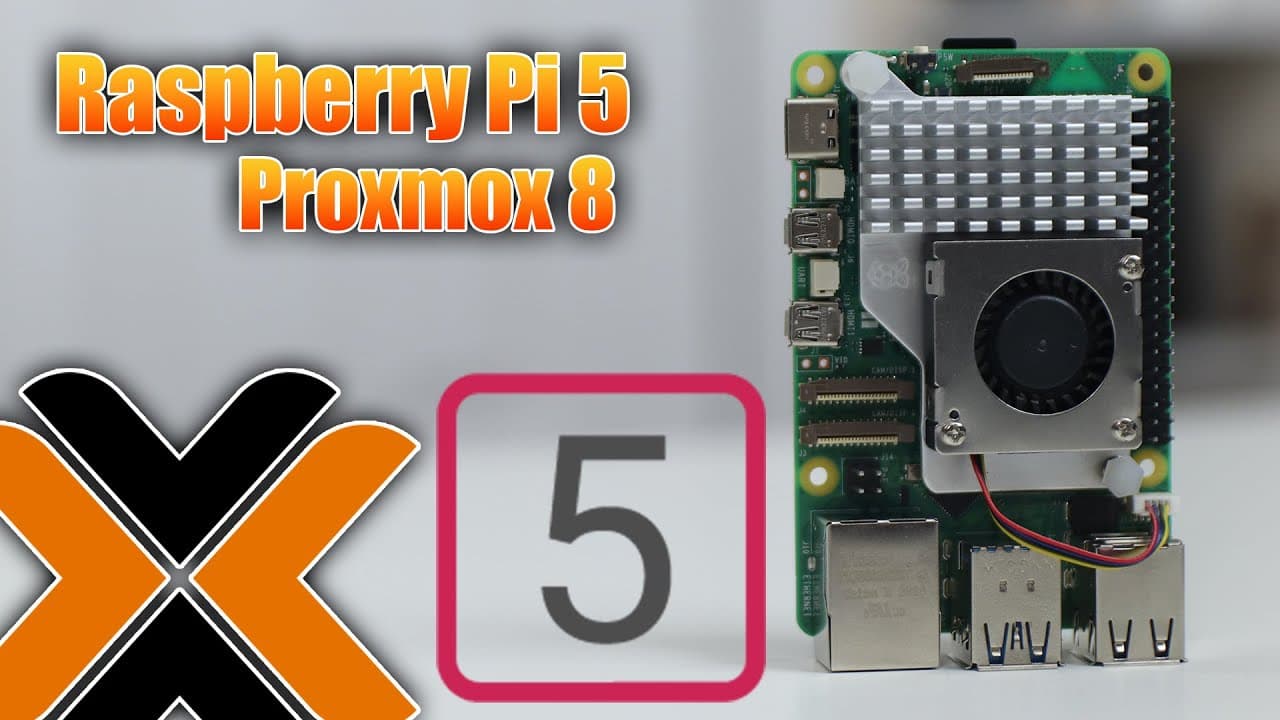
How to Install Proxmox 8 on Raspberry Pi 5
TL;DR
To install Proxmox 8 on Raspberry Pi 5, flash the Proxmox image onto an SSD and configure the Raspberry Pi OS with specific settings like enabling USB Max current. Follow by setting up the necessary repositories, updating, and finalizing the installation to successfully run multiple Linux VMs and containers. Note that Windows 11 compatibility may require kernel adjustments.
Transcript
so we're going to be installing proxmox on Raspberry Pi 5 on top of Raspberry Pi OS so let's get started now before we begin I do want to thank someone on my Twitter by the name of friendly and Geeks who sent me over the instructions on getting proxmox installed onto our Raspberry Pi 5S now this is completely different from my last video which uses... Read More
Key Insights
- 😚 Installing Proxmox on Raspberry Pi 5 is more productive with proper OS configurations, illustrating the necessity of all environments functioning correctly.
- 💨 Users benefit from utilizing SSDs during installation, as they provide faster data access speeds, critical for running multiple VMs and containers efficiently.
- 🎁 The author reported smooth operation of Linux VMs/containers, presenting a favorable comparison to performance on other platforms like Zima Blade.
- 👻 Proxmox enables resource-intensive tasks on Raspberry Pi 5, allowing users to manage virtual machines and containers effectively while maintaining reasonable performance.
- 📦 The content emphasizes the importance of configuring local repositories for seamless updates and installations of necessary packages involved in the Proxmox setup process.
- 👤 The author suggests that advanced users may explore custom kernel recompilation to extend compatibility to more operating systems if needed, showcasing a path for deeper technical engagement.
- 🧑💻 Successful installation of Linux environments confirms Proxmox's versatility, enhancing Raspberry Pi's usability for developers and tech enthusiasts alike.
Install to Summarize YouTube Videos and Get Transcripts
Explore YouTube Video Summarizer or Get YouTube Transcript Extractor
Questions & Answers
Q: What are the prerequisites for installing Proxmox on Raspberry Pi 5?
To install Proxmox on Raspberry Pi 5, ensure you have the latest Raspberry Pi OS installed, an SSD for storage, and the necessary tools like curl and apt. Additionally, familiarity with terminal commands will be beneficial as they are used extensively throughout the installation process.
Q: How does installing Proxmox on Raspberry Pi 5 differ from UEFI installations?
The installation method on Raspberry Pi 5 described in the content uses Raspberry Pi OS and avoids UEFI issues, particularly around missing network functionality and essential modules. This method ensures that both networking and VM capabilities work seamlessly, which were problematic in UEFI-based installations.
Q: What issues did the author face while installing Windows 11 on Proxmox?
The author encountered Kernel-based Virtual Machine (KVM) compatibility issues that prevent Windows 11 from running properly on the Raspberry Pi 5. Despite exploring methods to recompile the OS kernel to address this, they chose not to proceed with the installation due to the complexities and current hardware limitations.
Q: How do you set up network configurations for Proxmox on Raspberry Pi 5?
To configure networking, you need to modify network interfaces, removing any IPv6 entries and creating a bridge configuration. Specifically, you define static IP settings in the interfaces file while ensuring the bridge utilities are installed to manage the network effectively for Proxmox's virtual environments.
Q: Are there differences in creating VMs on Raspberry Pi 5 compared to Raspberry Pi 4?
Yes, when creating VMs on Raspberry Pi 5, the method defaults to using SCSI rather than IDE, which is a notable improvement over the Raspberry Pi 4. This change generally offers better performance and resource allocation for virtual machines created within Proxmox.
Q: How can you install different Linux distributions on Proxmox?
Users can install various Linux distributions by accessing the Proxmox web interface, selecting templates, and downloading ready-to-use images from the repository. Alternatively, one can manually download the desired distribution's root filesystem and create a container from the downloaded image.
Summary & Key Takeaways
-
The content provides a step-by-step tutorial on installing Proxmox on a Raspberry Pi 5, highlighting the differences from previous UEFI installation methods that lacked essential features like networking functionality.
-
It emphasizes the necessity of preparing the Raspberry Pi OS with specific configurations and packages, such as enabling USB Max current, ensuring stable operation for virtual machines and containers.
-
The tutorial concludes with a demonstration of successful installations of various Linux distributions as VMs and containers, along with notes on limitations regarding Windows 11 due to KVM issues.
Read in Other Languages (beta)
Share This Summary 📚
Summarize YouTube Videos and Get Video Transcripts with 1-Click
Try YouTube Summary with ChatGPT & Claude or YouTube Transcript Generator
Explore More Summaries from Novaspirit Tech 📚






Summarize YouTube Videos and Get Video Transcripts with 1-Click
Try YouTube Summary with ChatGPT & Claude or YouTube Transcript Generator