Is the TerraMaster F2-423 a Good NAS for Home Use?
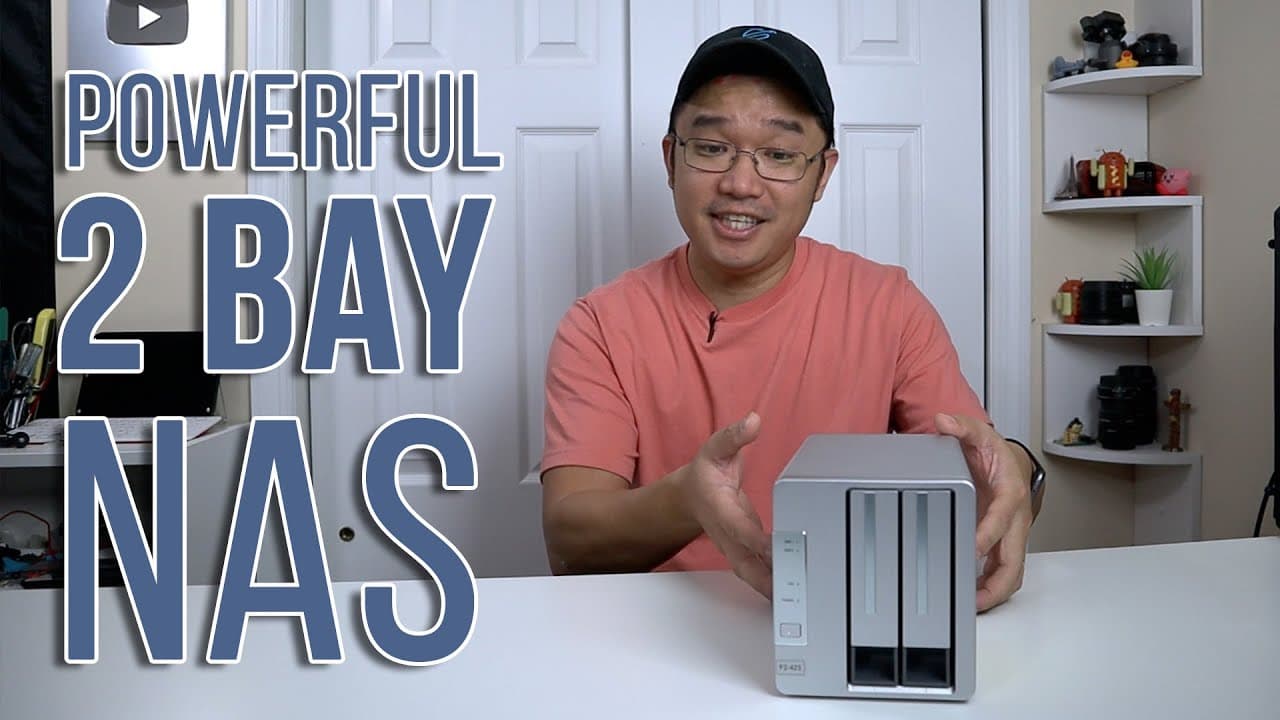
TL;DR
The TerraMaster F2-423 is a powerful and versatile NAS, ideal for home use, capable of handling virtualization and Docker applications. With an Intel N5150 CPU, two bays for hard drives, and two NVMe slots, it offers excellent performance and flexibility. Users should upgrade to TOS 5.0 during setup for the best experience.
Transcript
hey guys what's going on it's Don here from Nova Spirit Tech and welcome back to our Channel and today we're going to be checking out the f2423 from Terror master so let's get started now I do want to thank terrormaster for sending this over to me for review and everything we talk about will be linked down in the description below now I do apologiz... Read More
Key Insights
- 👪 The TerraMaster F2-423 functions effectively as both a traditional NAS and a mini home server, making it suitable for diverse home networking needs.
- ✊ It accommodates a solid hardware configuration that places it ahead of previous models in terms of processing power and flexibility for software applications.
- 👤 Users should consider the importance of removal or formatting of existing data on drives before configuring the NAS to ensure smooth operation post-installation.
- 🤭 The device offers a quiet fan system, enhancing its appeal for home environments where noise reduction is a priority.
- 🥳 The option to install both official and third-party applications expands the capabilities of the F2-423 beyond just data storage.
- 🥺 While the overall design is commendable, the similarity in appearance between different TerraMaster models could lead to buyer confusion, suggesting potential branding improvements.
- 👪 The inclusion of various ports encourages extensive connectivity options, suitable for multi-device home setups and improved network performance.
Install to Summarize YouTube Videos and Get Transcripts
Explore YouTube Video Summarizer or Get YouTube Transcript Extractor
Questions & Answers
Q: What are the standout features of the TerraMaster F2-423?
The TerraMaster F2-423 stands out with its dual 2.5 Gigabit Ethernet ports, two hard drive bays, and two NVMe slots, enabling extensive storage and connectivity options. The Intel N5150 CPU provides impressive performance, allowing users to run virtualization, Docker applications, and various utilities, making it a great choice for a home server setup.
Q: How does the performance compare between the F2-423 and older NAS models?
The F2-423's performance is significantly improved over older models, primarily due to its powerful CPU, advanced capabilities like virtualization, and support for Docker. While earlier NAS systems performed basic storage functions, the F2-423 allows extensive data management, software applications, and larger workloads, showcasing the evolution of NAS technology.
Q: What challenges did the reviewer encounter during the setup of the F2-423?
The reviewer faced user error challenges while setting up the F2-423, specifically related to using hard drives that were not completely wiped. This led to issues with the operating system and network interface. However, the reviewer emphasized that this was not a fault of TerraMaster but rather a lesson learned in ensuring drives are blank before installation.
Q: Why is upgrading to TOS 5.0 recommended for the F2-423?
Upgrading to TOS 5.0 is crucial because it offers enhanced functionality and performance over the pre-installed 4.2.39 version. The new operating system significantly improves reliability, usability, and available features, making the setup more efficient. The reviewer encourages users to perform this upgrade upon first boot to avoid potential issues.
Summary & Key Takeaways
-
The TerraMaster F2-423 provides an upgraded experience compared to older models, allowing users to employ it as a home server and run virtualization and Docker applications efficiently.
-
It features two bays for hard drives, two NVMe slots, and comes equipped with a strong Intel N5150 CPU capable of handling various tasks, although it's initially shipped with outdated software.
-
Users should upgrade to TOS 5.0 upon installation for optimal performance, and the device's design may cause confusion between similar models.
Read in Other Languages (beta)
Share This Summary 📚
Summarize YouTube Videos and Get Video Transcripts with 1-Click
Try YouTube Summary with ChatGPT & Claude or YouTube Transcript Generator
Explore More Summaries from Novaspirit Tech 📚






Summarize YouTube Videos and Get Video Transcripts with 1-Click
Try YouTube Summary with ChatGPT & Claude or YouTube Transcript Generator