How Does Immersive Reader Improve Student Writing in Word?
TL;DR
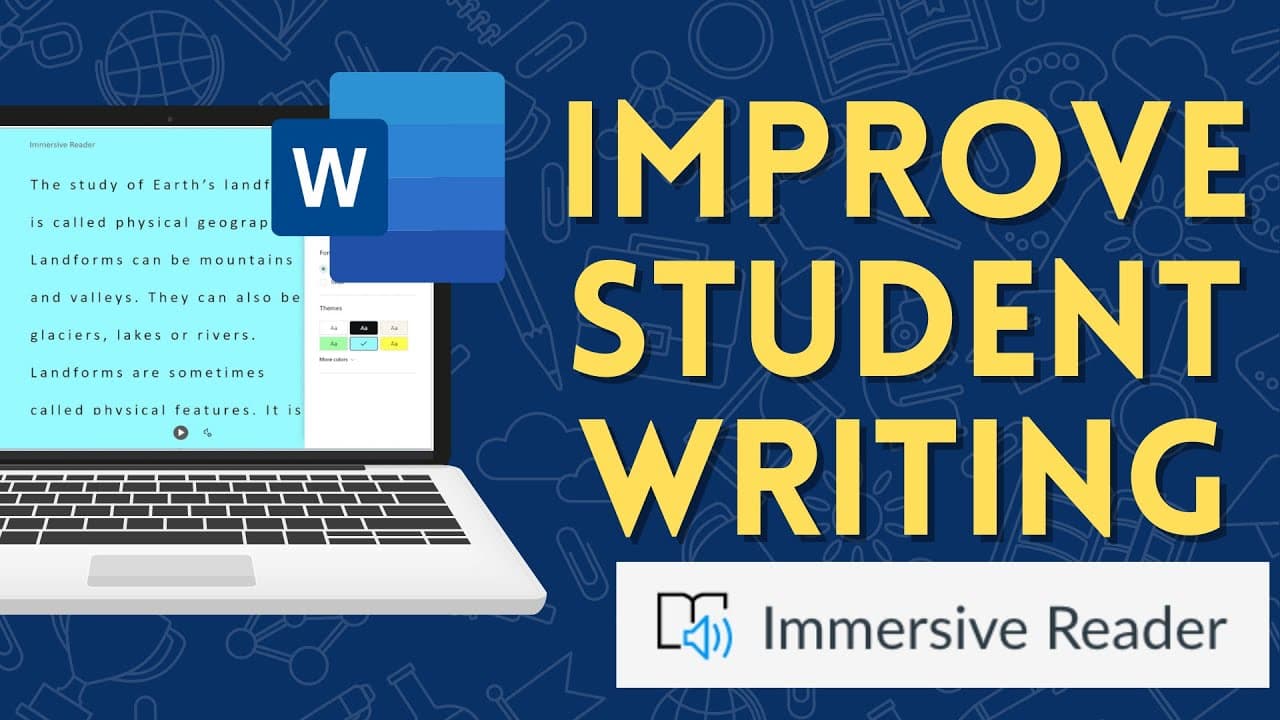
The Immersive Reader in Microsoft Word enhances student writing by allowing users to listen to their text read aloud, making it easier to catch errors and improve clarity. Features include customizable text preferences, syllable breakdown, identification of parts of speech, translation options, and voice settings, all of which help create a more effective writing and learning experience.
Transcript
in this video discover how the immersive reader in microsoft word online can help students improve their writing let's get started you are looking at this essay that i have up on my screen that i've authored in microsoft word online i'm done with it and now i really want to go through and read it a few times to make sure that there's clarity and th... Read More
Key Insights
- 🫠 The Immersive Reader in Microsoft Word Online provides a useful tool for students to improve their writing by listening to their text being read out loud.
- 🥳 Customizable features like adjusting text preferences, breaking words into syllables, and identifying parts of speech enhance the reading and writing experience.
- 👻 Language translation options and voice settings allow for a versatile and inclusive user experience.
- 💳 The Immersive Reader can be accessed through a Microsoft account or an Office 365 subscription.
- 👤 The tool offers a picture dictionary feature, enabling users to learn the meaning of words through images.
- 🧑🎓 The Immersive Reader is particularly beneficial for students who may struggle with visually identifying writing mistakes or understanding the content.
- 🫥 The ability to focus on specific lines or sections of text helps students concentrate on their writing and make necessary revisions.
Install to Summarize YouTube Videos and Get Transcripts
Explore YouTube Video Summarizer or Get YouTube Transcript Extractor
Questions & Answers
Q: How does the Immersive Reader in Microsoft Word Online help students improve their writing?
The Immersive Reader reads written text out loud, enabling students to listen and identify any errors or lack of clarity. This helps them improve their writing by catching mistakes they may have missed visually.
Q: What are the requirements to access the Immersive Reader in Microsoft Word Online?
To access the Immersive Reader, you need either a Microsoft account or an Office 365 subscription. The basic Microsoft account allows access to this feature on OneDrive.com.
Q: How can students customize their reading experience using the Immersive Reader?
Students can customize the Immersive Reader by adjusting text preferences, such as font size, spacing, and color theme. They can also break words into syllables, identify parts of speech, and adjust line focus to focus on specific sections of text.
Q: Are there language options available in the Immersive Reader?
Yes, the Immersive Reader offers language translation options. Users can set the reader to read their writing in a different language, making it helpful for those who are writing in languages other than their native language.
Summary & Key Takeaways
-
The Immersive Reader in Microsoft Word Online allows users to listen to their written text being read out loud, helping them identify mistakes and improve clarity.
-
Students can customize the Immersive Reader by adjusting text preferences, breaking words into syllables, identifying parts of speech, and adjusting line focus.
-
The Immersive Reader also offers language translation options, voice settings, and a picture dictionary to enhance the reading and writing experience.
Read in Other Languages (beta)
Share This Summary 📚
Summarize YouTube Videos and Get Video Transcripts with 1-Click
Try YouTube Summary with ChatGPT & Claude or YouTube Transcript Generator
Explore More Summaries from EdTech Hustle 📚

![Keynote: Remove The Background of Any Photo [Using Instant Alpha] thumbnail](/_next/image?url=https%3A%2F%2Fi.ytimg.com%2Fvi%2F0Ji-uTffzJE%2Fhqdefault.jpg&w=750&q=75)




Summarize YouTube Videos and Get Video Transcripts with 1-Click
Try YouTube Summary with ChatGPT & Claude or YouTube Transcript Generator