How to Create Custom Stickers Using Microsoft Designer
TL;DR
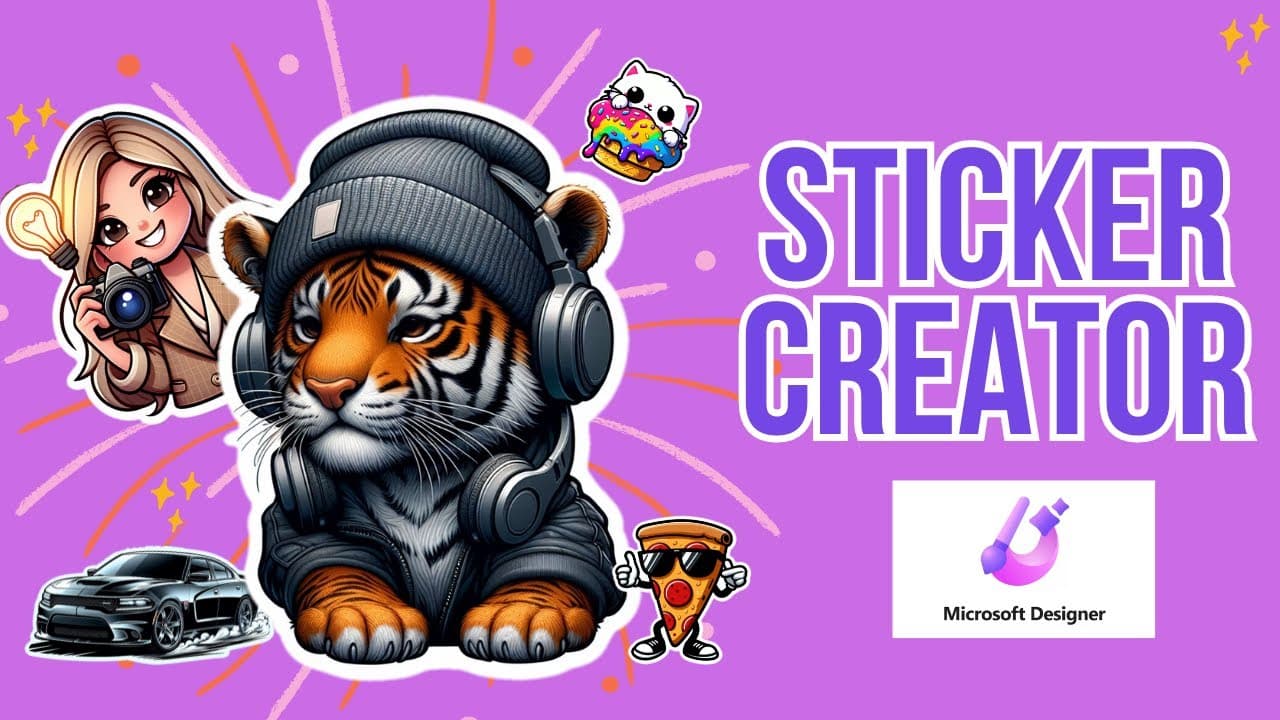
To create custom stickers with Microsoft Designer, visit designer.microsoft.com and select the Sticker Creator option. Enter your prompt for the desired design, tweak the wording for better results, and download the generated images, which feature transparent backgrounds for easy use.
Transcript
hey so let's go ahead and learn how to create stickers like this one with Microsoft designer the first thing you need to do is to go to designer. microsoft.com now this is a free program and you can get started by clicking the button on the top rightand side of your screen okay so I am logged into designer and if you check out some of the other vid... Read More
Key Insights
- 🥶 Microsoft Designer is a free program that enables users to create stickers based on prompts.
- 😒 The generated stickers have transparent backgrounds, making them easy to use in different contexts.
- ❓ Language used in prompts is crucial, as precision is required to obtain the desired results.
- 👤 Users can modify their prompts and regenerate stickers as needed.
- 🧡 Microsoft Designer offers a wide range of options for customization and creativity.
- 🩷 Stickers can be created with specific themes or styles, such as a pink unicorn with purple stripes or an NFL quarterback in the style of Madden.
- 👤 The program is user-friendly and accessible for those interested in creating their own stickers.
Install to Summarize YouTube Videos and Get Transcripts
Explore YouTube Video Summarizer or Get YouTube Transcript Extractor
Questions & Answers
Q: How do I access Microsoft Designer?
To access Microsoft Designer, go to designer.microsoft.com and click on the button located on the top right corner of the screen.
Q: Can I create my own images with prompts in Microsoft Designer?
Yes, Microsoft Designer allows users to create their own images with prompts. It functions similarly to Chat GPT, but the output is in image form instead of text.
Q: Are the stickers created with Microsoft Designer customizable?
Yes, users can customize the stickers generated by Microsoft Designer. They can choose from various options and prompts to achieve the desired result.
Q: How can I use the stickers created with Microsoft Designer?
The stickers created with Microsoft Designer can be downloaded and used in various ways, such as copying and pasting them into text messages or any other desired location.
Summary & Key Takeaways
-
Microsoft Designer is a free program that allows users to create stickers by providing prompts.
-
The program generates images based on the prompts, offering options for customization.
-
The generated stickers have transparent backgrounds, making them easy to use in various contexts.
Read in Other Languages (beta)
Share This Summary 📚
Summarize YouTube Videos and Get Video Transcripts with 1-Click
Try YouTube Summary with ChatGPT & Claude or YouTube Transcript Generator
Explore More Summaries from EdTech Hustle 📚




![Keynote: Remove The Background of Any Photo [Using Instant Alpha] thumbnail](/_next/image?url=https%3A%2F%2Fi.ytimg.com%2Fvi%2F0Ji-uTffzJE%2Fhqdefault.jpg&w=750&q=75)

Summarize YouTube Videos and Get Video Transcripts with 1-Click
Try YouTube Summary with ChatGPT & Claude or YouTube Transcript Generator