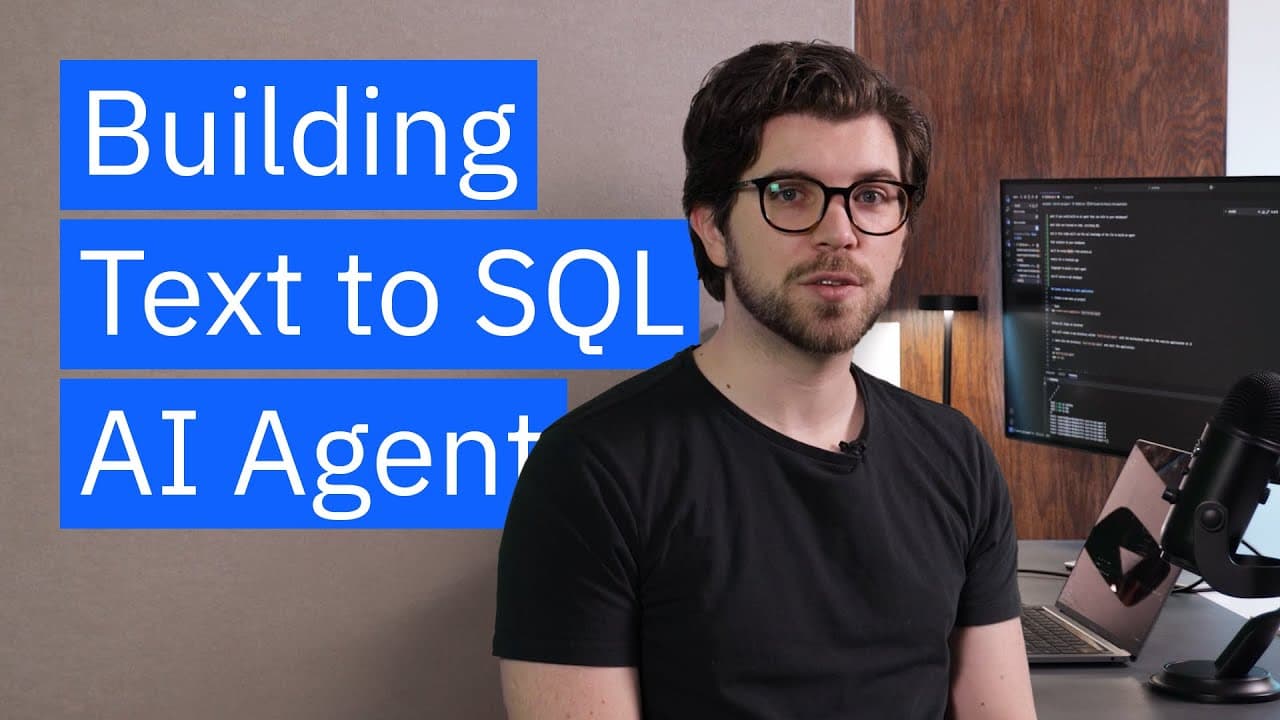
How to Build a Text-to-SQL Agent with LangGraph
TL;DR
Build the agent by combining a Next.js and Tailwind interface with a server-side LangGraph ReAct agent connected to a watsonx.ai model. Serialize the LangChain message history between the client and server, define a system prompt that instructs the model to generate SQL, and prepare a database tool so the agent can execute generated queries against SQLite.
Transcript
What if you could build an AI agent that's able to talk to your database? Most large language models have been trained on code, including SQL. And in this video, we're going to build an agent that's able to use that SQL knowledge to connect to your databases. We'll be using LangGraph to build a ReAct agent, Next.js for a frontend application and mo... Read More
Key Insights
- A Text-to-SQL agent is an application that turns natural-language requests into SQL and can use database tools to execute those statements. The demonstrated stack combines LangGraph, LangChain Community, Next.js, Tailwind, watsonx.ai models, and an in-memory SQLite database.
- The frontend is a client-side Next.js component containing a header, conversation messages, an input field, and a submission button. Tailwind classes handle the page presentation, so the walkthrough does not require separate CSS for the interface.
- The server-side message function is responsible for receiving conversation history, reconstructing its message objects, creating the ReAct agent, invoking the model, and returning the latest response. Keeping this logic in actions.ts separates model access from the interactive page component.
- Message serialization is required because rich LangChain message objects cannot be passed directly between the demonstrated frontend and server-side action. The client serializes its message history before transfer, and the server deserializes that history before giving it to the agent.
- The watsonx.ai connection requires environment variables for an API key, regional endpoint, identity server, project ID, and API version. The API key and project ID are obtained from the developer access area of the watsonx.ai dashboard.
- The conversation state is an array of LangChain BaseMessage objects. SystemMessage establishes instructions, HumanMessage represents user input, and AIMessage represents the model response, preserving the roles needed to maintain a structured conversation history.
- The system prompt defines the assistant as a Text-to-SQL agent that generates SQL from natural language and uses any supplied tools. This instruction prepares the model to call a database tool once that tool is implemented and passed into the agent.
- The input field becomes a controlled component by binding its value to React state and updating that state through its change event. The send function adds the new human input to prior messages, calls the server action, and stores a returned response as an AIMessage.
Install to Summarize YouTube Videos and Get Transcripts
Explore YouTube Video Summarizer or Get YouTube Transcript Extractor
Questions & Answers
Q: How do you build a Text-to-SQL agent with LangGraph?
Create a Next.js application with a client-side chat interface, then add LangGraph and LangChain Community. Implement a server-side message function that deserializes the conversation, connects to a watsonx.ai chat model, creates a ReAct agent, and returns its response. Define a system message that directs the model to generate SQL and use a database tool connected to SQLite.
Q: What technologies are used in the Text-to-SQL agent?
The application uses Next.js for the frontend and server-side application structure, TypeScript for typed code, and Tailwind for interface styling. LangGraph provides the ReAct agent, while LangChain Community supplies supporting integrations and message types. The model runs through watsonx.ai, and the planned query tool connects the agent to an in-memory SQLite database.
Q: Why must LangChain messages be serialized between the client and server?
The demonstrated application cannot pass rich LangChain message objects directly from the frontend component to the server-side action. It therefore converts the message history into JSON-compatible serialized data before sending it. The server deserializes that data back into the message representation required by LangChain and LangGraph before invoking the agent and generating a response.
Q: How should the conversation history be represented?
The conversation history should be stored in React state as an array of LangChain BaseMessage objects. A SystemMessage contains the agent instructions, each HumanMessage represents text supplied by the user, and each AIMessage stores a model response. Keeping these distinct roles lets the complete history be serialized, transferred to the server action, and supplied to the agent.
Q: What should the Text-to-SQL system prompt tell the model?
The system prompt should identify the model as a Text-to-SQL agent and instruct it to generate SQL from natural-language requests. It should also tell the agent to use any tools it receives. That second instruction is important because the database connection is exposed through a tool that allows the generated SQL to be executed against the available database.
Q: How is watsonx.ai configured for the agent?
Create a .env file in the project directory and add the watsonx.ai API key, regional endpoint, identity server, project ID, and API version. The API key and project ID are available through the developer access page in the watsonx.ai dashboard. The walkthrough selects Mistral Large, while noting that another model available to the project can be used.
Q: How does the Next.js interface send a user message?
The input is bound to an inputMessage state variable and updated through the input element's change handler. When the user presses the button, the sendMessage function combines the existing history with a new HumanMessage, serializes that history, and calls the server-side message function. A successful model reply is then added to local state as an AIMessage.
Q: Why does the application use loading and input state?
Input state makes the text field a controlled React component, so its displayed value and submitted value remain synchronized. The send flow can clear that state after submission, returning the field to an empty value. A separate loading state indicates that a request has been sent to the language model and helps prevent uncertainty while the application waits for its response.
Summary & Key Takeaways
-
The project begins with create-next-app, TypeScript, and Tailwind. Its client-side Home component contains a header, message area, controlled input, and submission button. React state tracks the current input, conversation history, and loading condition, giving the interface the data needed to communicate with the language model.
-
A server-side actions.ts file contains a message function that receives serialized conversation history, deserializes it, creates a LangGraph ReAct agent, and returns the latest response. LangChain Community supplies supporting integrations, while ChatWatsonx connects the application to Mistral Large or another model available within the configured watsonx.ai project.
-
The message history uses LangChain BaseMessage objects, including SystemMessage, HumanMessage, and AIMessage. A system prompt defines the model as a Text-to-SQL agent that generates SQL from natural language and uses available tools. The planned database integration uses an in-memory SQLite database, allowing the agent to execute its generated SQL through a tool.
Read in Other Languages (beta)
Share This Summary 📚
Summarize YouTube Videos and Get Video Transcripts with 1-Click
Try YouTube Summary with ChatGPT & Claude or YouTube Transcript Generator
Explore More Summaries from IBM Technology 📚




Summarize YouTube Videos and Get Video Transcripts with 1-Click
Try YouTube Summary with ChatGPT & Claude or YouTube Transcript Generator