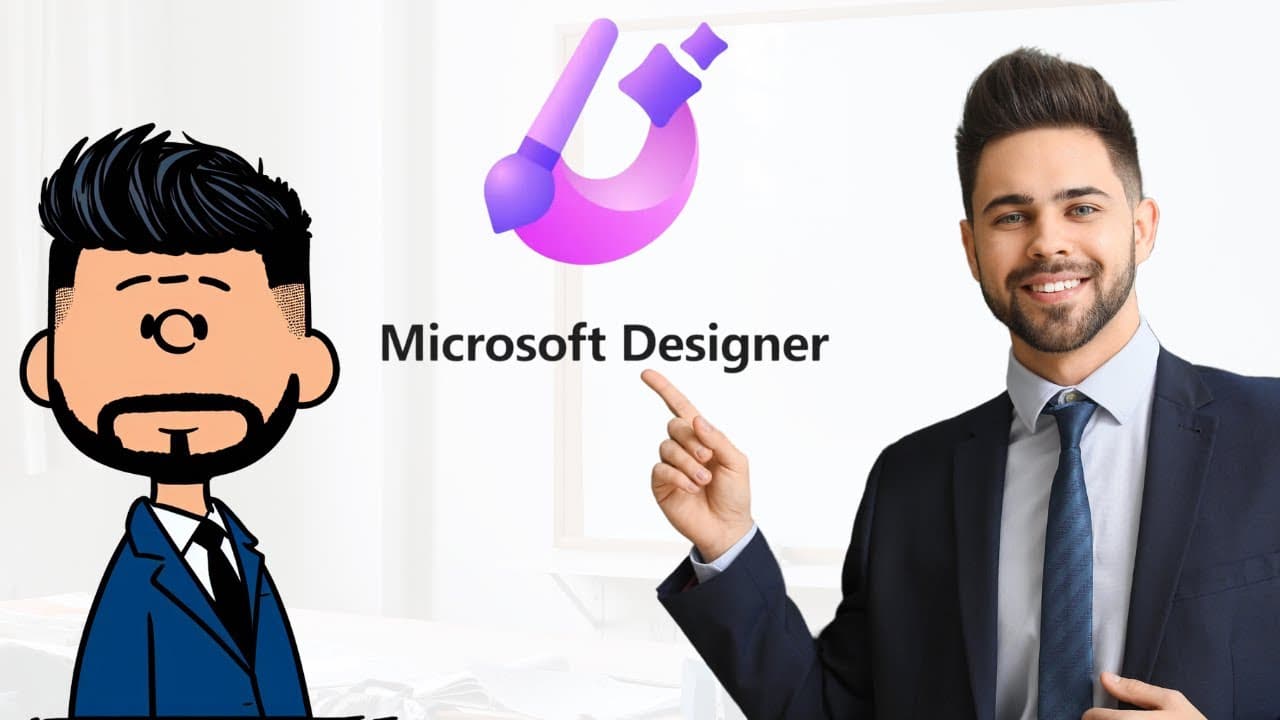
How to Create Peanuts-Style Cartoons for Free with Microsoft Designer
TL;DR
You can create your own Peanuts-style cartoons for free using Microsoft Designer by signing up at designer.microsoft.com. The platform allows you to use pre-created prompts that you can customize, enabling you to generate unique characters easily and download high-quality images without any charges.
Transcript
welcome to edch hustle my name is Rich and in this video I'm going to show you how you can use Microsoft designer to create your own character in the style of Charles Schultz peanuts let's go ahead and get started the first thing you'll want to do is go to designer. microsoft.com you can sign up for a free account and get started in seconds once yo... Read More
Key Insights
- 🥶 Microsoft Designer allows users to create their own Peanuts-style characters for free.
- 😑 The service offers pre-created prompts that can be edited and personalized.
- ✋ Users can generate multiple character options and download high-quality images without any additional charges.
- 👻 Customization options allow users to create characters with unique features and looks.
- 😄 The tutorial emphasizes the ease and convenience of using Microsoft Designer for character creation.
- ❓ The resulting images are of great quality and can be used in various contexts.
- 🥶 Signing up for a free account on designer.microsoft.com is the first step to accessing the character creation tool.
Install to Summarize YouTube Videos and Get Transcripts
Explore YouTube Video Summarizer or Get YouTube Transcript Extractor
Questions & Answers
Q: How can I create my own Peanuts-style character using Microsoft Designer?
To create your own character, sign up for a free account on designer.microsoft.com. Follow the link provided in the video to access a pre-created prompt. Edit the prompt to describe your character and generate images.
Q: Can I customize the pre-created prompt to create characters with unique features?
Yes, you can select the "edit entirely" button to fully customize the text in the prompt. This allows you to create characters with different features or looks.
Q: Is Microsoft Designer a paid service?
No, Microsoft Designer is a completely free service that utilizes Dolly 3 for character generation. There are no charges for generating characters or downloading images.
Q: How can I download my created character as a high-quality image?
Once you are satisfied with the generated character, select it and click on the download option. You will receive a high-quality image of your character without any watermarks or distortions.
Summary & Key Takeaways
-
The video tutorial shows how to use Microsoft Designer to create a custom character in the style of Charles Schultz's Peanuts.
-
Users can sign up for a free account on designer.microsoft.com and follow the provided link to access a pre-created prompt for character creation.
-
The tutorial demonstrates how to edit the prompt to create a personalized character and generate high-quality images for download.
Read in Other Languages (beta)
Share This Summary 📚
Summarize YouTube Videos and Get Video Transcripts with 1-Click
Try YouTube Summary with ChatGPT & Claude or YouTube Transcript Generator
Explore More Summaries from EdTech Hustle 📚


![Keynote: Remove The Background of Any Photo [Using Instant Alpha] thumbnail](/_next/image?url=https%3A%2F%2Fi.ytimg.com%2Fvi%2F0Ji-uTffzJE%2Fhqdefault.jpg&w=750&q=75)



Summarize YouTube Videos and Get Video Transcripts with 1-Click
Try YouTube Summary with ChatGPT & Claude or YouTube Transcript Generator