Which Free AI Tools Help Automate and Create?
TL;DR
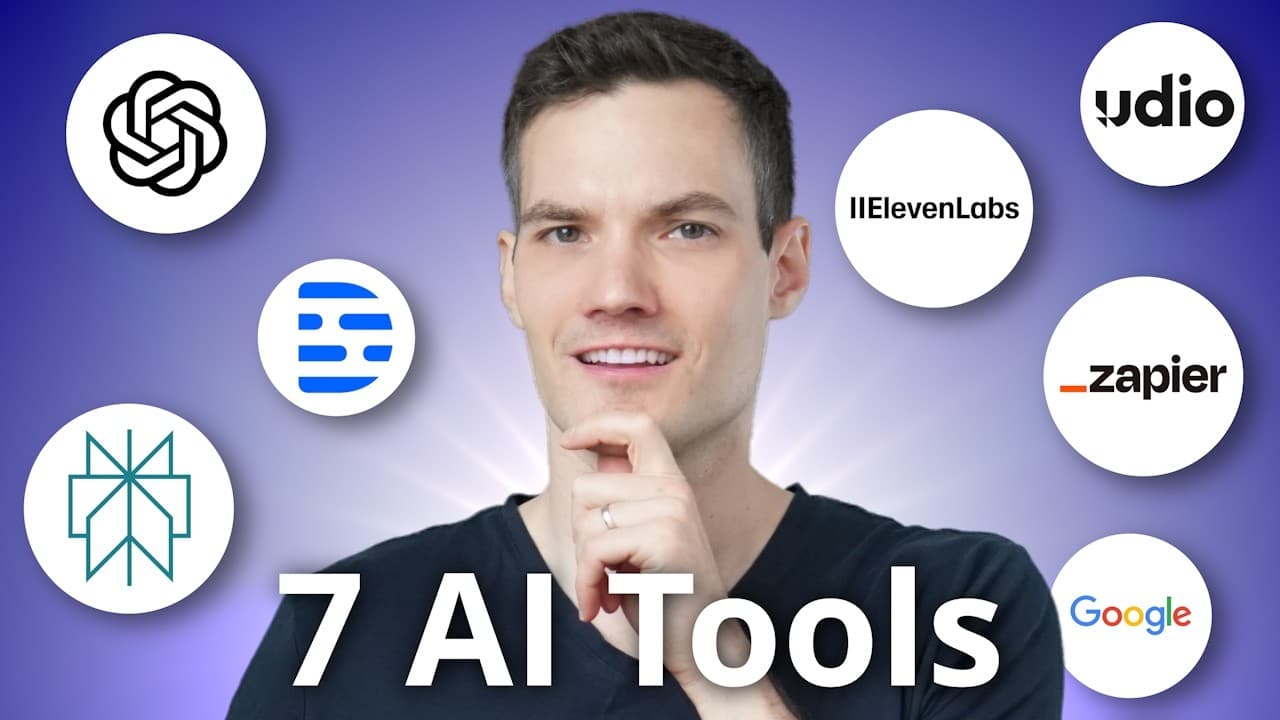
Zapier, Google AI Studio, ChatGPT, Udio, ElevenLabs, Perplexity AI, and Descript can automate workflows, guide on-screen tasks, analyze files, create music and voices, support cited research, and simplify media editing. Each tool is free to try, although Perplexity also offers a paid plan, and the best choice depends on whether the goal is productivity, research, creative generation, or content production.
Transcript
Hey everyone, Kevin here. Today, we're going to look at seven of the best AI tools and you could try them all for free. You can automate repetitive tasks, find information more effectively, cut down on the time it takes you to respond to email and so many more. Let's dive in. First up, I partnered with Zapier to show you how you can eliminate a... Read More
Key Insights
- Zapier is a workflow automation tool that connects thousands of apps, including Gmail, Notion, Excel, and Slack. Users describe a desired process, review the suggested Zap, customize its steps, and let the system perform repetitive actions such as sending personalized replies to submitted customer feedback.
- Google AI Studio provides real-time guidance by analyzing a shared screen and listening through a microphone. In the demonstrated Excel task, it explained how to create a pivot table, then adapted its instructions after the user reached a new sheet and needed guidance on arranging the fields.
- ChatGPT is more than a conversational assistant because it includes Canvas for editing long-form text or code, reasoning models for complex analysis, projects for persistent documents and context, and multimodal support for images and files. The transcript also identifies Sora as a text-to-video offering.
- Udio is an AI music creation tool that generates two songs from a written description. Users can make the request more specific, provide their own lyrics, define sections such as verses, choruses, bridges, or hooks, and adjust both song length and prompt strength before downloading the finished result.
- ElevenLabs is an AI voice platform that converts pasted text into realistic speech. Users can choose a voice and model, adjust available settings, and generate the recording. Its additional capabilities include voice changing, AI-generated sound effects, dubbing, and translating audio into other languages.
- Perplexity AI is an AI search tool that lets users choose whether answers draw from the web, academia, or social sources. Its responses include citations, and an academic search can link directly to published scientific papers, allowing users to inspect or remove individual sources and rerun the query.
- Descript is a video and podcast editor that treats spoken content like editable text. A creator can identify and delete long pauses from the transcript, which also removes them from the media, or add replacement speech with an AI voice trained through the platform's overdub feature.
- The seven tools serve distinct goals rather than duplicating one another. Zapier handles automation, Google AI Studio offers live guidance, ChatGPT supports analysis and content work, Udio and ElevenLabs generate audio, Perplexity supports sourced research, and Descript streamlines video and podcast editing.
Install to Summarize YouTube Videos and Get Transcripts
Explore YouTube Video Summarizer or Get YouTube Transcript Extractor
Questions & Answers
Q: How can Zapier automate repetitive customer feedback tasks?
Zapier can connect a feedback form to an automated response workflow. After signing in, the user describes the desired automation and identifies the apps involved. Zapier suggests a Zap, its name for a workflow automation, and allows each step to be customized. When new feedback is submitted, the configured workflow can automatically send the customer a personalized response without requiring the business owner to handle it manually.
Q: How does Google AI Studio provide real-time task guidance?
Google AI Studio can analyze a user's shared screen while receiving spoken questions through a microphone. After selecting the real-time streaming option and granting access, the user can ask how to complete a visible task. In the Excel example, the tool instructed the user to create a pivot table, paused when interrupted, and then explained where to place the location and units-sold fields.
Q: What advanced features does ChatGPT offer besides chat?
ChatGPT includes Canvas, an interactive workspace for creating and revising long-form writing or code, with targeted paragraph edits and version history. It also offers a reasoning model for logical and multi-step problems, projects that use uploaded documents and supplied context, and multimodal analysis of files and images. The transcript additionally describes Sora as an offering that creates videos from text descriptions.
Q: How can Udio create and customize AI-generated music?
Udio creates music from a written description of the desired song and returns two generated options. More descriptive prompts can communicate the intended result more clearly. Users may also supply their own lyrics, specify structural sections such as a verse, chorus, bridge, or hook, and customize the track length and prompt strength. Once satisfied with a song, they can download it and share it.
Q: What can ElevenLabs do with AI-generated audio?
ElevenLabs can turn pasted text into realistic AI-generated speech. Within its text-to-speech interface, the user can select a voice, choose a model, change available settings, and generate the audio. The platform also provides related tools for changing a voice, producing sound effects with AI, dubbing recordings, and translating audio into other languages, making it useful for videos, commercials, and multilingual content.
Q: How does Perplexity AI support research and fact checking?
Perplexity AI answers a prompt or search query while displaying the sources used to construct its response. Users can choose among web, academic, or social sources. When academic sourcing is selected, the answer can include citations to published scientific papers, and each citation can be opened to inspect the original paper. A source may also be removed before the search is run again.
Q: How does Descript make video editing similar to editing text?
Descript creates a text-based representation of video or podcast content, allowing edits to the text to modify the underlying media. For example, markers identify long pauses, and deleting those markers cuts the pauses from the video. The platform also supports overdub for adding generated speech in a trained voice, Studio Sound for improving consistency, background separation, and automatic captions in English or other languages.
Q: Which AI tool should I choose for automation, research, or content creation?
The appropriate tool depends on the task. Zapier is presented for automating repetitive workflows, while Google AI Studio provides real-time guidance on visible tasks. ChatGPT handles writing, code, reasoning, projects, and file analysis. Perplexity AI is suited to cited research and fact checking. Udio creates music, ElevenLabs produces voices and other audio, and Descript streamlines video and podcast editing.
Summary & Key Takeaways
-
Seven AI tools address different productivity and creative needs. Zapier automates workflows across connected apps, while Google AI Studio provides real-time guidance based on a shared screen. ChatGPT supports writing, coding, reasoning, projects, file analysis, images, and video generation through Sora, extending its usefulness beyond ordinary conversational responses.
-
The creative tools focus on generating and editing media. Udio produces two songs from a description and supports custom lyrics, song structure, length, and prompt strength. ElevenLabs generates realistic speech while also offering voice changing, sound effects, dubbing, and audio translation. Both tools allow creators to produce specialized audio content.
-
Perplexity AI supports research by answering queries with citations from selected source categories such as the web, academia, or social content. Descript simplifies video and podcast production through transcript-based editing, pause removal, overdub, Studio Sound, background separation, and multilingual captions. Together, these tools reduce repetitive work and accelerate content workflows.
Read in Other Languages (beta)
Share This Summary 📚
Summarize YouTube Videos and Get Video Transcripts with 1-Click
Try YouTube Summary with ChatGPT & Claude or YouTube Transcript Generator
Explore More Summaries from Kevin Stratvert 📚





Summarize YouTube Videos and Get Video Transcripts with 1-Click
Try YouTube Summary with ChatGPT & Claude or YouTube Transcript Generator