How to Set Up GPT-6 Astra for 24/7 Stock Trading
TL;DR
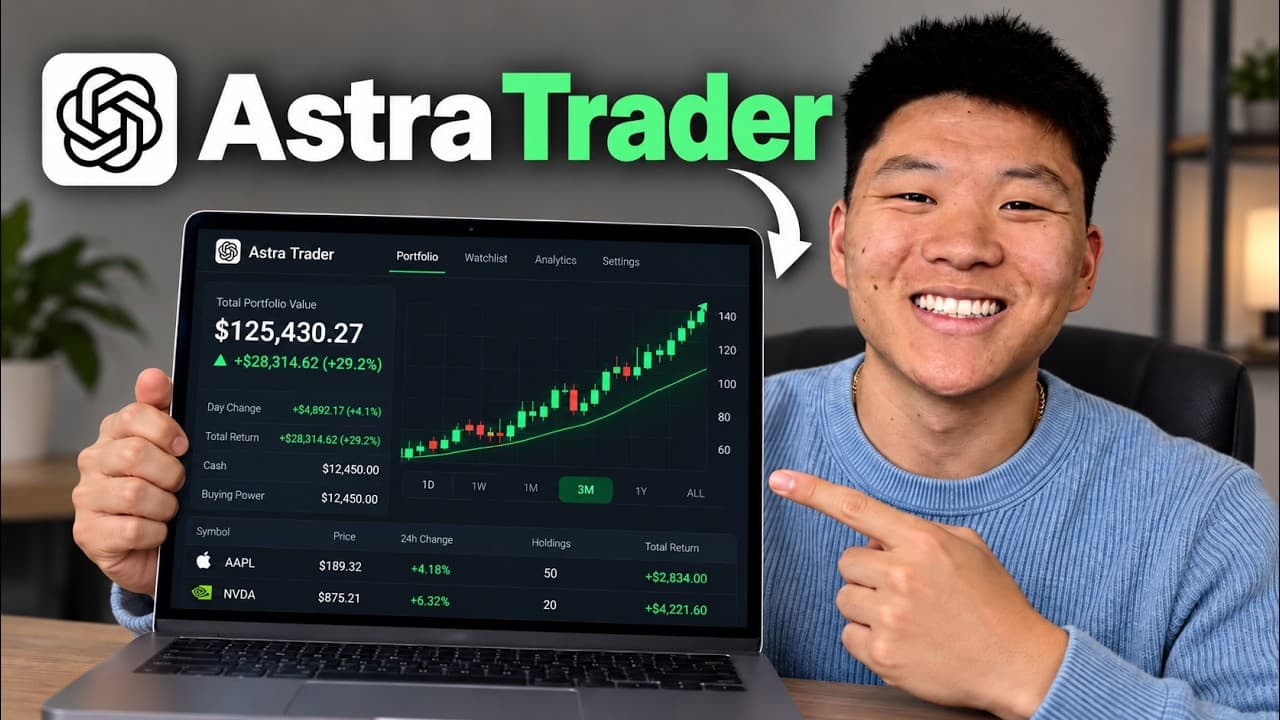
Setting up GPT-6 Astra as a 24/7 trading agent involves connecting it to Alpaca for real-time market data and executing trades. The process includes defining a trading strategy, configuring local routines, and establishing continuity through progress logs. Testing with paper trading is recommended before using real money.
Transcript
So, I recently did a trading challenge where I gave Claude $10,000 of my real money to trade stocks. And at the end of the month, I was actually beating the S&P by a little over 8%, which I was pretty impressed by. And now that GBT6 Astra is out and it's even more powerful, I'm going to do the exact same thing. So, before I kick off that $10,000 ch... Read More
Key Insights
- GPT-6 Astra can automate stock trading by setting up routines and connecting to Alpaca.
- Astra's trading strategy involves six daily checks and actions, optimizing for day trading.
- Continuity in trading is maintained through shared progress logs, ensuring seamless transitions.
- Paper trading is advised initially to test strategies without financial risk.
- Alpaca provides real-time market data, essential for informed trading decisions.
- Scheduled tasks can be set up locally to maintain specific project settings and reasoning.
- Notifications about trading updates can be integrated with ClickUp for real-time monitoring.
- Remote monitoring allows users to check trading progress from their phones.
Install to Summarize YouTube Videos and Get Transcripts
Explore YouTube Video Summarizer or Get YouTube Transcript Extractor
Questions & Answers
Q: How to set up GPT-6 Astra for stock trading?
To set up GPT-6 Astra for stock trading, connect it to Alpaca for real-time market data and configure local routines for executing trades. Define a trading strategy with six daily checks, maintain continuity with progress logs, and test strategies using paper trading before risking real money.
Q: What is the role of Alpaca in the trading setup?
Alpaca provides real-time market data essential for informed trading decisions. It allows GPT-6 Astra to execute trades based on the defined strategy. Users can start with paper trading on Alpaca to test strategies without financial risk before transitioning to real money trading.
Q: Why is continuity important in AI trading?
Continuity ensures seamless transitions between trading tasks by maintaining shared progress logs. This allows each agent to understand the context and actions of previous tasks, preventing isolated operations and ensuring a cohesive trading strategy throughout the day.
Q: What are the benefits of paper trading?
Paper trading allows users to test their trading strategies without risking real money. It provides a risk-free environment to evaluate the effectiveness of AI-driven trading plans, ensuring that strategies are sound before transitioning to live trading with actual funds.
Q: How can I monitor AI trading progress remotely?
Remote monitoring is possible by syncing the trading setup with a mobile device. This allows users to check on the progress of their AI trading agent from anywhere, ensuring they stay informed about trading activities and can intervene if necessary.
Q: What is the significance of scheduled tasks in AI trading?
Scheduled tasks automate the trading process by executing predefined actions at specific times. This ensures that trading activities are consistent and aligned with the strategy, allowing the AI to operate independently while maintaining project-specific settings and reasoning.
Q: How do ClickUp notifications enhance trading setup?
ClickUp notifications provide real-time updates on trading activities, allowing users to stay informed about their AI trading agent's performance. By integrating notifications, users can receive alerts on key events, such as trade execution and market changes, directly in their preferred communication platform.
Q: What are the differences between local and cloud routines?
Local routines run directly on the user's device, maintaining specific project settings and reasoning, while cloud routines operate independently of the device's status. For AI trading, local routines are preferred to ensure the use of GPT-6 Astra and maintain continuity with project-specific configurations.
Summary & Key Takeaways
-
GPT-6 Astra can be configured as a 24/7 trading agent by connecting it to Alpaca for real-time data and executing trades. The setup process includes defining a trading strategy, configuring routines, and maintaining continuity through progress logs. Users are advised to start with paper trading to test strategies without financial risk.
-
The trading strategy involves six daily checks and actions, focusing on day trading. Continuity is ensured through shared progress logs, allowing seamless transitions between tasks. Notifications about trading updates can be integrated with ClickUp, and remote monitoring enables users to check progress from their phones.
-
Alpaca provides real-time market data, which is crucial for informed trading decisions. Scheduled tasks can be set up locally to maintain project-specific settings and reasoning. The integration of ClickUp for notifications and the ability to monitor remotely enhances the overall trading setup.
Read in Other Languages (beta)
Share This Summary 📚
Summarize YouTube Videos and Get Video Transcripts with 1-Click
Try YouTube Summary with ChatGPT & Claude or YouTube Transcript Generator
Explore More Summaries from Nate Herk | AI Automation 📚






Summarize YouTube Videos and Get Video Transcripts with 1-Click
Try YouTube Summary with ChatGPT & Claude or YouTube Transcript Generator