How to Install Illustrator CC on Linux Using Wine
TL;DR
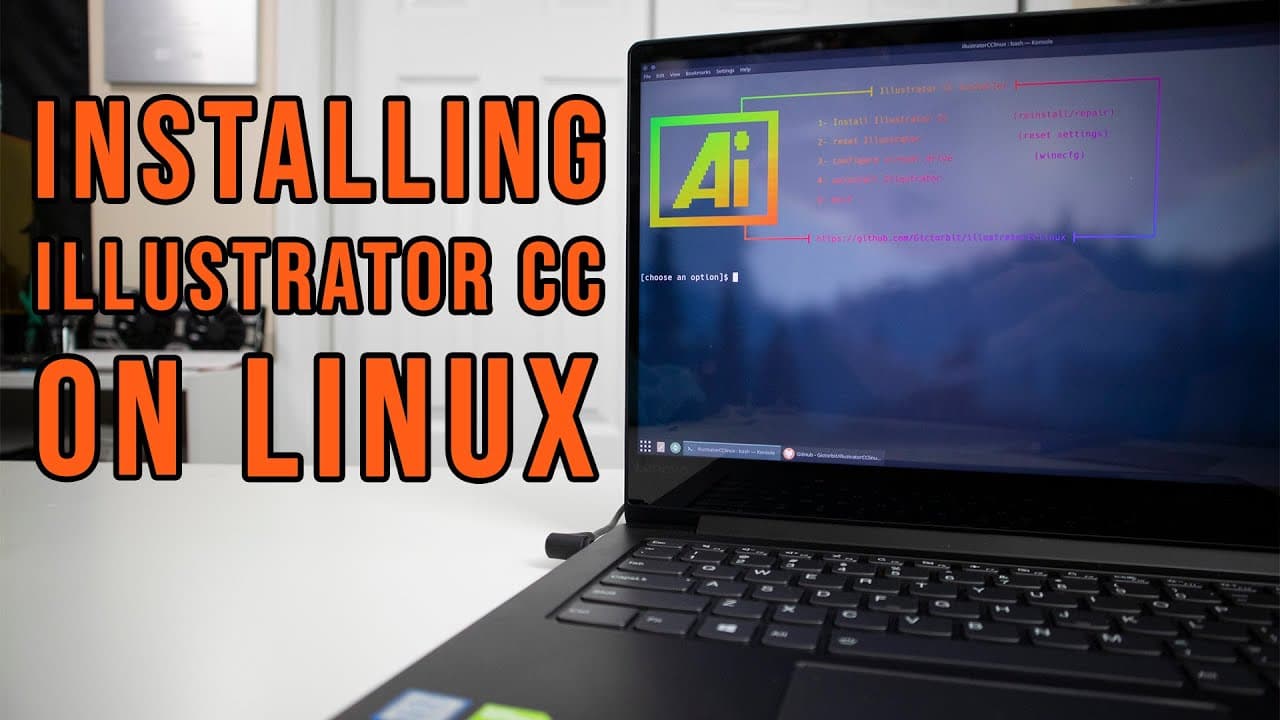
To install Adobe Illustrator CC on Linux, use Wine as a compatibility layer. First, ensure you have the latest version of Wine installed, then run the installation script for Illustrator. The setup is straightforward and requires minimal user intervention, allowing for efficient use of the software on a Linux desktop environment.
Transcript
hey guys what's going on it's don here from nova spare tech and welcome back to the channel and today we are going to be installing illustrator cc on our linux desktop so let's get started a week ago i released a video on installing photoshop cc onto our linux environment or linux desktop laptop whatever you want to call it and this week we are goi... Read More
Key Insights
- 🍷 Wine facilitates the installation of Windows applications on Linux, specifically for Adobe products like Illustrator CC and Photoshop CC.
- 💝 Users need to ensure they have the latest version of Wine installed for better compatibility and functionality of Windows applications on Linux.
- 💻 The presenter experienced a smoother interaction with the KDE desktop environment, indicating improved features for high-resolution screens.
- 🏃 Desktop environments like KDE can significantly enhance the usability of Linux OS for running applications that traditionally belong to Windows.
- 😑 The installation process for Illustrator CC is simplified due to the availability of pre-written scripts, minimizing user intervention.
- 🥺 The transition between desktop environments can lead to better performance and user experience if optimized for hardware specifications.
- ⏯️ Personal preferences play a crucial role in choosing graphic design software; the presenter shows a clear inclination toward Inkscape due to familiarity and ease of use.
Install to Summarize YouTube Videos and Get Transcripts
Explore YouTube Video Summarizer or Get YouTube Transcript Extractor
Questions & Answers
Q: What is the primary tool used for installing Illustrator CC on Linux?
The primary tool used for installing Illustrator CC on Linux is Wine, which acts as a compatibility layer. In the video, the presenter installs Wine to run Illustrator smoothly on the KDE Linux desktop environment. The necessity of ensuring the latest version of Wine is highlighted, as it can significantly affect the installation process and application performance.
Q: Why did the presenter switch to KDE from the previous environment?
The presenter switched to the KDE desktop environment based on suggestions from viewers and their own personal experimentation. They noted that the newer version, 5.22, improved usability on their 2K screen, addressing scaling issues encountered in earlier versions. The change allowed for a better overall experience while running applications like Illustrator CC.
Q: What are the prerequisites for installing Illustrator CC on Linux?
The prerequisites for installing Illustrator CC on a Linux system include having Wine installed, as well as certain additional packages like MD5 sum. Installing Wine also requires users to go through a prompt for Mono and Gecko, which are essential for the proper functioning of Windows applications running through Wine.
Q: What are the presenter's thoughts on using Illustrator versus Inkscape?
The presenter expresses a preference for Inkscape over Illustrator, as they find it easier to use. Their usage of both programs is largely focused on tasks like laser cutting that require vector paths. Although they acknowledge Illustrator's capabilities, they emphasize that their longer experience with Inkscape influences their choice.
Summary & Key Takeaways
-
The video guides users through the process of installing Adobe Illustrator CC on a Linux desktop environment, specifically using KDE 5.22.
-
The installation process relies on Wine, a compatibility layer for running Windows applications on Linux, and involves some prerequisite setups like installing Wine and necessary libraries.
-
The presenter shares tips and personal experiences regarding the use of Illustrator compared to alternatives like Inkscape, along with troubleshooting advice for users attempting a similar setup.
Read in Other Languages (beta)
Share This Summary 📚
Summarize YouTube Videos and Get Video Transcripts with 1-Click
Try YouTube Summary with ChatGPT & Claude or YouTube Transcript Generator
Explore More Summaries from Novaspirit Tech 📚






Summarize YouTube Videos and Get Video Transcripts with 1-Click
Try YouTube Summary with ChatGPT & Claude or YouTube Transcript Generator