How to Run GPT-OSS Locally on Your PC
TL;DR
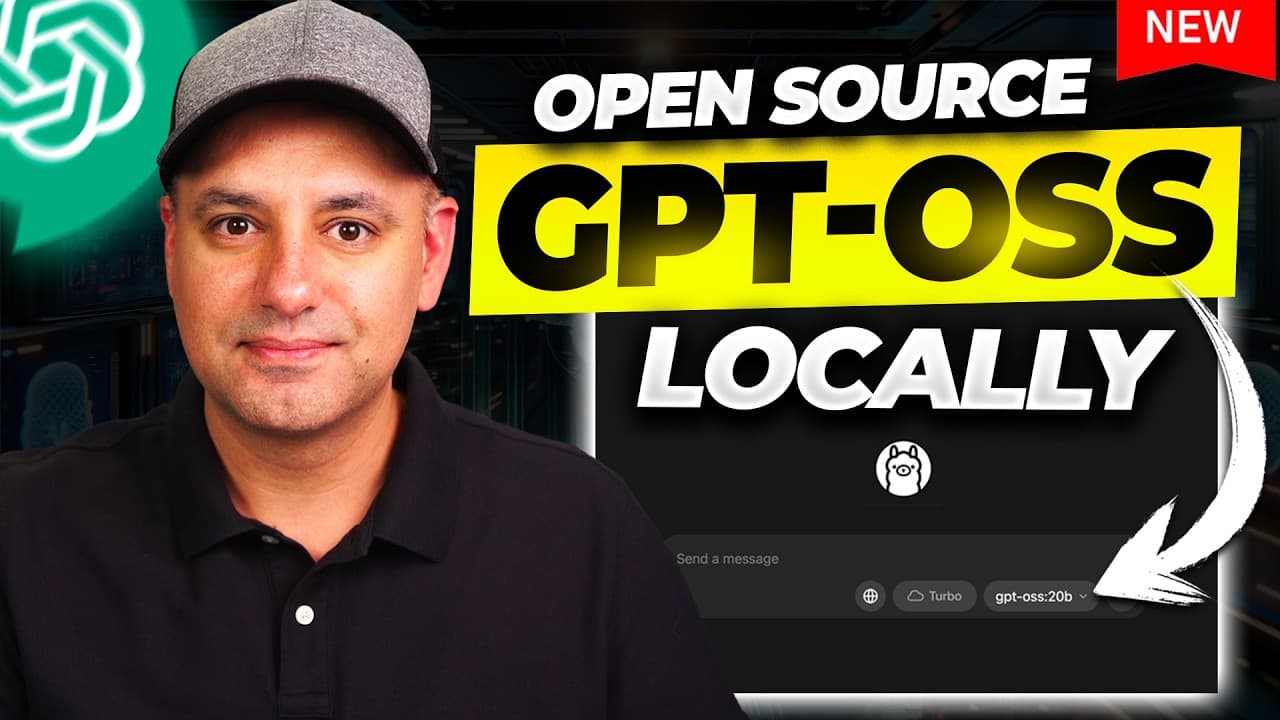
OpenAI GPT-OSS can be installed and run locally on a regular computer. The video demonstrates two open weight models, 20B and 120B, with 20B being suitable for most desktops and laptops. It showcases Olama and LM Studio as easy, non technical ways to deploy the models with a simple download and click interface.
Transcript
OpenAI has finally released open models. They have two open weight models. They're both reasoning models. I'm running it right now on my laptop. One of them right now on my laptop. I'm going to show you how to install it locally. It's going to be very, very easy, non-technical. You can install and run it right now. And I'll put a link in the descri... Read More
Key Insights
- GPT-OSS released open weight models, enabling local running on consumer hardware.
- The 20B model is the practical option for most computers, while the 120B model targets high end setups.
- Olama provides a non technical, downloadable path to run open source models.
- LM Studio offers an alternative workflow that can require terminal steps for setup.
- Hugging Face is mentioned as another option for running locally, with varying ease of use.
- The setup process emphasizes not needing to open terminals for Olama and LM Studio in many cases.
- Web search features are present in Olama but may be limited or evolving at launch.
- The video promises a follow up comparing the 120B model on a desktop to other systems.
Install to Summarize YouTube Videos and Get Transcripts
Explore YouTube Video Summarizer or Get YouTube Transcript Extractor
Questions & Answers
Q: A real search query question about the video (e.g. 'How to...', 'What is...', 'Why does...', 'When should...'). Question 1
How can I run GPT-OSS locally on a standard PC and what are the simplest steps to begin using the models right away. The video walks through choosing between the 20B model for most computers and a 120B model for very high end setups, and shows how to download and install using Olama or LM Studio with minimal technical steps.
Q: Question 2
What tools are recommended for a non technical user to run GPT-OSS locally and why. The presenter highlights Olama and LM Studio as user friendly, largely graphical interfaces, with Olama offering a straightforward download and single click start, while LM Studio can require terminal steps but provides a guided setup, making local usage accessible without deep command line knowledge.
Q: Question 3
What hardware considerations matter when running GPT-OSS, and how does RAM influence model choice. The video notes that a laptop with Apple M3 Max and 64 GB RAM can run the 20B model comfortably, while the 120B model may require a more powerful desktop GPU, implying that memory and GPU capability determine viability of larger models.
Q: Question 4
How does one install GPT-OSS via Olama and LM Studio, and what differentiates the two methods. The content explains downloading Olama or LM Studio, installing on Mac, Windows, or Linux, and then selecting the open weight model from the app interface, after which prompts can be entered to begin chatting with the model.
Q: Question 5
What is GPTOSs 20B and GPTOSs 120B in the video, and how do they compare in performance and practicality. The narrator describes 20B as the medium size that runs on regular hardware, while 120B is larger and expects high-end setups, with speed demonstrated on a laptop for the smaller model and plans for a dedicated video on the larger one.
Q: Question 6
What are the limitations of the current local running setup as shown in the video. It is mentioned that web search may be slow or limited, and some features like file uploads may not be available in the local setup, indicating a trade off between convenience and feature parity with cloud based options.
Q: Question 7
How does the video explain using the web interface versus local installation for GPT-OSS. The presenter points out that running locally via Olama or LM Studio provides speed and privacy advantages, while the web versions may have slower response or limited capability, and emphasizes using the local option for best results.
Q: Question 8
What future content does the video plan to publish about GPT-OSS, and what should a viewer expect next. The host teases a deeper comparison of the 120B model on a desktop, along with performance benchmarks against other open models like DeepSee, suggesting upcoming experiments and testing across hardware configurations.
Summary & Key Takeaways
-
GPT-OSS consists of two open weight models, including a 20B parameter model that runs on consumer hardware, and a larger 120B model for high end setups. The installation path emphasizes simplicity and accessibility for non technical users.
-
The video compares tools Olama and LM Studio as user friendly options to run open source models locally, highlighting downloadable packages for Mac, Windows, and Linux and minimal terminal usage.
-
The demonstration includes live prompts to show speed and responsiveness on a laptop with adequate RAM and notes that 20B is generally more practical for most users while 120B needs more powerful hardware.
Read in Other Languages (beta)
Share This Summary 📚
Summarize YouTube Videos and Get Video Transcripts with 1-Click
Try YouTube Summary with ChatGPT & Claude or YouTube Transcript Generator
Explore More Summaries from Skill Leap AI 📚





Summarize YouTube Videos and Get Video Transcripts with 1-Click
Try YouTube Summary with ChatGPT & Claude or YouTube Transcript Generator