How to Build a Reliable NotebookLM Research Workflow
TL;DR
Build topic-specific notebooks, collect a diverse mix of relevant sources, and validate them before asking substantive questions. Configure NotebookLM for your research goal, select only the sources needed for each query, and customize generated audio by specifying its focus, tone, format, and length. This workflow produces more targeted responses while exposing outdated evidence, weak source types, and one-sided perspectives.
Transcript
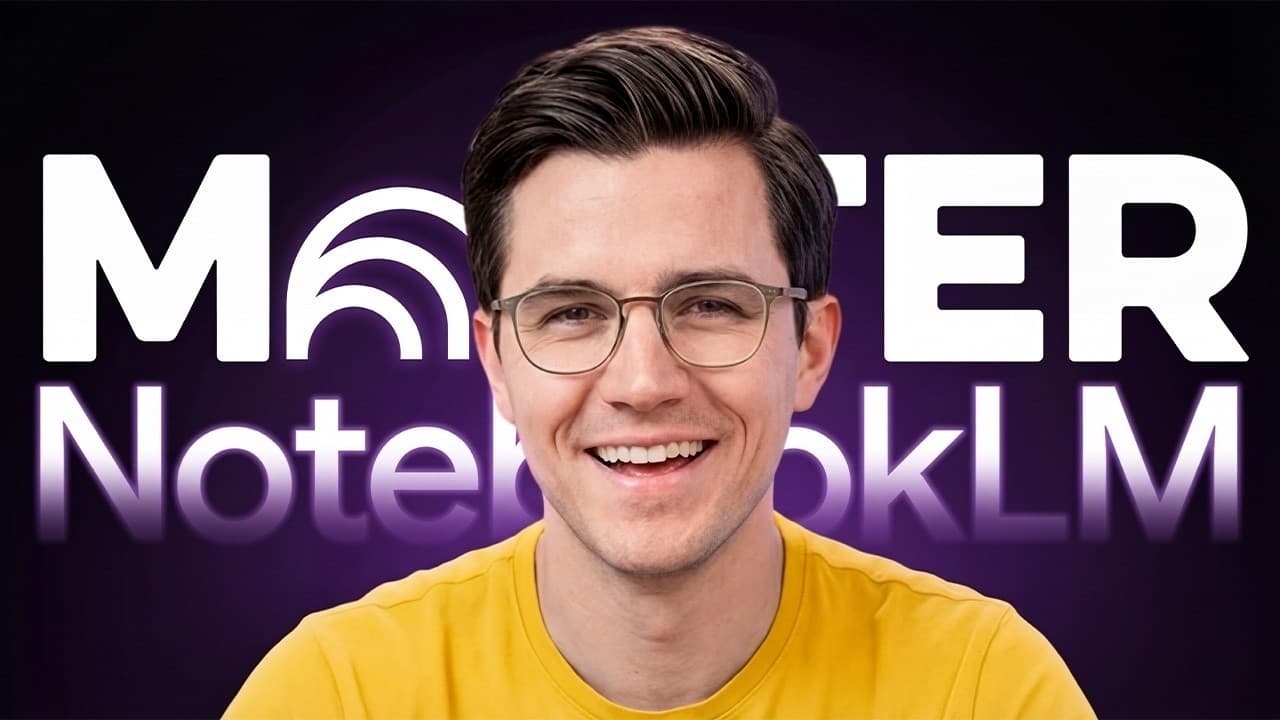
Right now, the average user treats Notebook LM like the usual basic chatbot. They upload a file or two, ask a question, and maybe click around hoping to find something useful. But that is a massive underutilization of the tool because Notebook LM isn't just a chatbot. It is a complete research intelligence system. We are talking about autonomous so... Read More
Key Insights
- • Topic-specific notebooks are more effective than broad collections labeled with names such as research or general notes because related sources keep the context focused on one subject or project.
- • Source quality is determined before the first substantive question because NotebookLM grounds its answers in the uploaded material. Outdated, biased, or opinion-heavy inputs can therefore produce answers based on a flawed information foundation.
- • Deep Research works by analyzing a topic, finding and evaluating sources, adapting its search strategy to address gaps, generating a synthesized report, and importing the most relevant materials into the notebook.
- • A practical validation table should identify every source's publication date, author credentials, and classification as a primary source, secondary analysis, or opinion piece. This makes the notebook's evidence mix visible before further analysis begins.
- • Citation frequency is a useful prioritization signal because sources referenced repeatedly by other materials in the notebook are more likely to be foundational, while less connected sources may be peripheral to the main topic.
- • Perspective analysis reveals whether the source collection represents multiple viewpoints or repeats the same assumptions. The workflow recommends summarizing the primary perspective or bias of the five most substantial sources, especially for controversial or evolving subjects.
- • Notebook configuration shapes every subsequent response because the conversational goal can be set to default, learning guide, or a custom role. Response length can also be changed to default, longer, or shorter according to the task.
- • Selective source checking creates focused subqueries within a large notebook because NotebookLM can use only the checked documents. Restricting a technical question to relevant papers produces a sharper answer without unrelated information from the remaining sources.
Install to Summarize YouTube Videos and Get Transcripts
Explore YouTube Video Summarizer or Get YouTube Transcript Extractor
Questions & Answers
Q: How should I organize a NotebookLM notebook?
Create a separate notebook for a clearly defined topic or project instead of using a broad collection called research or general notes. Examples in the workflow include a quarterly competitive analysis, AI video generation research, and AI alignment research. Focused notebooks give NotebookLM a related source set, helping it analyze one information landscape rather than combining unrelated subjects in every response.
Q: How does Deep Research work in NotebookLM?
Deep Research launches an agentic research process that analyzes the requested topic, searches for relevant materials, evaluates what it finds, and adapts its strategy to fill information gaps. The transcript says it can discover around 50 sources, create a detailed report that synthesizes them, select the most relevant sources, and import those materials and the report directly into the notebook.
Q: How can I validate sources before using NotebookLM answers?
Run three checks before asking substantive questions. First, request a table listing every source's publication date, author credentials, and status as primary research, secondary analysis, or opinion. Second, identify which sources are referenced most frequently by other notebook sources. Third, summarize the main perspective or bias of the five most substantial sources to evaluate viewpoint diversity.
Q: Why can NotebookLM still produce unreliable research?
NotebookLM reduces hallucinations by grounding its responses in the selected sources, but grounding does not correct weak evidence. If the notebook contains outdated material, one-sided coverage, or opinion pieces presented alongside primary research, its answers will still reflect those limitations without necessarily distinguishing among them. Reliability therefore depends on validating recency, authorship, source type, influence, and perspective before building further work.
Q: How should I configure NotebookLM for research work?
Open the response settings and choose a conversational goal that matches the notebook's purpose. The available choices described are default for general research, learning guide for educational material, and custom for specialized work. The example uses a research analyst focused on AI safety and alignment debates. For detailed research, choose the longer response setting, then save the configuration for future chats.
Q: Why should I select only certain sources for each query?
Leaving every source checked forces NotebookLM to synthesize material from the entire notebook, including documents that may be irrelevant to the immediate question. That broad context can dilute the result and encourage a vague, surface-level summary. Selecting only the relevant papers makes all unchecked documents unavailable for that query, providing tighter control and producing a more focused, technical answer grounded in the chosen evidence.
Q: How can I create a better NotebookLM audio overview?
Before generating the audio, write instructions that define the exact topic, desired tone, acceptable language, and target duration. The example asks for the principal disagreements among AI safety researchers, clear explanations, accessible wording, and a discussion under 15 minutes. This direction prevents the system from producing an unfocused overview of every source and makes the resulting conversation more suitable for a specific work objective.
Q: Which NotebookLM audio format should I choose?
Choose the format according to the purpose of the recording. Deep dive supports a broader discussion, brief provides a quick summary, critique asks the system to examine material for gaps and weaknesses, and debate highlights conflicting perspectives. The demonstrated workflow chooses debate because the requested audio focuses on disagreements among researchers, while the default length generally produces a discussion of about 10 minutes.
Summary & Key Takeaways
-
NotebookLM works best as a focused research system rather than a general chatbot. Create one notebook for a specific topic or project, then assemble a connected information landscape from relevant PDFs, websites, YouTube videos, and Google Docs. Deep Research can discover sources, synthesize them into a report, and import selected citations automatically.
-
Validate the notebook before relying on its answers. Create a table of publication dates, author credentials, and source types, identify the sources cited most frequently within the notebook, and summarize the perspectives or biases of the most substantial materials. These checks reveal outdated evidence, missing primary research, peripheral references, and insufficient viewpoint diversity.
-
Configure the conversational goal and preferred response length, then control each query through source selection. Checking only the documents relevant to a question prevents unrelated material from diluting the answer. Studio outputs also benefit from explicit instructions about subject, tone, duration, and format, including brief, critique, deep dive, or debate options.
Read in Other Languages (beta)
Share This Summary 📚
Summarize YouTube Videos and Get Video Transcripts with 1-Click
Try YouTube Summary with ChatGPT & Claude or YouTube Transcript Generator
Explore More Summaries from Parker Prompts 📚



Summarize YouTube Videos and Get Video Transcripts with 1-Click
Try YouTube Summary with ChatGPT & Claude or YouTube Transcript Generator