How to Set Up TrueNAS Scale for Easy File Sharing
TL;DR
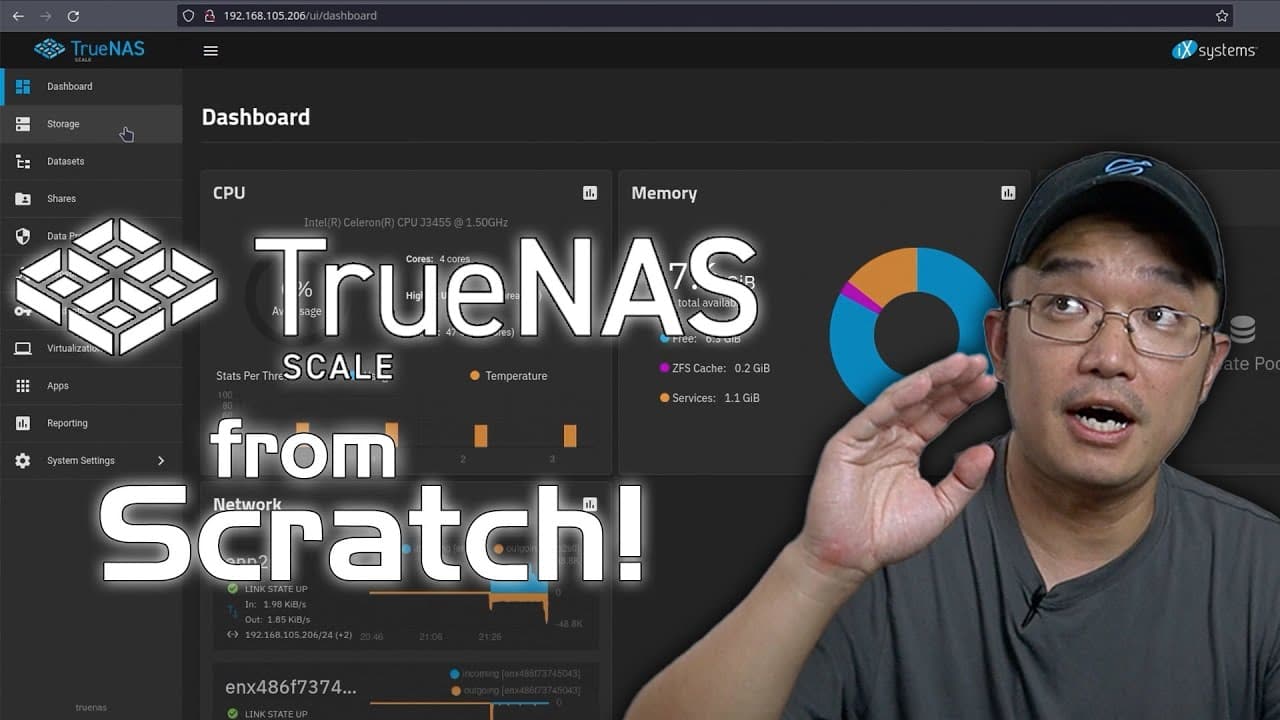
To set up TrueNAS Scale, begin by installing the software on your hardware. Create a storage pool using either mirrored or striped configurations for data protection, then enable NFS for sharing. You can easily install apps like Jellyfin to enhance functionality, making it versatile for both home and enterprise use.
Transcript
all right so today we're going to be doing a beginner's guide to True NZ so let's get started now this video is sponsored by PCB way and if you guys are interested in DIY or Electronics where you need a manufacturer to build your own products uh look no further than PCB way they actually have online calculator that gives you quotes within minutes a... Read More
Key Insights
- 👤 TrueNAS is designed to be user-friendly and simplifies the process of network file sharing and storage management through its intuitive interface.
- 😒 It offers different operational tiers to cater to varying use cases, from personal home setups to enterprise-level applications.
- 🏃 Users can easily install and run applications such as media servers and virtualization tools, extending the functionality of their NAS.
- 👻 The setup process allows users to opt for either fresh installs or upgrades, allowing for flexibility depending on existing configurations.
- 👤 Mirrored pools offer increased data security, making them a preferred option for users who need redundancy.
- 👻 The guide highlights the importance of NFS for containerized applications, allowing efficient local data access.
- 👤 Users are encouraged to explore additional catalogs that provide a broader selection of applications for their NAS, enhancing functionality.
Install to Summarize YouTube Videos and Get Transcripts
Explore YouTube Video Summarizer or Get YouTube Transcript Extractor
Questions & Answers
Q: What is TrueNAS and what are its core functionalities?
TrueNAS is a Network Attached Storage (NAS) operating system designed for sharing files over a network efficiently. Its core functionalities include user-friendly file sharing capabilities, the ability to install and run virtual machines, and support for various applications via Docker containers. Depending on the user’s needs, TrueNAS can be optimized for home or corporate use, providing different tiers of operations through TrueNAS Core, Scale, and Enterprise.
Q: How does the installation process of TrueNAS Scale work?
The installation process for TrueNAS Scale starts with booting from a USB or CD installer. Users can choose to install it fresh or upgrade from a previous version. During installation, settings such as user accounts are configured, and storage pools are created using hard drives in either mirrored or striped setups for redundancy or speed. The process is relatively quick, taking around ten minutes in total.
Q: What are the benefits of using mirrored vs. striped storage pools?
Using mirrored storage pools involves saving identical data across two hard drives, providing redundancy; should one drive fail, the other maintains access to the data. In contrast, striped storage pools enhance performance by splitting data across drives, but if one drive fails, all data is lost since the pieces are interdependent. Therefore, mirrored setups are generally deemed safer for critical data storage.
Q: How can users enable NFS sharing in TrueNAS?
Users can enable NFS sharing in TrueNAS by navigating to the share settings after creating a data set. By enabling NFS, files can be shared over a local network, allowing applications running in containers, such as Docker, to access the shared files without needing to manually link them. This setup is particularly useful for local information access, enhancing overall system efficiency.
Summary & Key Takeaways
-
TrueNAS is a user-friendly NAS operating system that allows for efficient file sharing across networks and includes tools for installing applications and virtual machines.
-
The guide covers the installation process of TrueNAS Scale, elaborating on its various tiers—Core, Scale, and Enterprise—as well as the setup of storage pools using either mirror or stripe modes for data protection.
-
Additionally, it demonstrates how to install applications like Jellyfin and configure NFS shares for improved accessibility, making the system versatile for home and corporate environments.
Read in Other Languages (beta)
Share This Summary 📚
Summarize YouTube Videos and Get Video Transcripts with 1-Click
Try YouTube Summary with ChatGPT & Claude or YouTube Transcript Generator
Explore More Summaries from Novaspirit Tech 📚






Summarize YouTube Videos and Get Video Transcripts with 1-Click
Try YouTube Summary with ChatGPT & Claude or YouTube Transcript Generator