How to Build Realistic AI Voice Agents for Business
TL;DR
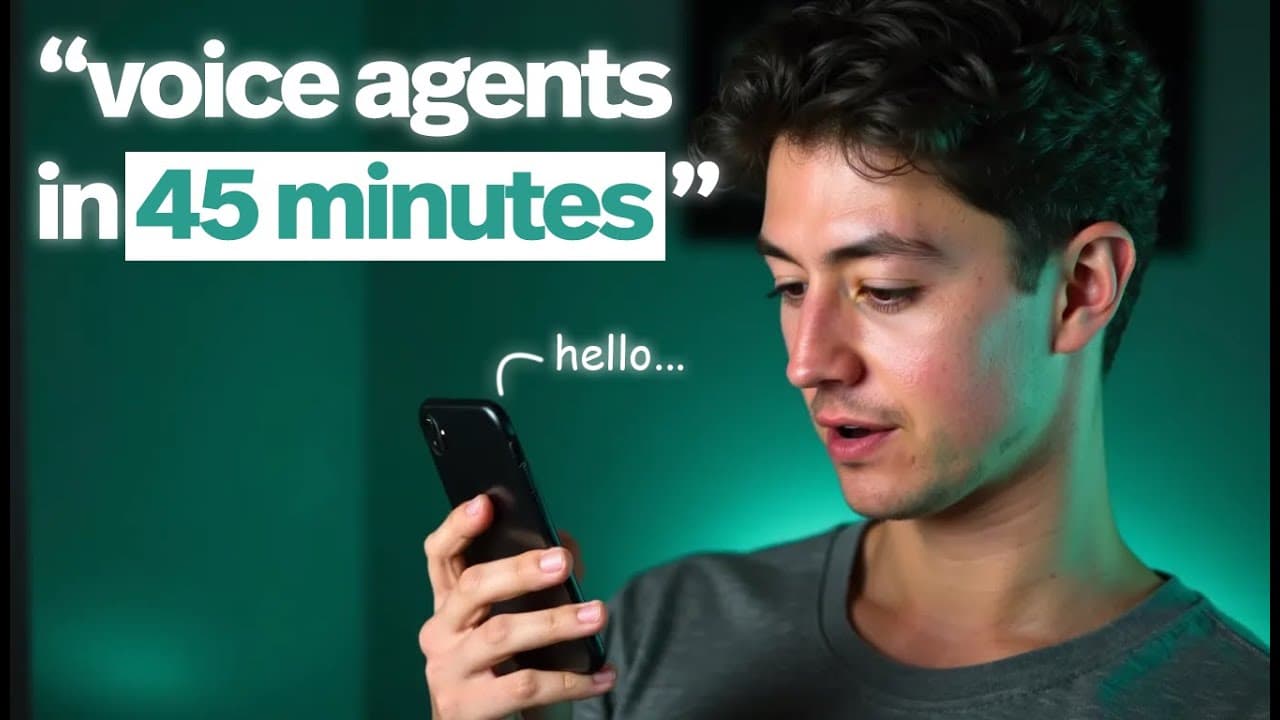
Realistic AI voice agents can handle bookings and inquiries 24/7 by converting speech to text, reasoning with AI, and converting text back to speech. The cost per minute is lower than human staff, and you can deploy using Make and VAPI with no code tools. This video covers architecture, setup, and business value.
Transcript
what's going on Steph how you doing today hey there I'm doing great just chilling and ready to how about you what can I do for you today fantastic I'm just looking for a quote for uh my property awesome I can definitely help with that first could I get your full name please my full name do you really need all that well I mean it's kind of like a se... Read More
Key Insights
- AI voice agents use a three-step pipeline: speech to text, reasoning model processing, and text to speech output.
- The system is built from modular components that can be swapped or upgraded without redesigning the entire solution.
- No code platforms like Make and VAPI enable rapid deployment of voice agents for various business tasks.
- AI agents offer cost advantages by charging per minute of active conversation, reducing wasted time compared to human staff.
- The video emphasizes practical onboarding and dashboard navigation to manage assistants, logs, and costs.
- The architecture supports ongoing improvement by analyzing call logs and performance metrics.
- The business case shows a 9 cent per minute model versus higher human staffing costs, with potential significant savings over time.
- The final message is that AI agents are scalable, configurable, and suitable for front desk and scheduling tasks.
- More videos from this channel:
- More from this channel: Nick Saraev
Install to Summarize YouTube Videos and Get Transcripts
Explore YouTube Video Summarizer or Get YouTube Transcript Extractor
Questions & Answers
Q: How does the AI voice agent handle a real booking by phone or voice input?
The AI voice agent starts by converting spoken input into text using speech to text, then processes the text with a reasoning model to understand intent such as booking an HVAC quote. It then generates a natural language response and uses text to speech to respond, completing the booking or requesting missing details.
Q: What are the core components of the AI voice agent pipeline described?
The core components are speech to text to capture what the user says, a reasoning model to interpret intent and decide the next action, and text to speech to convey the result back to the user. This trio enables a fluid spoken interaction without human intervention.
Q: Why is a no code approach recommended for building these agents?
A no code approach enables rapid deployment and testing across different platforms, reducing time to value. It lets non developers assemble and modify workflows, such as booking flows, without writing complex code, while still enabling powerful automation with AI services and API integrations.
Q: What cost advantages are highlighted for using AI agents over human staff?
The video notes that AI agents cost per minute of active conversation, which can be much lower than human staff costs when idle time is minimized. This model allows businesses to operate continuously with predictable expenses, paying only when there is actual customer interaction.
Q: How does the system ensure reliability and quality in responses?
Reliability comes from modular components and logging. By analyzing call logs and performance, the system can detect issues with STT, the reasoning model, or TTS, allowing iterative improvements and better handling of common intents such as quotes and scheduling.
Q: What is the role of Make and VAPI in the setup?
Make and VAPI are used to connect the AI components into a live workflow. Make orchestrates the automation steps while VAPI provides the voice interface, enabling a seamless, no code integration that turns the AI model into a working front desk agent.
Q: What kind of tasks can these AI agents automate besides bookings?
Beyond scheduling quotes, AI voice agents can handle inquiries, provide information, collect contact details, confirm availability, and route complex requests to human staff. The flexible architecture supports many front desk tasks, improving availability and reducing wait times for customers.
Q: What practical steps are shown for onboarding and deploying an AI assistant?
The video walks through creating an account, onboarding flows, naming the assistant, configuring the API access, and reviewing costs. It also covers how to test the assistant with real conversations, monitor performance, and adjust settings to fit the business workflow.
Summary & Key Takeaways
-
The video explains a 24/7 AI voice agent workflow that uses speech to text, a reasoning AI, and text to speech to automate front desk tasks. It highlights the modularity of the system and why no code tools make deployment faster. It also compares human staffing costs to AI costs.
-
The presenter demonstrates step by step how to set up an AI assistant in VAPI and Make, including onboarding, costs, and logging. The emphasis is on practical implementation and scalable automation for service industries.
-
The takeaway is that AI voice agents reduce waste and improve availability while remaining configurable and billable only when in use, making automation accessible to small businesses without heavy upfront investment.
Read in Other Languages (beta)
Share This Summary 📚
Summarize YouTube Videos and Get Video Transcripts with 1-Click
Try YouTube Summary with ChatGPT & Claude or YouTube Transcript Generator
Explore More Summaries from Nick Saraev 📚






Summarize YouTube Videos and Get Video Transcripts with 1-Click
Try YouTube Summary with ChatGPT & Claude or YouTube Transcript Generator