How to Implement AI Agents in Workflow 2027
TL;DR
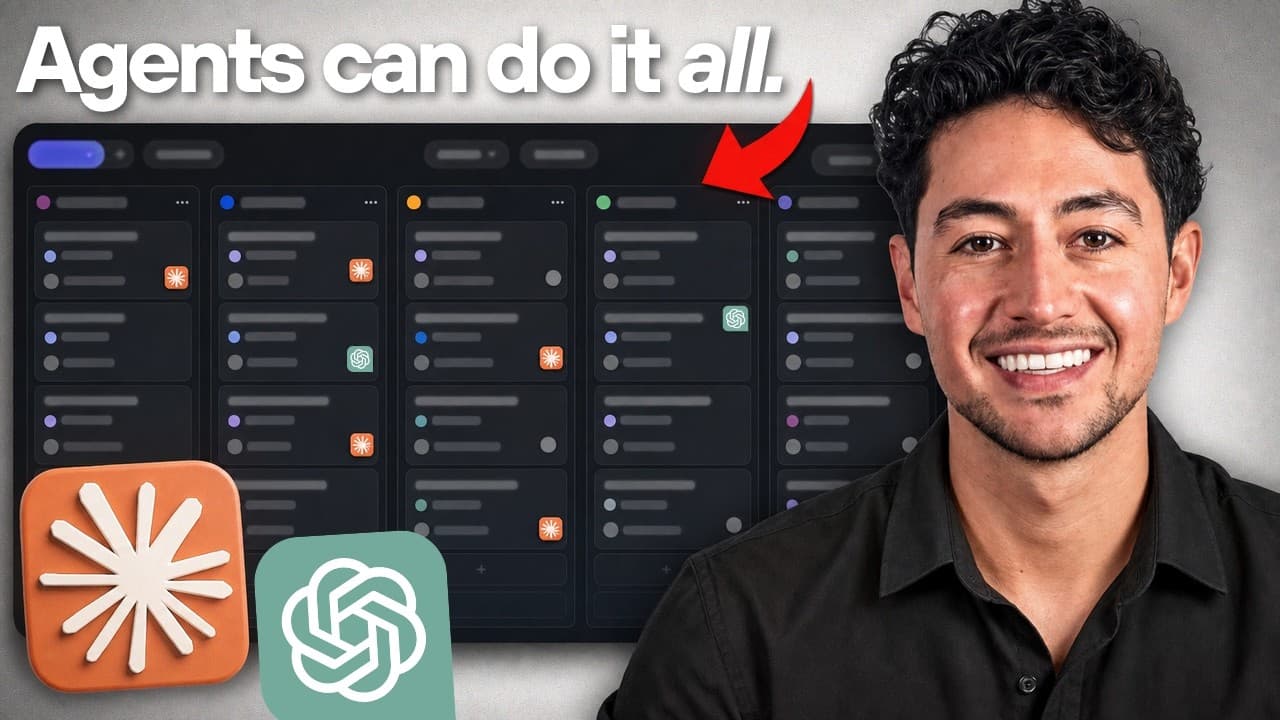
Implement AI agents by creating a shared human-and-AI workspace, marking suitable tasks as “AI-ready,” and using a webhook to send them to an agent that can consult workspace context and a knowledge base. The demonstrated Linear workflow moves tasks through Inbox, Next, Doing, Waiting, and Done while preserving human approval for publishing or wider internet interactions. Read on for the concrete setup, task-routing process, and quality controls.
Transcript
So the way the most productive people on earth work today is very different from just maybe 6 months ago. And the entire reason is because of AI agents. But despite everybody and their mom talking about AI agents using them in workflows, I don't think anybody's actually really clarified what it looks like in a practical knowledge workstall situatio... Read More
Key Insights
- AI agents improve productivity by working alongside humans in shared workspaces.
- Tagging tasks as 'AI-ready' allows AI agents to autonomously execute them.
- Linear is a recommended project management tool for integrating AI agents.
- AI agents use webhooks to receive tasks and consult a knowledge base for context.
- Human oversight is crucial to verify AI outputs and apply human taste.
- Capture methods like hotkeys and phone shortcuts streamline task input.
- Evals are used to assess AI outputs, ensuring they meet predefined standards.
- Quality assurance involves setting clear task definitions and evaluating results.
Install to Summarize YouTube Videos and Get Transcripts
Explore YouTube Video Summarizer or Get YouTube Transcript Extractor
Questions & Answers
Q: How do you implement AI agents in a workflow?
Start with a shared workspace where humans and AI agents can work on the same task queue. Create a task, provide clear instructions, tag it as “AI-ready,” and move it to the appropriate status so a webhook sends it to the agent. The agent then reviews the task, consults available context, posts a plan, and begins the work.
Q: What task statuses are used in the Linear AI agent workflow?
The workflow uses Inbox, Next, Doing, Waiting, and Done. These statuses show where each task is in the pipeline and make it possible to review completed work or move a task back to Next or Doing when necessary.
Q: What happens after an AI-ready task is moved to Next?
Moving the task to Next sends a request to a server where the AI agent is running. The agent picks up the task, assesses the card, consults the knowledge base, posts a plan, and starts working. The task status then changes to Doing.
Q: How does the webhook connect Linear to the AI agent?
The webhook catches the new task and sends a request when the relevant tag or event occurs. Linear has this functionality built in, allowing the task to be routed from the shared workspace to the agent without repeatedly prompting it.
Q: What context can the Fable 5 agent access?
Fable 5 can access workspace context, including files, other tasks, and the content pipeline. It can also access a knowledge base containing additional textual information and credentials, as described in the workflow.
Q: How should an AI-agent task be written?
The task should state the desired result and provide enough detail for an agent rather than only a human. In the example, the request asks for five new YouTube video ideas based on previously published videos, with three title options, angles, brief outlines, and consideration of currently trending internet content.
Q: When should an AI agent wait for human approval?
The agent should wait when a task includes a quality-assurance step or an action such as publishing or interacting with the wider internet. The human acts as the project manager, placing work in the queue, reviewing results, and approving consequential actions.
Q: How do evals support quality assurance in AI workflows?
Evals assess AI outputs against predefined standards and task requirements. They help the human verify whether the result meets expectations, while the agent handles execution and the human focuses on oversight and final decisions.
Summary & Key Takeaways
-
AI agents can be integrated into shared workspaces to improve productivity. By tagging tasks as 'AI-ready,' AI agents autonomously handle them based on a knowledge base, reducing the need for constant human input. This allows users to focus on higher-level tasks and ensures quality through human oversight.
-
Linear is a recommended tool for managing AI agent workflows, offering features like webhooks for task reception and integration with knowledge bases. Capture methods, such as hotkeys and phone shortcuts, facilitate easy task input, making the workflow seamless and efficient.
-
Evals are essential for assessing AI outputs, ensuring they adhere to predefined standards. Quality assurance involves setting clear task definitions and evaluating results, shifting the user's role from task execution to oversight and decision-making, enhancing overall efficiency.
Read in Other Languages (beta)
Share This Summary 📚
Summarize YouTube Videos and Get Video Transcripts with 1-Click
Try YouTube Summary with ChatGPT & Claude or YouTube Transcript Generator
Explore More Summaries from Nick Saraev 📚






Summarize YouTube Videos and Get Video Transcripts with 1-Click
Try YouTube Summary with ChatGPT & Claude or YouTube Transcript Generator