How to code with Warp AI using prompts
TL;DR
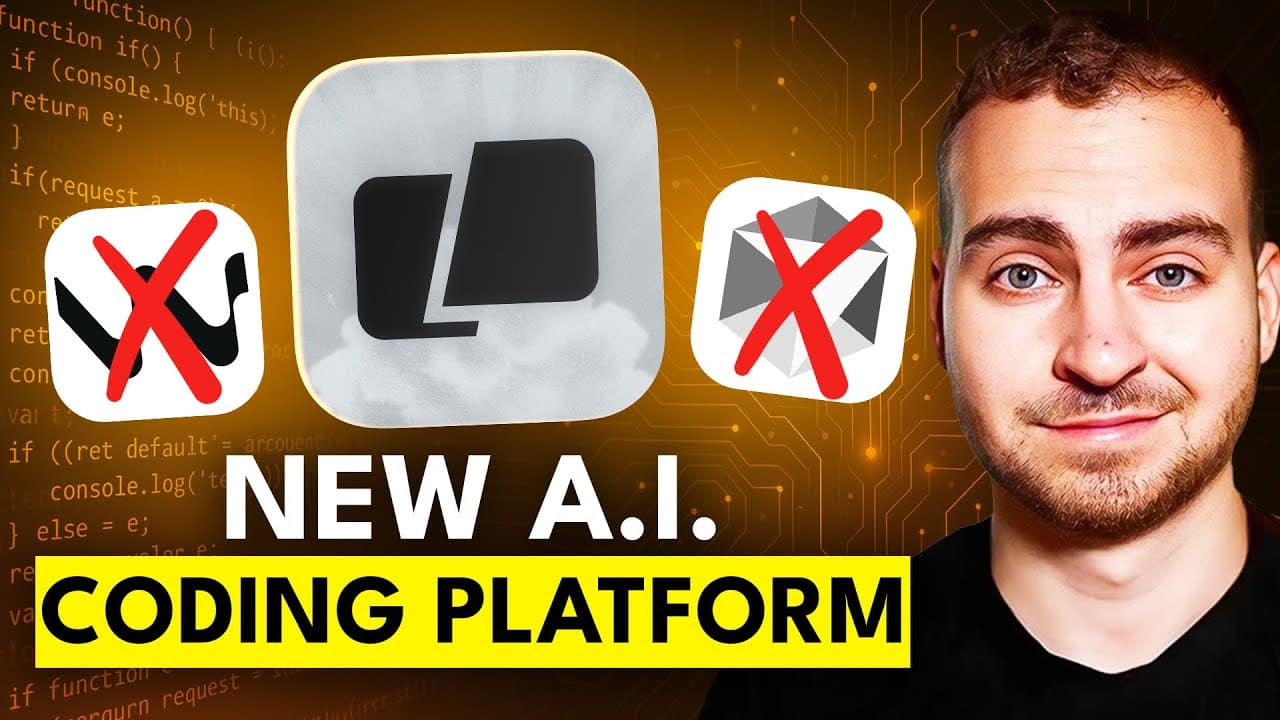
Warp enables AI driven coding by prompting instead of manual line by line typing. The demo shows using natural language to generate code, refine it, and run it inside a terminal like interface. It also explains three Warp modes and a plan driven workflow for building scalable tools.
Transcript
Yesterday I was sitting with a friend of mine who's a senior software engineer and watching him write code for his new startup. Well, to be honest with you, I was really more so listening to him. That's right. He had multiple AI models running, and he was literally just speaking to them and telling them very clearly what he wanted to get done. Now ... Read More
Key Insights
- Warp combines code generation with a familiar terminal interface to minimize switching between tools and maximize AI driven output in real time.
- Natural language prompts can be used to perform actions that normally require manual commands, such as directory changes, file creation, and repository initialization, within Warp's environment.
- Warp offers multiple operating modes including terminal mode, agent mode, and auto detection mode, enabling different levels of AI involvement and control over the coding flow.
- The tool supports plan driven development, letting users outline a project in a ReadMe or plan, then iteratively turn that plan into working components.
- A git repository can be automatically initialized and kept up to date through Warp, facilitating version control without leaving the AI workflow.
- Warp visualizes generated code changes as diffs and allows on the fly refinement and editing within the interface, speeding iteration cycles.
- The workflow demonstrated emphasizes building from a high level to a concrete implementation, starting with a plan and progressively implementing components like a scraper worker and API.
- Users can switch target AI models or environments within Warp to compare capabilities and optimize for their specific use case.
Install to Summarize YouTube Videos and Get Transcripts
Explore YouTube Video Summarizer or Get YouTube Transcript Extractor
Questions & Answers
Q: How does Warp change the typical coding workflow?
Warp changes the workflow by allowing you to drive coding primarily through prompts rather than typing line by line. It embeds a terminal like interface with an AI assistant that can generate code, refine it, and run it within the same workspace. This reduces manual boilerplate and accelerates iteration, especially for repetitive or plan driven tasks.
Q: What are the main modes in Warp and when should you use them?
Warp offers terminal mode for traditional command execution, agent mode for natural language driven prompts, and auto detection mode that tries to infer user intent from prompts. Use terminal mode for hands on control, agent mode to rely on AI for drafting commands, and auto detection when you want the fastest, least manual interaction.
Q: Can Warp handle planning and project initialization from scratch?
Yes, Warp can start with a high level plan and translate it into a working project. You can paste a plan into the interface, refine it, and Warp will generate the corresponding directory structure, files, and even a git repository with an initial commit. This aligns development with a documented plan from the outset.
Q: How does Warp support multi threaded agents and why is that useful?
Warp supports multi threaded agents to run several AI tasks in parallel within a single project. This capability is useful for building complex components that require independent iterations, such as scraping workers, APIs, and database interactions, allowing faster development cycles without waiting for sequential AI responses.
Q: What kind of projects is Warp particularly suited for?
Warp is well suited for projects that benefit from plan driven development, rapid prototyping, and AI assisted code generation. It is especially effective for building data pipelines, APIs, web scrapers, or micro services where you can outline requirements and then iterate with AI to implement components, tests, and deployment configuration.
Q: How do you refine generated code in Warp?
Refinement in Warp is done by selecting the generated code, entering a refinement mode, and editing prompts or the code directly inside the built in editor. You can add comments, adjust logic, and re apply changes, with Warp showing the updated commands and running the revised implementation.
Q: What are the benefits of the Plan to Commit workflow shown?
The Plan to Commit workflow helps maintain a clear development trajectory. By creating a Readme plan, initializing a git repo, and committing early changes, you establish version control foundations while iterating on AI generated components. This reduces drift between intended design and implemented code.
Q: How does Warp handle integration of AI models and environments?
Warp lets you switch AI models or environments from within the interface, enabling experimentation with different backends and capabilities. This flexibility helps you tailor AI reasoning strength, response speed, and integration compatibility to your specific project requirements, improving both efficiency and output quality.
Summary & Key Takeaways
-
Warp introduces a terminal like environment that blends traditional commands with AI prompted generation to streamline coding tasks and reduce manual typing.
-
The video demonstrates creating a plan, initializing a git repository, and iteratively building components from a high level prompt to detailed code using Warp's multi threaded agents.
-
The presenter argues that coding by prompt is expanding in modern development, showing practical steps to adopt Warp for scalable projects and efficient AI assisted coding workflows.
Read in Other Languages (beta)
Share This Summary 📚
Summarize YouTube Videos and Get Video Transcripts with 1-Click
Try YouTube Summary with ChatGPT & Claude or YouTube Transcript Generator
Explore More Summaries from Tech With Tim 📚


Summarize YouTube Videos and Get Video Transcripts with 1-Click
Try YouTube Summary with ChatGPT & Claude or YouTube Transcript Generator