How to Play Steam Games in Your Browser Using Docker
TL;DR
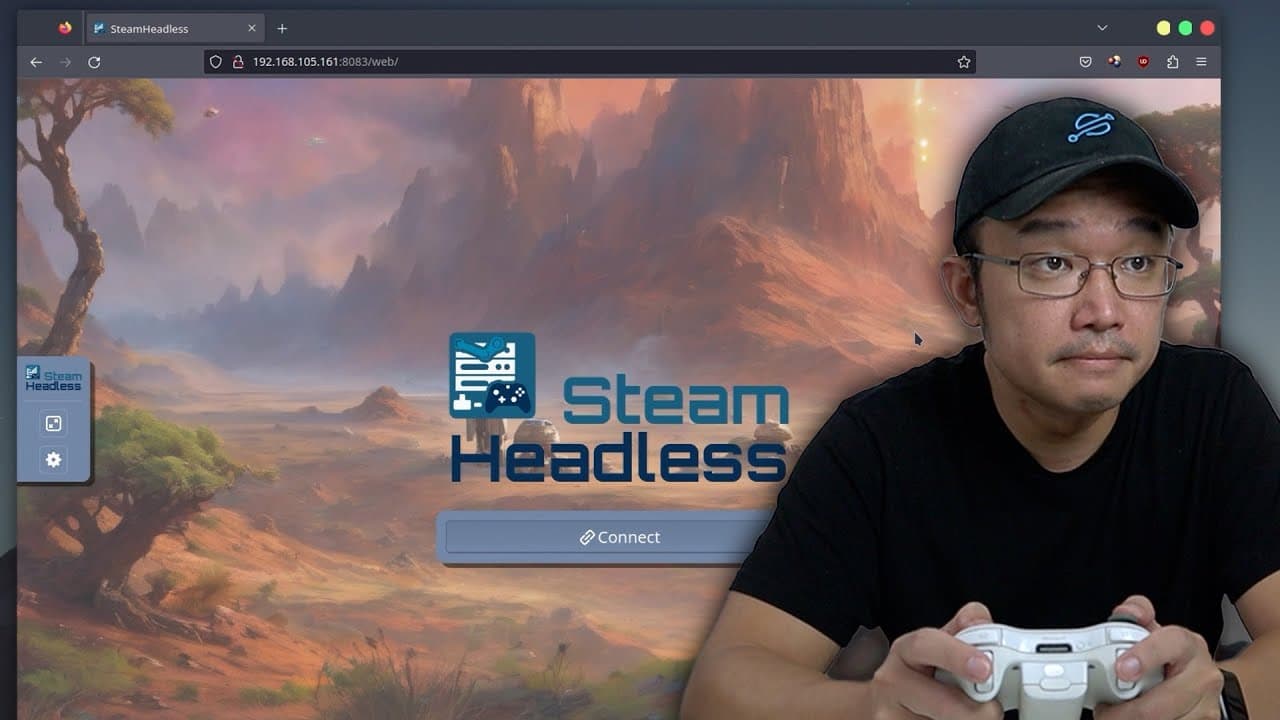
Steam Headless is a Docker container with a full Steam client built in that lets you play your Steam games through a web browser using noVNC, much like a cloud gaming service. Before it runs you have to configure the environment: set folder permissions and raise the shm size to 2 GB, or Steam throws a bus error and won't even start. It works, but audio doesn't function and there's noticeable latency, so the creator mainly uses it as a local Steam cache. Read on for how the games actually held up.
Transcript
hey guys what's going on it's Don here from Nova Spirit Tech and welcome back to the channel and today I got a really cool Docker to show you guys called steam headless which allows you to play your Steam games through your browser just like cloud gaming services so let's check it out now everything we talk about will be linked down in the descript... Read More
Key Insights
- 😶🌫️ Steam headless is an innovative concept that allows for cloud-style gaming using Docker technology, though it is still in the developmental phase.
- 😑 The necessity of pre-configuration for optimal performance highlights the technical skills needed to utilize such advanced tools effectively.
- 👤 The integration of no VNC technology provides users with convenience but comes with consistency challenges that can affect gameplay quality.
- 😒 The content emphasizes personal use of the Docker for game storage rather than streaming, showcasing alternative uses for this technology.
- 👾 Performance disparities were noted across different games, correlating with their hardware requirements and streaming limitations through the browser.
- ❓ The creator remains optimistic about future improvements and testing possibilities with different hardware setups to enhance the overall gaming experience.
- 🏂 User engagement with the developer community through issue boards is vital for resolving personal challenges and contributing to the project’s improvement.
Install to Summarize YouTube Videos and Get Transcripts
Explore YouTube Video Summarizer or Get YouTube Transcript Extractor
Questions & Answers
Q: How do you play Steam games in your browser?
You run Steam Headless, a Docker container that packages a full Steam client and exposes it in your web browser through noVNC, similar to a cloud gaming service. After launching it you connect into Steam's Big Picture Mode and play installed games directly in the browser window. Because it's very new, setup varies by system and you'll likely need to experiment to get it running.
Q: What is Steam Headless and how does it work?
It's a Docker platform with a full incorporated Steam client that streams gameplay to your browser using noVNC, the same technology the creator used in his own Alpine noVNC project. It's at its infancy, so it may or may not work with your particular system. The developer provides Docker files for Arch, Debian, and a few other environments along with setup instructions.
Q: Why won't Steam start in Steam Headless (bus error)?
Steam won't launch unless you set the shm size to 2 GB; otherwise you just get a bus error. Shared memory size is one of several environment parameters you configure before running the container. The creator recommends reading the setup instructions and adjusting folder permissions first rather than starting it blindly.
Q: Does audio work in Steam Headless?
No, in this build the creator could not get audio to work at all. He notes that KM, which uses the same noVNC technology, already supports audio, controller input, and 60 frames per second on games like Tux Racer, so he expects audio to be resolved over time. For now you play without sound.
Q: How well does Dead Cells run through the browser?
Dead Cells loads and plays, but there's noticeable sluggishness and it feels like around 20 frames per second even though the game runs at 60 fps on the native Linux client. There is frame skipping and full-screen update lag. You can adjust noVNC options like local scaling to fix the resolution and how it fits your window.
Q: Can you use Steam Headless just for game storage instead of playing?
Yes, the creator plans to use it mainly as a Steam cache rather than for streaming. Because the Steam client can transfer installations locally, he loads one to two terabytes of games onto a Docker client on his NAS. When he needs a game on his main PC or Steam Deck, he grabs it off that Docker over the local network instead of re-downloading it, which is much faster.
Q: Where can you get help if Steam Headless has problems?
Check the project's issue board on GitHub, where the developer actively resolves many reported problems. If your issue isn't in the open issues, look in the closed section too. Since the Docker is still early and has a lot of ongoing issues, keeping an eye on the developer's updates and fixes is the best way to troubleshoot.
Summary & Key Takeaways
-
The video introduces Steam headless, a Docker platform that enables users to play Steam games through their browser, similar to cloud gaming services, but reports issues due to its early-stage development.
-
The creator emphasizes the necessity of configuring environment settings before use, mentioning aspects like folder permissions and shared memory size to prevent errors.
-
Despite some success with games like Dead Cells and Gunfire Reborn, challenges such as audio failure, mouse capture issues, and noticeable latency may hinder gameplay experiences until future updates improve functionality.
Read in Other Languages (beta)
Share This Summary 📚
Summarize YouTube Videos and Get Video Transcripts with 1-Click
Try YouTube Summary with ChatGPT & Claude or YouTube Transcript Generator
Explore More Summaries from Novaspirit Tech 📚






Summarize YouTube Videos and Get Video Transcripts with 1-Click
Try YouTube Summary with ChatGPT & Claude or YouTube Transcript Generator