How to Unlock ChatGPT's Hidden Features
TL;DR
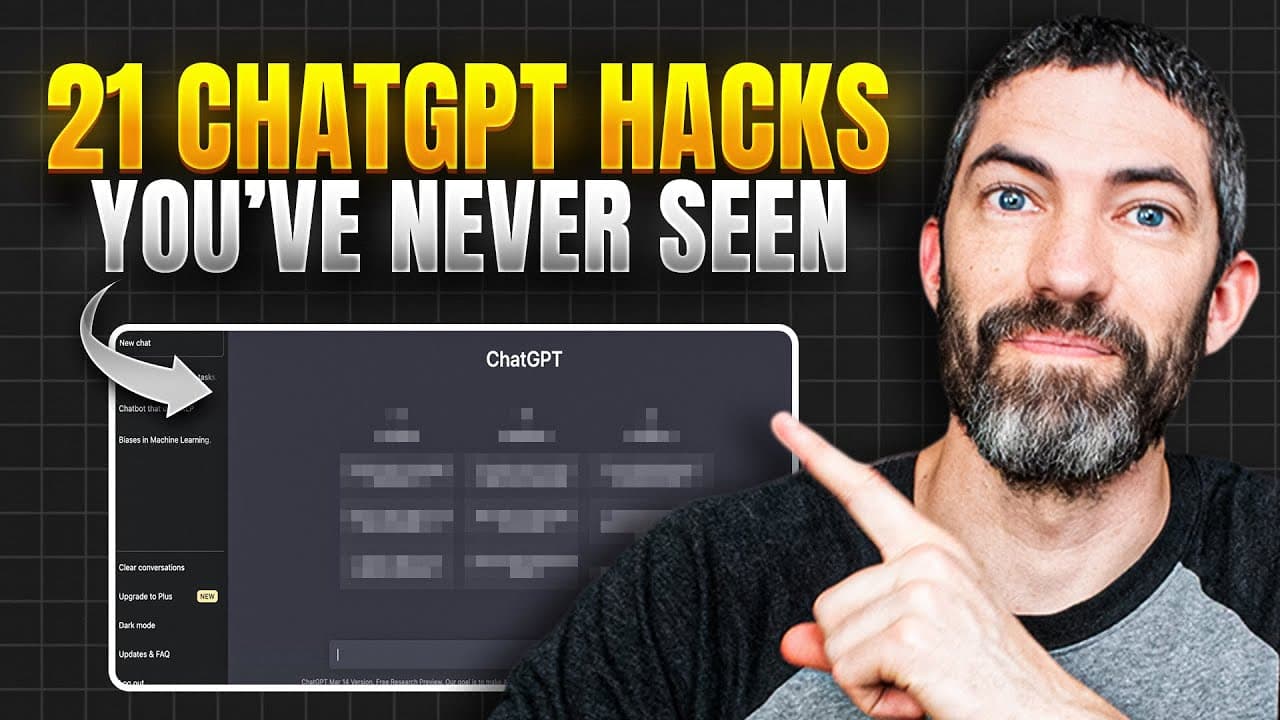
Unlock ChatGPT's full potential by using prompt packs, trigger words, and projects to enhance your experience. Learn how to utilize features like Canvas for writing, file formatting, and even creating mini apps without coding knowledge. These tips can make you a top 1% ChatGPT user.
Transcript
Most people are using Chat GBPT like a slightly smarter Google. You type a question, get an answer, maybe a few follow-ups, then you move on. That is nowhere near its full potential. So, these tips will completely transform how you use it, and almost all of them will work under the free plan. I'll save the couple tips that only applied to the paid ... Read More
Key Insights
- Prompt packs from OpenAI offer customized prompts for specific roles like sales and marketing, enhancing user experience.
- Trigger words like 'think deeply' can reroute ChatGPT to a more thoughtful response model, especially useful for free plan users.
- Projects allow users to organize chats and upload reference files, providing context for more tailored responses.
- Canvas is a powerful tool for writing and coding, allowing users to edit documents and create mini apps without coding skills.
- ChatGPT can format responses into various file types, saving time on manual reformatting.
- Voice mode and real-time vision features enable interactive and visual assistance, enhancing user engagement.
- App connectors like Canva streamline the creation of visual content directly from ChatGPT.
- Custom GPTs can be built for specific tasks, but many are available for free, expanding functionality without additional cost.
Install to Summarize YouTube Videos and Get Transcripts
Explore YouTube Video Summarizer or Get YouTube Transcript Extractor
Questions & Answers
Q: How can I improve my ChatGPT prompts?
Improving ChatGPT prompts involves using prompt packs from OpenAI, which offer customized prompts for specific roles like sales and marketing. Additionally, adding context and clarity to your prompts is essential. You can ask ChatGPT to ask you clarifying questions to gather the necessary context, ensuring tailored and effective responses.
Q: What are trigger words in ChatGPT?
Trigger words in ChatGPT, such as 'think deeply' or 'be extremely thorough', are used to reroute the model to a more thoughtful response mode. This is particularly useful for users on the free plan, as it ensures a higher level of thinking and more comprehensive answers, even without manual model selection.
Q: How do projects work in ChatGPT?
Projects in ChatGPT allow users to organize chats into categories and upload reference files for context. This feature helps in maintaining organized conversations and provides a structured environment for specific topics, such as business or fitness, enhancing the overall user experience and efficiency.
Q: What is the Canvas feature in ChatGPT?
The Canvas feature in ChatGPT is a powerful tool for writing and coding. It allows users to open, edit, and format documents with ease. Users can manually edit text, create tables, and even develop mini apps without coding knowledge, making it an invaluable resource for enhancing productivity and creativity.
Q: How can I format ChatGPT responses into different file types?
ChatGPT can format responses into various file types, such as PDF, CSV, JSON, and HTML, by simply requesting the desired format. This feature saves time on manual reformatting and is particularly useful for users who need to download and share information in specific formats quickly and efficiently.
Q: What is the voice mode in ChatGPT?
Voice mode in ChatGPT allows for interactive conversations by enabling users to talk back and forth with the model. This feature is beneficial for practicing interviews, role-playing scenarios, and language learning. It enhances user engagement by providing a more dynamic and conversational experience.
Q: How do app connectors work in ChatGPT?
App connectors in ChatGPT, such as Canva, streamline the process of creating visual content directly within the platform. Users can generate pitch decks, presentations, and other visual materials, which can then be edited in the connected app. This integration reduces friction and enhances workflow efficiency.
Q: What are custom GPTs and how can I use them?
Custom GPTs are specialized versions of ChatGPT designed for specific tasks or behaviors. While building custom GPTs requires a paid plan, many are available for free use. They expand ChatGPT's functionality, allowing users to perform repeat tasks more efficiently and effectively, tailored to their unique needs.
Summary & Key Takeaways
-
ChatGPT offers prompt packs for tailored interactions, improving user experience in various fields. Users can utilize trigger words to ensure thoughtful responses, even on the free plan. Projects help organize and provide context for chats, making conversations more effective.
-
Canvas is a versatile tool within ChatGPT, allowing for document editing and mini app creation without coding knowledge. This feature, along with formatting options, enhances productivity and saves time.
-
Voice mode and app connectors like Canva allow for interactive and visual content creation, while custom GPTs provide specialized functionalities. These features unlock ChatGPT's full potential, placing users in the top 1% of its user base.
Read in Other Languages (beta)
Share This Summary 📚
Summarize YouTube Videos and Get Video Transcripts with 1-Click
Try YouTube Summary with ChatGPT & Claude or YouTube Transcript Generator
Explore More Summaries from Futurepedia 📚
Summarize YouTube Videos and Get Video Transcripts with 1-Click
Try YouTube Summary with ChatGPT & Claude or YouTube Transcript Generator