How to Set Up a Multicast Streaming Server on Linode
TL;DR
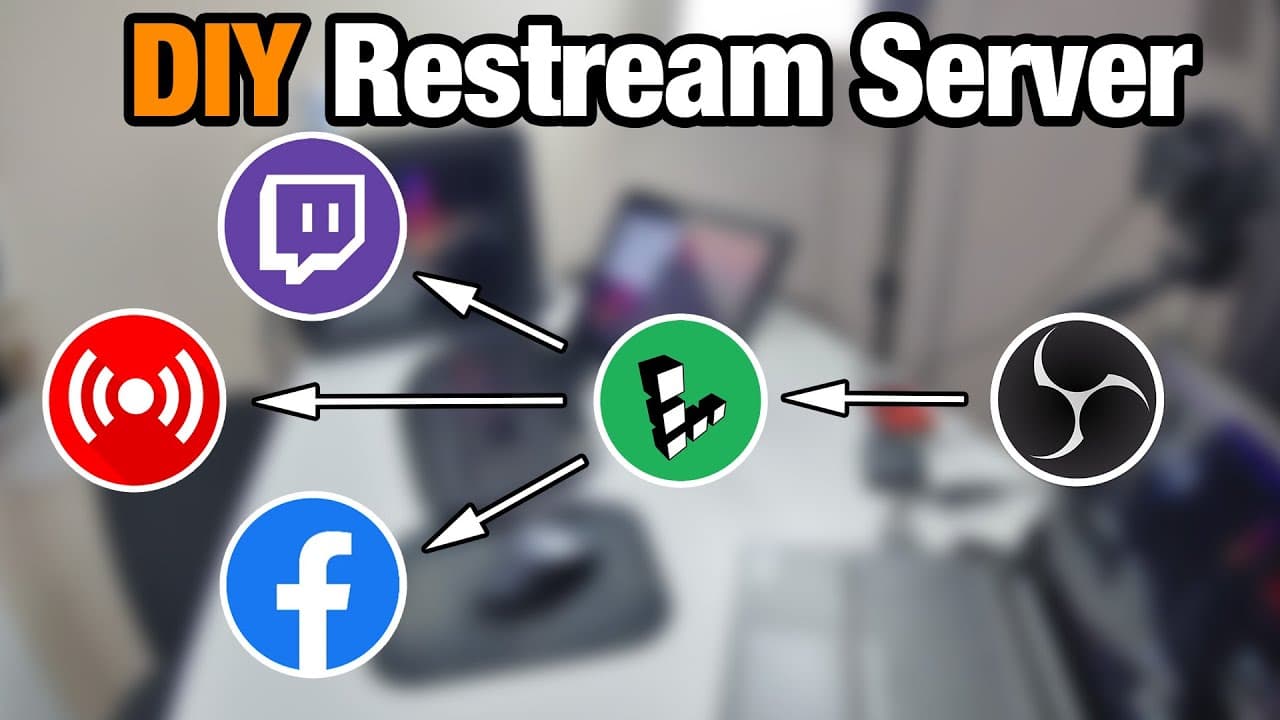
To set up a multicast streaming server using Linode, create a Linode instance, install NGINX with RTMP support, and configure your streaming settings. This allows you to stream to multiple platforms like Twitch and YouTube without overloading your personal bandwidth, making it an efficient and cost-effective solution.
Transcript
hey guys what's going on it's on here from Nova spirit Tech welcome back to a channel and today we will be creating our own multicast streamer much like restreamed io but with Linux and with the help of Leno's so let's get started now I want to give a huge shout out to learn out for sponsoring this video not only did they give me credit to make thi... Read More
Key Insights
- 👀 Linode offers an efficient solution for users looking to stream on multiple platforms without the risk of bandwidth overload.
- 😫 Setting up a Linode server requires no advanced technical knowledge due to its user-friendly interface and one-click application installations.
- 🛟 The choice of server location is crucial; selecting a nearby data center minimizes latency, enhancing stream performance.
- 👤 Users can tailor their server plans based on their streaming needs, from simple configurations for basic streaming to more robust options for transcoding.
- 😫 NGINX acts as an essential component in setting up a multicast stream, enabling smooth content distribution across platforms.
- 🎏 Proper configuration and security measures are vital to avoid unauthorized access and potential stream hijacking.
- 👶 Linode's flexible pricing structure and promotional credits make it accessible for new users exploring streaming without financial commitments.
Install to Summarize YouTube Videos and Get Transcripts
Explore YouTube Video Summarizer or Get YouTube Transcript Extractor
Questions & Answers
Q: Why is a multicast server advantageous for streaming?
A multicast server allows a single stream to be sent to multiple platforms without needing to duplicate the upload from your home connection. This is crucial for users with limited bandwidth, as it reduces the load on their internet connection while enabling them to reach wider audiences on various streaming services.
Q: What are the basic steps to set up a Linode server for streaming?
Start by creating a Linode account and launching a new server instance with your chosen Linux distribution, such as Ubuntu. Install necessary packages like NGINX and the RTMP module. After setting up your server, configure your streaming settings and authenticate with a streaming platform through specific URLs and stream keys.
Q: How does the provided promo code benefit new users?
The promo code grants new Linode users a $20 credit, allowing them to test the server setup and services without incurring charges for up to four months. This makes it an attractive option for those interested in streaming while keeping costs minimal.
Q: What configurations are necessary for NGINX when streaming?
NGINX requires specific configuration settings in its config file, such as defining server parameters, setting the listening port for RTMP, and establishing secure application paths. These details ensure the server handles the incoming stream correctly and distributes it to the desired platforms.
Q: How do you ensure security for your streaming setup?
To secure your streaming setup, it’s important to mask the IP address of your server and use non-obvious stream keys. Instead of generic naming, utilize random combinations or obscure identifiers to make it harder for unauthorized users to hijack your stream.
Q: Can the server handle multiple streams simultaneously?
Yes, the multicast server can handle multiple streams simultaneously with minimal resource usage. Since only one primary stream is sent to the server, it can then distribute it to various platforms like YouTube and Twitch without putting excessive load on your personal bandwidth.
Q: What kind of support does Linode offer to users?
Linode provides 24/7 human support to assist users with server setup, troubleshooting, and any related queries. This reliability benefits users who may run into issues during their streaming setup or experience technical difficulties while operating their server.
Summary & Key Takeaways
-
This tutorial walks through the process of creating a multicast streaming server using Linode to overcome limited bandwidth when streaming to multiple platforms.
-
Linode's simple setup, combined with Linux support, allows users to easily manage and distribute video streams without overloading their personal bandwidth.
-
The video highlights crucial components, such as installing necessary software and configuring streaming settings, ensuring a seamless streaming experience to platforms like Twitch and YouTube.
Read in Other Languages (beta)
Share This Summary 📚
Summarize YouTube Videos and Get Video Transcripts with 1-Click
Try YouTube Summary with ChatGPT & Claude or YouTube Transcript Generator
Explore More Summaries from Novaspirit Tech 📚






Summarize YouTube Videos and Get Video Transcripts with 1-Click
Try YouTube Summary with ChatGPT & Claude or YouTube Transcript Generator