How to Use Obsidian for Effective Note-Taking
TL;DR
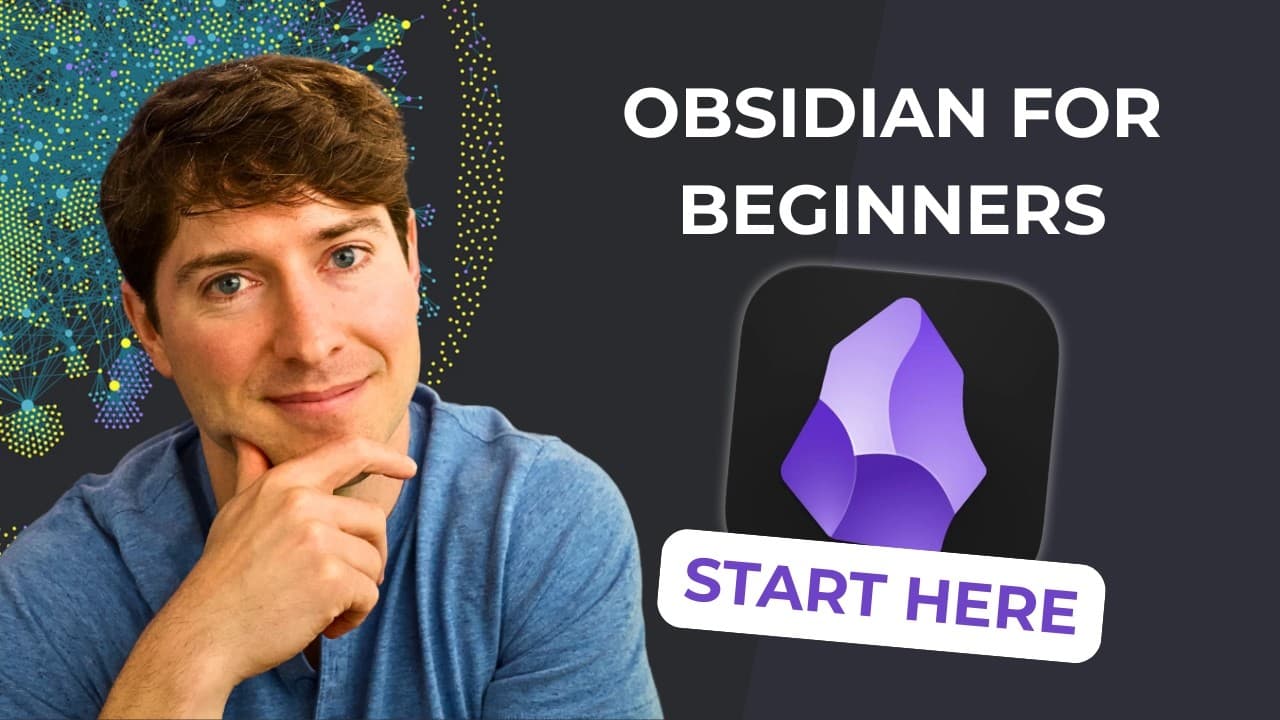
Obsidian is a note-taking app that enhances your ability to create and link notes for better recall and interconnected thinking. By organizing your thoughts in a vault and utilizing note linking features, you can navigate between ideas effortlessly, growing your knowledge over time and finding insights from your past experiences.
Transcript
in this video we're going to dive into the note making app obsidian as if we are a complete beginner hi i'm nick milo and welcome to linking your thinking where we talk about the how and why of making meaningful notes let's get started okay let's start by downloading obsidian go to safari type in obsidian.md and just download the latest version all... Read More
Key Insights
- 😀 Obsidian is a powerful note-making app that promotes interconnected thinking and knowledge building.
- 👻 Creating a vault in Obsidian allows users to organize their notes effectively.
- 🍻 Linking notes in Obsidian enables easy navigation between related concepts and ideas.
- 😵 Obsidian can be a valuable tool for creators and can enhance conversations by facilitating cross-domain connections.
- 💭 By externalizing thoughts and ideas in Obsidian, users can improve recall and memory.
- 💗 The value of notes in Obsidian grows over time as more experiences and insights are added.
- 🫵 Obsidian offers a graph view feature that displays the interconnectedness of notes, providing a visual representation of knowledge relationships.
Install to Summarize YouTube Videos and Get Transcripts
Explore YouTube Video Summarizer or Get YouTube Transcript Extractor
Questions & Answers
Q: What is Obsidian, and why is it useful for note-making?
Obsidian is a note-making app that allows users to create and link notes, enabling interconnected thinking and improved recall. It is useful because it helps users organize and access their thoughts and ideas more effectively.
Q: How do you create a new note in Obsidian?
To create a new note, click on the "New Note" button. Give the note a title and start adding content. The note is saved as a markdown file, which is easily readable and future-proof.
Q: What is the significance of linking notes in Obsidian?
Linking notes in Obsidian allows for interconnected thinking. By linking related concepts and ideas, users can navigate between different notes easily, fostering knowledge building and deeper understanding.
Q: How can Obsidian benefit creators and enhance conversations with others?
Obsidian can benefit creators by serving as a platform for developing articles, speeches, or other creative works. It enhances conversations by enabling users to make connections between different domains and engage more actively in discussions.
Key Insights:
- Obsidian is a powerful note-making app that promotes interconnected thinking and knowledge building.
- Creating a vault in Obsidian allows users to organize their notes effectively.
- Linking notes in Obsidian enables easy navigation between related concepts and ideas.
- Obsidian can be a valuable tool for creators and can enhance conversations by facilitating cross-domain connections.
- By externalizing thoughts and ideas in Obsidian, users can improve recall and memory.
- The value of notes in Obsidian grows over time as more experiences and insights are added.
- Obsidian offers a graph view feature that displays the interconnectedness of notes, providing a visual representation of knowledge relationships.
- Linking thoughts and ideas in Obsidian can lead to new insights and novel connections across different topics and domains.
Summary & Key Takeaways
-
The video introduces Obsidian as a note-making app and guides viewers through the process of setting up and creating their first notes.
-
It explains the concept of a vault, which is the folder in Obsidian where all notes are stored.
-
The video demonstrates how to create and link notes, highlighting the power of interconnected thinking and the ability to navigate between related concepts easily.
Read in Other Languages (beta)
Share This Summary 📚
Summarize YouTube Videos and Get Video Transcripts with 1-Click
Try YouTube Summary with ChatGPT & Claude or YouTube Transcript Generator
Explore More Summaries from Linking Your Thinking with Nick Milo 📚

Summarize YouTube Videos and Get Video Transcripts with 1-Click
Try YouTube Summary with ChatGPT & Claude or YouTube Transcript Generator