How to Use C++ Variables and Basic Data Types
TL;DR
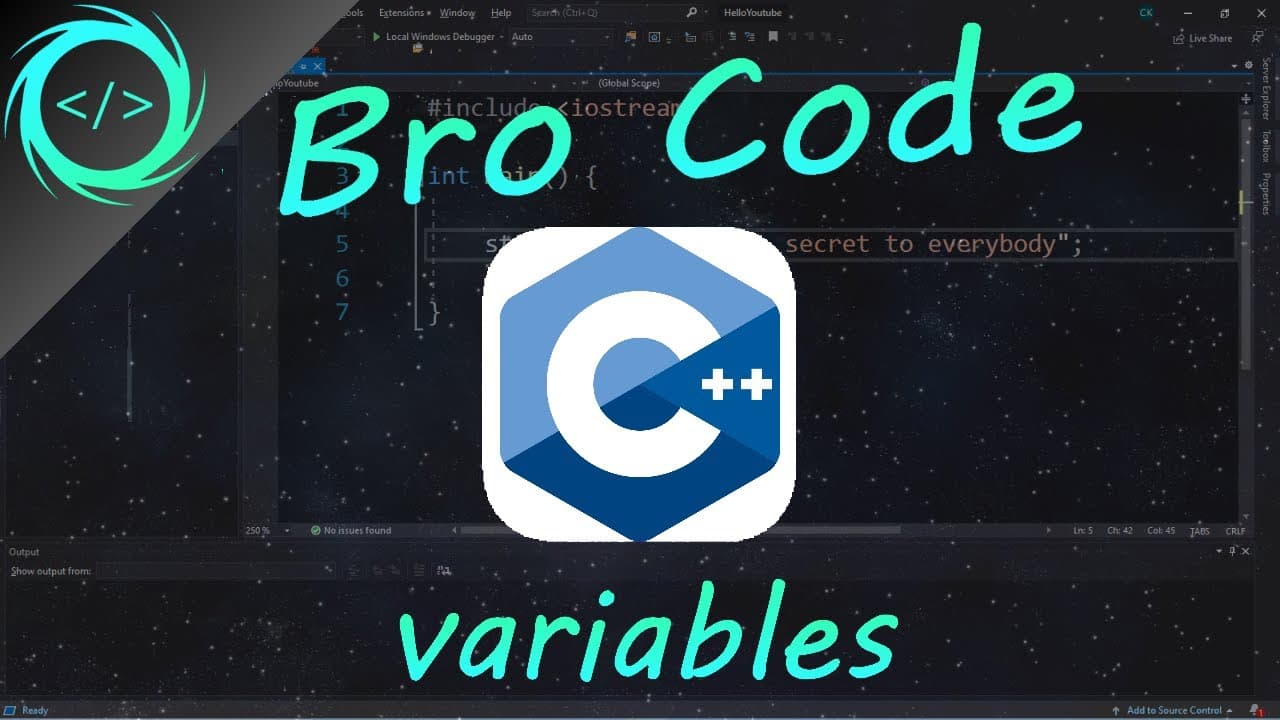
Declare a C++ variable by specifying its data type and name, then optionally assign a compatible value. Use int for whole numbers, double for decimals, char for one character, string for one or more characters, and bool for true or false. Variables can later be displayed, reassigned, combined, or used in calculations.
Transcript
hey what's going on everybody it's you bro here and in this video we're going to be discussing variables in C++ let's get into it do you guys remember in math class in school where there was an equation such as this and you can solve for what the value of X is and then you can reuse X as if it were that actual number like here in our example x equa... Read More
Key Insights
- A C++ variable is a named container for a value that can be reused throughout a program. It behaves like the value it currently contains, allowing the program to display it, calculate with it, combine it with other values, or replace it later.
- A variable declaration specifies the kind of value the variable will hold. The demonstrated declaration pattern places a type such as int, double, char, string, or bool before the variable name, followed by an optional assignment and a terminating semicolon.
- The int data type stores whole numbers, making it suitable for examples such as a year or age without a decimal portion. An integer assignment requires no quotation marks, as shown by assigning the value 2020 to a variable named year.
- The double data type stores values with a decimal portion. The tutorial uses a car price of 9999.99 as its example and later multiplies the price by 0.9, demonstrating that a double variable can be treated as a number in calculations.
- The char data type holds a single character or symbol and requires single quotation marks around its assigned value. The tutorial represents a car's status with one character, using a character such as N for new or U for used.
- The string data type holds one or more characters, including a word, sentence, or paragraph, and its assigned text requires double quotation marks. The tutorial stores Mustang as a model and Ford as a make, then demonstrates combining string variables with the plus operator.
- The bool data type holds either true or false, which is useful for states such as whether a car is for sale. In the demonstrated cout output, true appears as 1 and false appears as 0.
- A variable can receive a new value after its original declaration without declaring its data type again. It can also be declared without an immediate value and assigned later, allowing the program to postpone the decision until the needed value is available.
Install to Summarize YouTube Videos and Get Transcripts
Explore YouTube Video Summarizer or Get YouTube Transcript Extractor
Questions & Answers
Q: How do you declare and assign a variable in C++?
Declare a variable by writing its data type, choosing a variable name, assigning a compatible value with the equals sign, and ending the statement with a semicolon. For example, an integer variable can be written with int before its name and assigned 2020. The type must be declared once, but it does not need to be repeated when the variable is reassigned later.
Q: What basic C++ data types are demonstrated for beginners?
The demonstrated beginner data types are int, double, char, string, and bool. An int stores a whole number, a double stores a decimal value, a char stores one character or symbol, a string stores one or more characters, and a bool stores true or false. These are presented as only a few of the data types available in C++.
Q: When should you use int or double in C++?
Use int when the value is a whole number, such as a year or an age without a decimal portion. Use double when the value contains a decimal portion, such as a price. The tutorial assigns 2020 to an integer year and 9999.99 to a double price, then uses the price in a multiplication calculation.
Q: What is the difference between char and string in C++?
A char holds one character or symbol, while a string can hold one or more characters, including a word, sentence, or paragraph. A char value is placed inside single quotation marks, as with a one-letter car status. A string value is placed inside double quotation marks, as with the model name Mustang or the make Ford.
Q: How are boolean values displayed with cout in C++?
A bool variable stores either true or false. In the tutorial's cout output, a value of true is displayed as 1, while false is displayed as 0. The example uses a variable named for_sale to represent whether a car is available, first assigning true and later reassigning false so the displayed result changes from 1 to 0.
Q: How do you print text and variables together in C++?
Use cout and separate each piece of text or each variable with the insertion operator. Literal text is enclosed in double quotation marks, while a variable name is written without quotation marks so its stored value is printed. The tutorial also adds endl after output items to move subsequent information onto a new line and form a readable car information display.
Q: Can a C++ variable be declared without assigning a value?
A variable can be declared with its data type and name without receiving a value immediately. The value can then be assigned later in the program when it becomes known. The tutorial illustrates this with a boolean for_sale variable. Once its type has been declared, a later assignment uses only the variable name, the equals sign, and the new value.
Q: How can C++ variables be updated or used in calculations?
A variable can be updated by assigning a new compatible value without repeating its type. Numeric variables can also be used as numbers in calculations. The tutorial calculates a 10% price discount by assigning price times 0.9 back to price, changing 9999.99 to the updated discounted amount. String variables can likewise be combined using the plus operator.
Summary & Key Takeaways
-
Variables store values that can be reused elsewhere in a C++ program. Creating one involves choosing a descriptive name, declaring the type of value it will hold, and optionally assigning an initial value. For example, an int variable named year can store the whole number 2020 and be printed with cout.
-
The basic demonstrated types are int, double, char, string, and bool. Integers and doubles are written without quotes, char values use single quotes, and strings use double quotes. A boolean stores true or false, although cout displays these values as 1 for true and 0 for false in the example.
-
Variables can be declared before receiving a value and can be reassigned without repeating their data type. Numeric variables can participate in calculations, such as multiplying a price by 0.9 for a 10% discount. Strings can also be combined, while cout insertion operators connect labels, values, and line endings in formatted output.
Read in Other Languages (beta)
Share This Summary 📚
Summarize YouTube Videos and Get Video Transcripts with 1-Click
Try YouTube Summary with ChatGPT & Claude or YouTube Transcript Generator
Explore More Summaries from Bro Code 📚
Summarize YouTube Videos and Get Video Transcripts with 1-Click
Try YouTube Summary with ChatGPT & Claude or YouTube Transcript Generator