Amazing! Tool That Can Customize Your Case
TL;DR
Exploring SBC Case Builder for custom Raspberry Pi cases.
Transcript
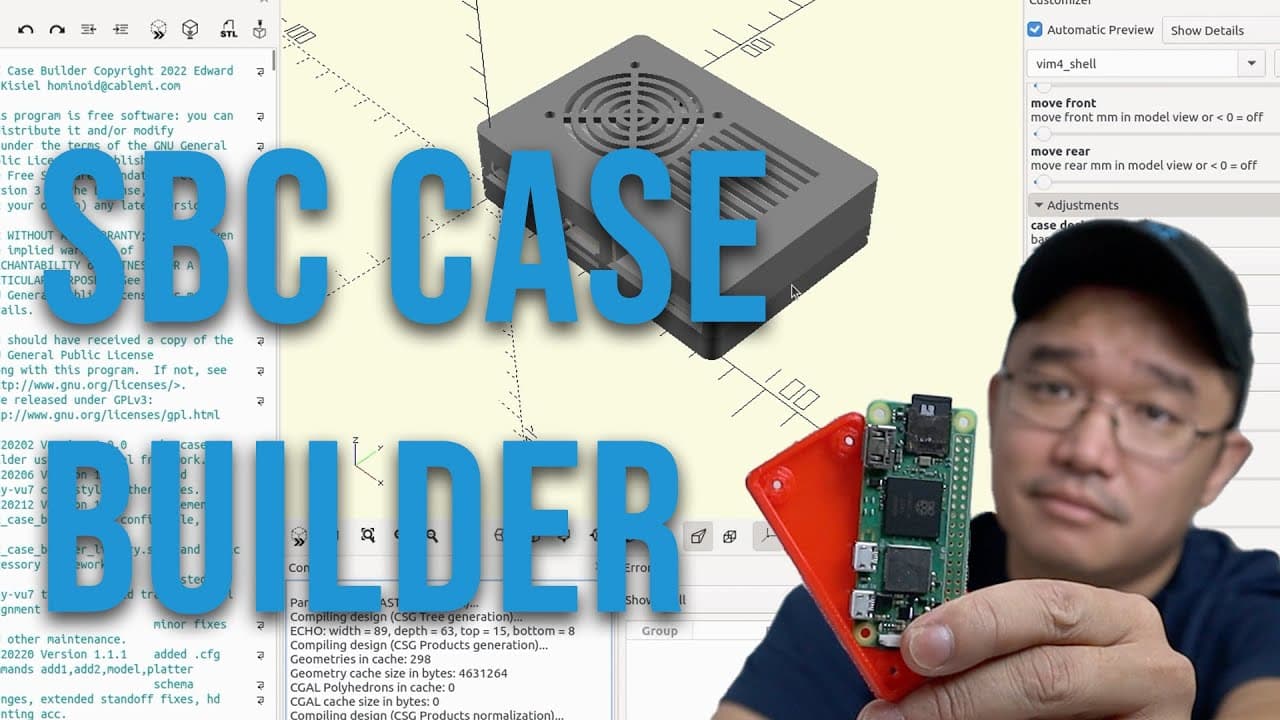
hey guys what's going on it's on here from Nova Spirit Tech and welcome back to the channel and today I'm going to be showing you guys a really cool project called the SBC case Builder so let's get started now this project is actually suggested in the name it's SBC case Builder now this isn't just a software itself it's a project for open scan now ... Read More
Key Insights
- 👤 SBC Case Builder simplifies the process of designing custom cases for Raspberry Pi and other SBCs, catering to both beginner and experienced users.
- 👨💻 The application leverages OpenSCAD's programming capabilities, making it ideal for users with a coding mindset who enjoy customizing their projects.
- 🏂 It supports a variety of single-board computers, increasing its versatility for various DIY electronics projects.
- 👻 Users can export designs easily in STL format, allowing direct usage for 3D printing without needing complex workflows.
- 👤 The capacity to tweak designs significantly enhances user creativity and personalization in building SBC cases.
- 😄 Tinkercad integration adds a layer of ease for users looking to modify designs after exporting them from SBC Case Builder.
- 👤 The printing process is user-friendly, with the potential for rapid prototyping and testing of custom cases using 3D printing.
Install to Summarize YouTube Videos and Get Transcripts
Explore YouTube Video Summarizer or Get YouTube Transcript Extractor
Questions & Answers
Q: What is SBC Case Builder and how does it work?
SBC Case Builder is a project that allows users to create custom cases for single-board computers using OpenSCAD, a CAD software. Users can clone the project repository and use provided templates to design cases suitable for various boards like Raspberry Pi. Once the design is complete, it can be exported as STL files for 3D printing.
Q: What are the system requirements for installing SBC Case Builder?
To run SBC Case Builder, users need to have Git and OpenSCAD installed on their system, which can be either Windows or Linux. The setup involves cloning the project repository and initializing submodules to ensure access to the latest designs and features available in the software.
Q: How can users customize their SBC cases within the software?
Users can modify their SBC cases by adjusting settings like wall thickness, panel openings, and screw placements within OpenSCAD. They can choose from various designs and customize features such as adding vents or removing unnecessary elements, optimizing the case for their specific needs before exporting it for 3D printing.
Q: Can SBC Case Builder designs be further modified after export?
Yes, after exporting the STL file, users can further modify their designs using Tinkercad or similar 3D modeling software. Tinkercad enables users to add additional elements like text or shapes and make any other adjustments to the model before sending it to a 3D printer.
Summary & Key Takeaways
-
SBC Case Builder is an open-source project designed for creating custom cases for single-board computers using OpenSCAD software. It is suitable for users on both Windows and Linux.
-
The latest version includes more board options and allows users to modify designs by changing features like panel openings and wall thickness before exporting as STL files for 3D printing.
-
Users can further customize their case designs using Tinkercad for additional modifications, such as text engraving, making it versatile for 3D printing enthusiasts.
Read in Other Languages (beta)
Share This Summary 📚
Summarize YouTube Videos and Get Video Transcripts with 1-Click
Try YouTube Summary with ChatGPT & Claude or YouTube Transcript Generator
Explore More Summaries from Novaspirit Tech 📚






Summarize YouTube Videos and Get Video Transcripts with 1-Click
Try YouTube Summary with ChatGPT & Claude or YouTube Transcript Generator