What Are the Differences Between Block and File Storage?
TL;DR
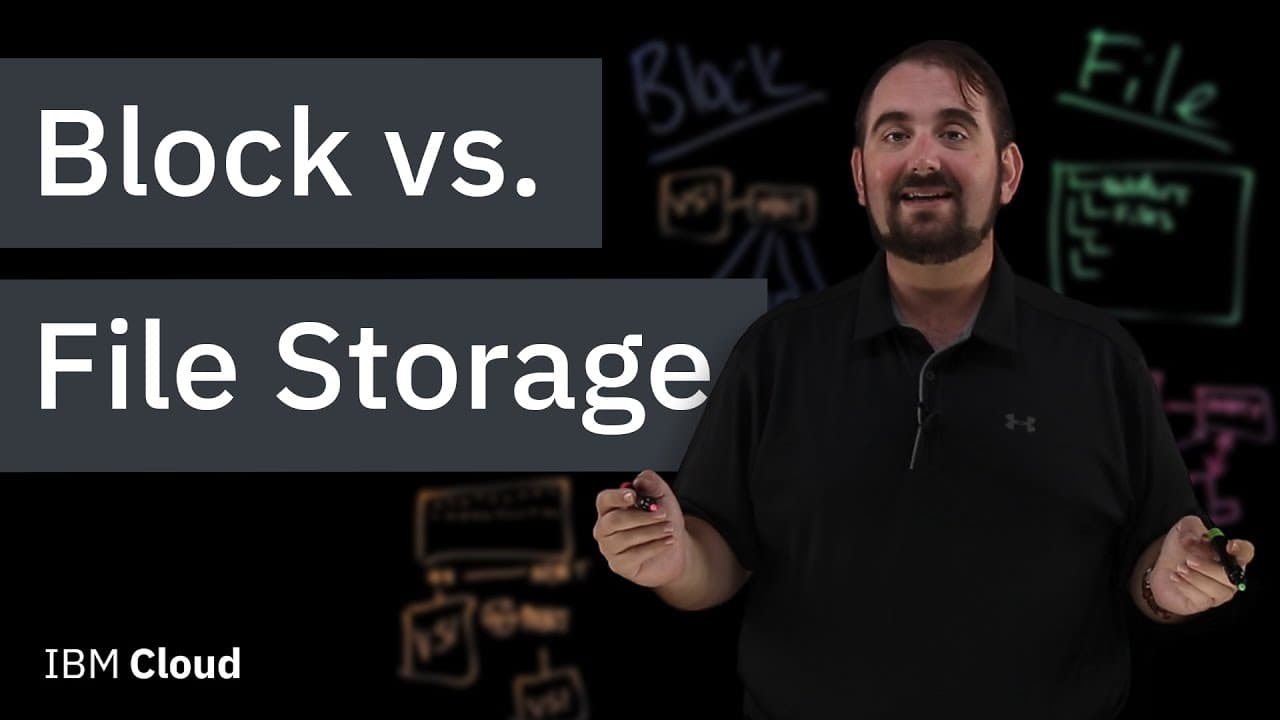
Block storage breaks data into smaller segments for efficient movement and is typically used for databases and operating systems. In contrast, file storage maintains a hierarchical structure, making it ideal for collaborative tasks and access control.
Transcript
hi there and thanks so much for joining us today my name is bradley knapp and i'm with ibm and the question that we're answering today is what is block storage versus file storage so this is a pretty intro intro and basic level question i'm glad you guys came to learn the difference because when you're talking about cloud computing these are far an... Read More
Key Insights
- 😶🌫️ Block storage is commonly used in cloud computing and provides flexibility in data movement and storage.
- 🚵 Block devices can be mounted directly to virtual servers or provisioned at the hypervisor level.
- 🫠 Block storage is ideal for databases, operating system boot images, and read-intensive data.
- 📁 File storage maintains a hierarchical structure and supports collaboration, access control, and storing large files like CAD documents.
- 🎮 File storage is suitable for documents, videos, and other collaborative tasks.
- 👻 Block storage allows for easy transfer of data between virtual servers.
- 📁 File storage provides the ability to lock individual files for data integrity.
Install to Summarize YouTube Videos and Get Transcripts
Explore YouTube Video Summarizer or Get YouTube Transcript Extractor
Questions & Answers
Q: What is the main difference between block storage and file storage?
Block storage breaks data into independent parts and allows for easy movement and mounting, while file storage maintains a hierarchical structure and is suitable for collaboration and access control.
Q: Can block devices be easily transferred between virtual servers?
Yes, block devices can be unmounted from one virtual server and mounted to another, providing flexibility and allowing for efficient data processing.
Q: How does file storage handle access control?
File storage allows for individual files within a file share to be locked, granting specific permissions to users and ensuring data integrity.
Q: What are some practical applications for block storage?
Block storage is ideal for traditional databases, operating system boot images, and data that is read frequently but written rarely.
Q: Can file storage be used for collaborative tasks?
Yes, file storage is suitable for collaboration tasks such as document sharing, video storage, and CAD files, as it maintains a hierarchical structure and allows for multiple users to access and make changes to files.
Key Insights:
- Block storage is commonly used in cloud computing and provides flexibility in data movement and storage.
- Block devices can be mounted directly to virtual servers or provisioned at the hypervisor level.
- Block storage is ideal for databases, operating system boot images, and read-intensive data.
- File storage maintains a hierarchical structure and supports collaboration, access control, and storing large files like CAD documents.
- File storage is suitable for documents, videos, and other collaborative tasks.
- Block storage allows for easy transfer of data between virtual servers.
- File storage provides the ability to lock individual files for data integrity.
- Both block storage and file storage are important components of cloud computing and serve different purposes in data storage and management.
Summary & Key Takeaways
-
Block storage divides data into smaller parts that can be efficiently moved for better performance and flexibility.
-
Block devices can be directly mounted to virtual servers or provisioned at the hypervisor level, allowing for easy transfer between servers.
-
File storage maintains a hierarchical structure, making it suitable for collaboration, access control, and storing large files like CAD documents.
Read in Other Languages (beta)
Share This Summary 📚
Summarize YouTube Videos and Get Video Transcripts with 1-Click
Try YouTube Summary with ChatGPT & Claude or YouTube Transcript Generator
Explore More Summaries from IBM Technology 📚






Summarize YouTube Videos and Get Video Transcripts with 1-Click
Try YouTube Summary with ChatGPT & Claude or YouTube Transcript Generator