What Applications Do I Use in My Ubuntu 20.04 Setup?
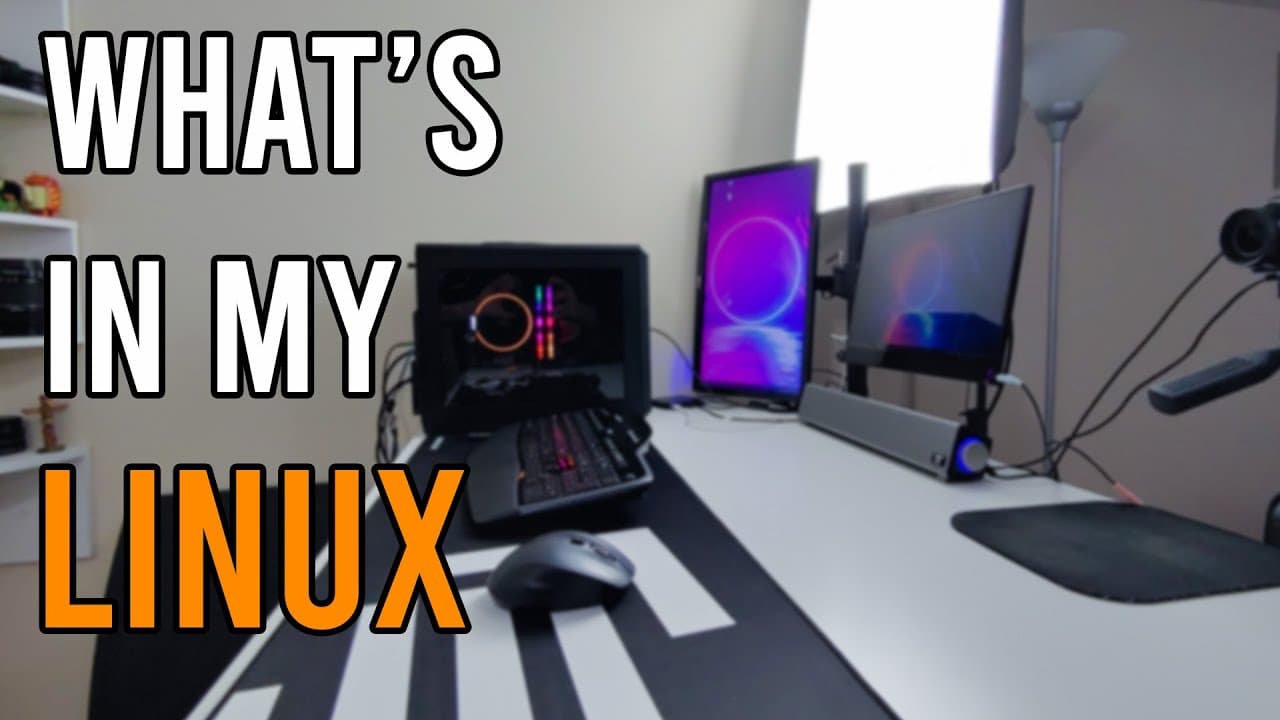
TL;DR
In my Ubuntu 20.04 setup, I use key applications like Visual Studio Code for programming, Audacity for audio editing, and DaVinci Resolve for video production. Additional tools, such as FlameShot for screenshots and a remote desktop client, enhance my streaming and creative workflow.
Transcript
you guys what's going on it's down here from Nova spirit second welcome back to my channel and today we are gonna be doing what's in my Linux similar to what's in my bag or what's in my PC but it's in my Linux yeah anyway let's get started now this is a video that I want to make for quite some time now but I keep changing and formatting this comput... Read More
Key Insights
- 🎏 The speaker's streaming setup emphasizes a blend of performance and usability, featuring Ubuntu 20.04 as the operating system.
- 👨💻 Applications are carefully chosen to suit various tasks, with a notable mention of coding, audio editing, and video production tools integral to the speaker's daily workflow.
- 🈸 The importance of community recommendations is evident, particularly with the choice of applications like FlameShot for enhanced screenshot functionality.
- 😒 Remote desktop capabilities are highlighted, showcasing the use of tools that streamline access to multiple sessions and devices, boosting productivity.
- 👻 The setup includes customization options, such as themes and layouts, allowing users to tailor their environment for a more enjoyable and efficient experience.
- 💍 The speaker actively engages with their audience, encouraging feedback and suggestions for future content regarding different operating systems and software.
- 🎮 The video underscores the advantages of Linux for creative professionals, with many applications available that cater to programming and multimedia needs.
Install to Summarize YouTube Videos and Get Transcripts
Explore YouTube Video Summarizer or Get YouTube Transcript Extractor
Questions & Answers
Q: What Linux distribution is being used in the video?
The speaker is using Ubuntu 20.04 for their setup, which is noted for its stability and user-friendly features. They've tailored this version for streaming by installing necessary applications and configuring them for performance. This choice allows them to benefit from Ubuntu's widespread community support and extensive documentation while providing a robust environment for their activities.
Q: Why does the speaker mention using Visual Studio Code?
Visual Studio Code is highlighted as the speaker's preferred code editor due to its ease of use and functionality. The program supports various programming languages, offers debugging capabilities, and has a user-friendly interface, which makes coding more efficient. The speaker appreciates its familiarity from previous experiences with Microsoft Visual Studio, indicating a smooth transition to utilizing this tool for their projects.
Q: What are some of the key applications mentioned for audio and video editing?
The speaker mentions Audacity and DaVinci Resolve Studio as primary tools for audio and video editing, respectively. Audacity is praised for being a free application that effectively manages audio tasks, while DaVinci Resolve is highlighted for its video editing capabilities and support for MP4 formats on Linux, despite some limitations in audio handling, which require additional processing.
Q: What is the function of the "disk usage analyzer" mentioned?
The disk usage analyzer is a crucial utility in the speaker's setup that helps visualize data storage on the hard drive. It provides insights into which files or directories consume the most space, making it easier to manage storage effectively. This tool is particularly beneficial for optimizing system performance and ensuring that essential applications have adequate disk space.
Summary & Key Takeaways
-
This video showcases the speaker's Linux desktop setup, including the Ubuntu 20.04 operating system and various configurations for improved performance.
-
Various applications are highlighted, including Visual Studio Code, Audacity, and DaVinci Resolve, emphasizing their roles in programming, audio editing, and video production.
-
The speaker discusses enhancements like using a remote desktop tool and disk analyzer, pointing out that the setup is optimized for streaming and creative work.
Read in Other Languages (beta)
Share This Summary 📚
Summarize YouTube Videos and Get Video Transcripts with 1-Click
Try YouTube Summary with ChatGPT & Claude or YouTube Transcript Generator
Explore More Summaries from Novaspirit Tech 📚






Summarize YouTube Videos and Get Video Transcripts with 1-Click
Try YouTube Summary with ChatGPT & Claude or YouTube Transcript Generator