How to Remix YouTube Shorts with Green Screen
TL;DR
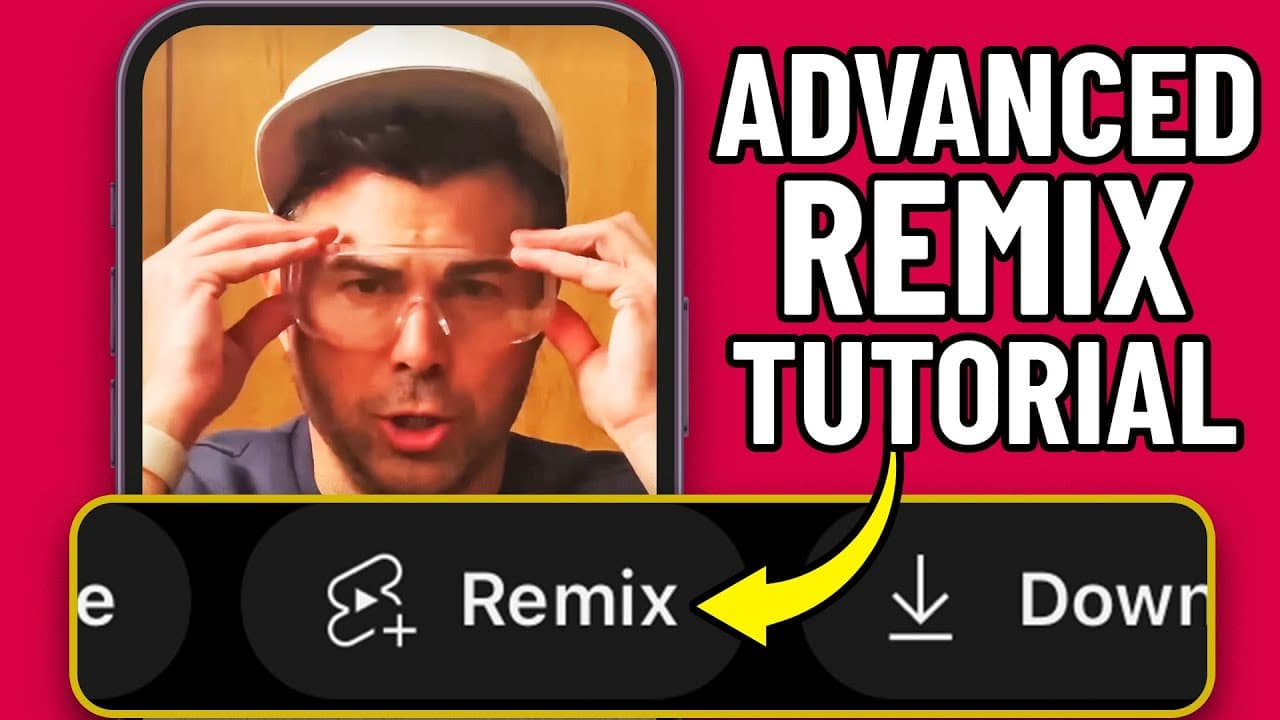
Remixing YouTube Shorts allows you to creatively use others' content by leveraging features like the green screen. Select a video, record your response, and edit using the Shorts editor for unique creations. This enables increased engagement and regular uploads on your channel.
Transcript
let's talk about how to remix someone else's reel or YouTube short I should say all these words YouTube's short real you know they're all kind of in that same family so look I'm on the YouTube homepage here where YouTube is suggesting videos to me and I can see one of my clients right and and this is my doctor he's also one of our clients Dr Jake s... Read More
Key Insights
- 👻 The YouTube Shorts player allows users to remix videos from other channels, providing opportunities for content collaboration and creativity.
- 🎮 Remixing someone else's video can help increase engagement and viewership on your channel, particularly if you choose popular or trending content.
- 👻 The green screen feature in the YouTube Shorts editor allows users to add their own footage while overlaying it onto the original video, creating a unique remix.
- 👯 By strategically remixing other people's videos, users can maximize their content output and schedule regular uploads for increased channel growth.
- 🎥 Remixing videos requires careful positioning and recording techniques, such as pointing the camera at the ceiling to remove oneself from the frame.
- 👤 Users can utilize the YouTube Shorts editor to add text, voice-over, and filters to their remixes, enhancing the overall content quality.
- 🫵 Remixing YouTube shorts requires a balance between utilizing existing content and adding original elements to provide value to viewers.
Install to Summarize YouTube Videos and Get Transcripts
Explore YouTube Video Summarizer or Get YouTube Transcript Extractor
Questions & Answers
Q: Can I remix someone else's YouTube short?
Yes, by using the remix feature in the YouTube Shorts player, you can add your own spin to someone else's video.
Q: What are the options for remixing a YouTube short?
The options include using the sound, using a segment of the video, or using the green screen feature for a full 60 seconds of content.
Q: Can I edit the video after remixing it?
Yes, once you have recorded your segment, you can edit it using the YouTube Shorts editor, which includes features like text, voice-over, filters, and more.
Q: How can remixing someone else's YouTube short benefit my channel?
Remixing popular or trending videos can attract viewers who are interested in the original content, helping to increase your channel's visibility and audience engagement.
Summary & Key Takeaways
-
The YouTube Shorts player allows users to remix and edit videos from other channels.
-
Users can choose from three options: using the sound, using a segment of the video, or using the green screen feature for a full 60 seconds of content.
-
The process involves positioning yourself in front of the video, recording your own segment, and then editing it using the YouTube Shorts editor.
Read in Other Languages (beta)
Share This Summary 📚
Summarize YouTube Videos and Get Video Transcripts with 1-Click
Try YouTube Summary with ChatGPT & Claude or YouTube Transcript Generator
Explore More Summaries from Owen Video 📚






Summarize YouTube Videos and Get Video Transcripts with 1-Click
Try YouTube Summary with ChatGPT & Claude or YouTube Transcript Generator