Is the $100 Ciclop 3D Scanner Worth It for Beginners?
TL;DR
The $100 Ciclop 3D scanner is a budget-friendly option suitable for beginners, but it requires careful alignment during setup, which can be time-consuming. While it performs well with most non-black objects, its struggle with black surfaces limits versatility. Ideal for simple projects, its fragility necessitates a dedicated workspace to maintain accuracy.
Transcript
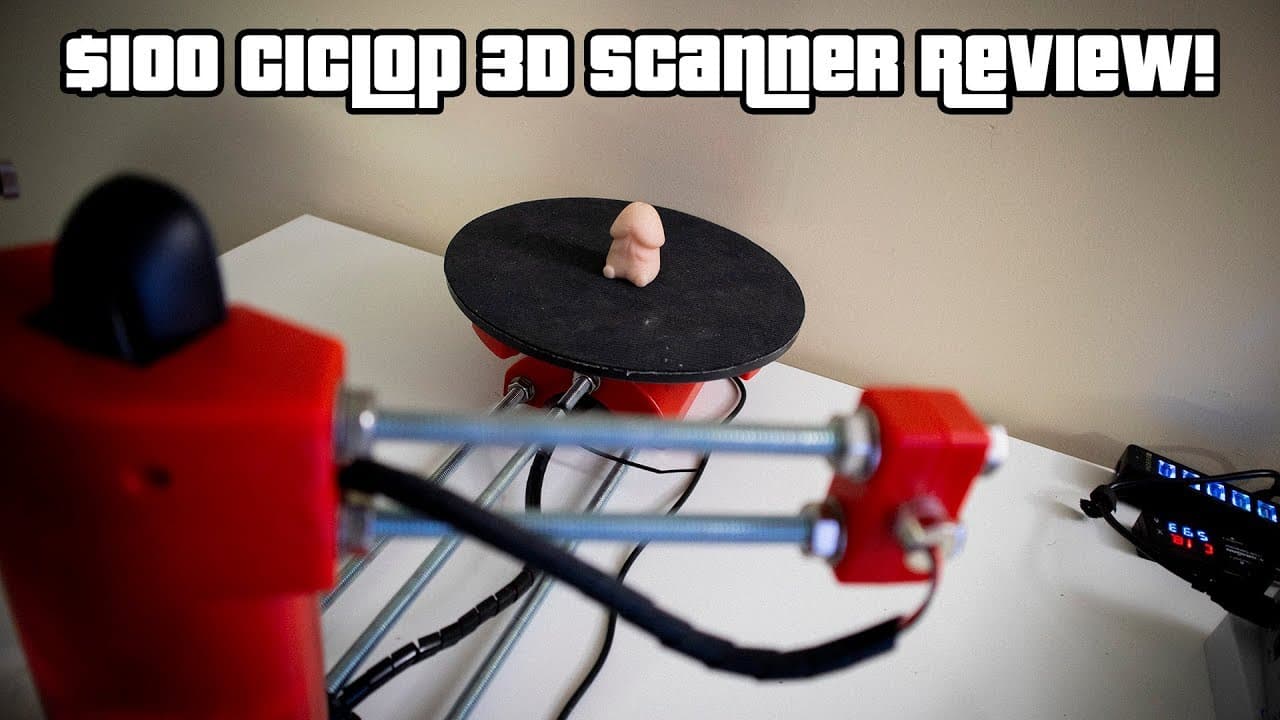
hey guys going on it's down here from Nova spirit second today we're gonna be doing a quick review on the $100 3d scanner at the Cyclops 3d so let's get started so this is the probably most affordable 3d scanner you can get that has a bed laser cameras and all that stuff you can actually 3d print the whole entire set up if you wanted to I'll leave ... Read More
Key Insights
- 🎯 The $100 3D scanner is one of the most affordable options in the market, targeting hobbyists and beginners.
- 🔬 Assembly is quick, but precision in alignment is crucial and labor-intensive, affecting overall usability.
- 🖤 The scanner's difficulty with black surfaces presents a significant limitation for various objects, emphasizing the importance of color selection.
- 😒 The use of appropriate software can greatly enhance the final output from the 3D scanning process.
- 👤 Fragility of the device forces users to establish a dedicated workspace for optimal functionality.
- 🖤 Although it's a budget scanner, the outputs can be good enough for personal projects, especially non-black objects.
- ⚾ The accuracy of scans can vary based on object choice, with simple shapes performing better than complex designs.
Install to Summarize YouTube Videos and Get Transcripts
Explore YouTube Video Summarizer or Get YouTube Transcript Extractor
Questions & Answers
Q: How long does it take to assemble the $100 3D scanner?
Assembling the $100 3D scanner takes approximately 20 minutes. However, the real challenge lies in aligning the components, particularly the camera and laser beams, which can take an additional hour or more depending on accuracy and stability. This process is critical for the scanner to function properly and is a key aspect to consider when setting it up.
Q: What issues did you encounter while scanning objects?
One significant issue experienced during scanning was the scanner's inability to detect black surfaces, such as a toy's details and the black bed where objects were placed. This limitation is due to the scanner's design, which struggles to capture light-absorbing materials. Therefore, it's advisable to choose non-black objects for more successful results.
Q: Can the 3D scanner be moved easily after setup?
The 3D scanner is quite fragile, meaning that any slight movement can lead to misalignment of the components. If the scanner is moved, it may require a complete realignment, which could take an additional hour of effort. Thus, it's recommended to establish a permanent setup for the scanner to avoid these issues.
Q: What software do you recommend for processing scans from the 3D scanner?
For processing the scans, the video recommends using MeshLab for converting point data into solid meshes, followed by Autodesk's Meshmixer for refining and closing up any gaps in the scanned object. These software programs are essential for achieving a clean and usable 3D print file after scanning.
Q: What types of objects are best suited for this 3D scanner?
The $100 3D scanner performs best with objects that are not black or absorbent in color, as it tends to struggle with such materials. Small, brightly colored items like toys or geometric shapes are ideal candidates rather than complex or detailed items that include black features, which may lead to subpar scanning results.
Q: Is the $100 3D scanner worth purchasing?
For those interested in entering the world of 3D scanning without a hefty investment, this scanner could be a fun and useful tool. While it may not offer professional-grade results, it is satisfactory for hobbyists or basic projects. It does work adequately for parts that have simple geometries, making it a potential choice for certain applications.
Summary & Key Takeaways
-
The $100 3D scanner offers an affordable entry point for hobbyists, featuring a build that can be 3D printed and relatively straightforward assembly.
-
While initial setup is simple, aligning the laser and camera is challenging and can be time-consuming, with any movement requiring re-alignment.
-
Scanning performance is decent for non-black objects, though the scanner struggles with black surfaces, making it suitable for certain types of objects and applications.
Read in Other Languages (beta)
Share This Summary 📚
Summarize YouTube Videos and Get Video Transcripts with 1-Click
Try YouTube Summary with ChatGPT & Claude or YouTube Transcript Generator
Explore More Summaries from Novaspirit Tech 📚






Summarize YouTube Videos and Get Video Transcripts with 1-Click
Try YouTube Summary with ChatGPT & Claude or YouTube Transcript Generator