How to Install Hackintosh on Geekcom IT8 Mini PC?
TL;DR
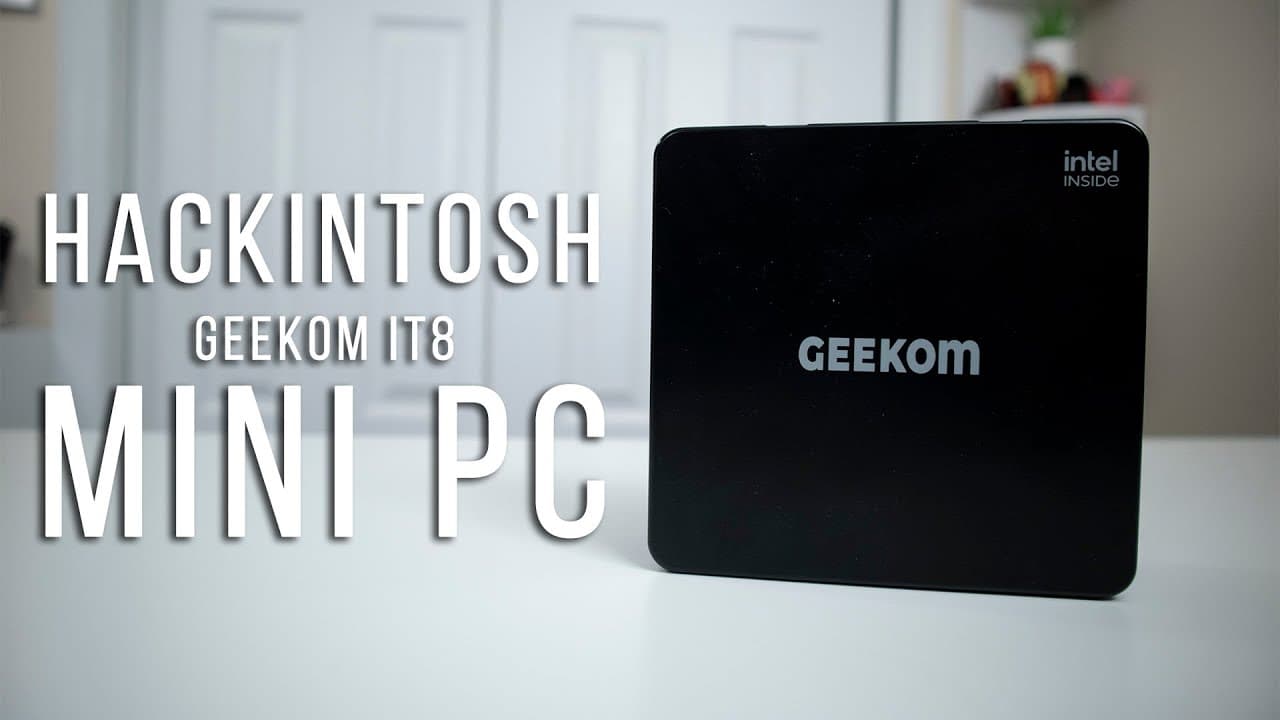
To install Hackintosh on the Geekcom IT8 Mini PC, modify the BIOS, create a bootable USB, and follow a straightforward installation process that takes about 30 minutes. This setup allows users to run macOS Big Sur and successfully use iMessage and FaceTime with the appropriate network configurations.
Transcript
hey guys what's going on it's don here from nova spare tech and welcome back to the channel and today we're going to be checking out hackintosh on the geekcom it8 mini pc so let's get started now before we begin i have done a review on this unit which is the geekcom it8 and i'll leave a link on the top left for you guys if you want to see all the s... Read More
Key Insights
- 🏃 The Geekcom IT8 Mini PC is a suitable candidate for a Hackintosh build, equipped with robust specifications for running macOS efficiently.
- 👤 The installation process can easily be accomplished within approximately 30 minutes, significantly simplifying Hackintosh setups for users.
- 🈸 Successful operation of Mac applications like iMessage and FaceTime on Hackintosh requires specific network configurations and BIOS adjustments.
- 🥶 Benchmark scores indicate that the Geekcom IT8 Mini PC can perform on par with some older Mac models, emphasizing its capability for productivity tasks.
- 🧡 Users can enjoy a range of performance-based applications and gaming experiences on a Hackintosh setup, although the gaming library is limited.
- 🏃 Modified BIOS firmware is crucial for enabling essential features needed for macOS to run properly on non-Apple hardware systems.
- 🤩 Personalization aspects, such as using a Wi-Fi dongle that mimics Apple's hardware, play an integral role in ensuring key software functions reliably.
Install to Summarize YouTube Videos and Get Transcripts
Explore YouTube Video Summarizer or Get YouTube Transcript Extractor
Questions & Answers
Q: What are the key specifications of the Geekcom IT8 Mini PC used for the Hackintosh installation?
The Geekcom IT8 Mini PC in the video runs on an Intel 8th generation i5 processor, has 16 GB of RAM, and comes with 512 GB of internal storage. These specifications are conducive for running macOS, making it a suitable choice for a Hackintosh setup.
Q: What steps are required to modify the BIOS for Hackintosh on the Geekcom IT8?
To modify the BIOS, users will need to locate and install a modified BIOS provided by Geekcom. The process involves updating the BIOS via Windows and ensuring it activates the hardware features necessary for macOS to run optimally. Documentation and links for this are provided in the video description.
Q: How does the installation process of Hackintosh on Geekcom IT8 work?
The installation process involves creating a bootable USB stick with a macOS image after modifying the BIOS. Once the USB is created, the user can boot from it and follow straightforward installation prompts. The entire setup takes about 30 minutes from start to finish.
Q: What performance metrics were shared regarding the Geekcom IT8 after installing Hackintosh?
The benchmarks shared include a Geekbench score of 933 for single-core performance and 3,664 for multi-core performance. Additionally, OpenCL scored approximately 7,339, showing that the system performs comparably to some older Mac models, enabling decent usability.
Q: Can iMessage and FaceTime be used on the Hackintosh setup?
Yes, iMessage and FaceTime can work on the Hackintosh setup. The host explained that by spoofing the Mac address or using an official Mac-compatible Wi-Fi dongle, and modifying serial ID numbers in the BIOS, he was able to successfully utilize both applications on the Geekcom IT8.
Q: What games were tested on the Geekcom IT8 after the Hackintosh installation?
The video demonstrated the game "Art of Rally," showcasing its performance on the Geekcom IT8. While the host noted that macOS is not a primary gaming platform with limited titles available, the game ran well, confirming the capability of the system to handle gaming.
Q: Why does the host prefer to keep macOS on Big Sur instead of upgrading to the latest version?
The host prefers to stay on macOS Big Sur because certain applications work better on this version, and upgrading could potentially hinder compatibility. He believes that maintaining a stable environment with known performance is crucial for his intended use.
Q: What tools were mentioned as essential for the Hackintosh installation?
Key tools mentioned include Clover Configurator for generating necessary serial numbers, and various "hack tools" needed for a successful Hackintosh configuration. These tools are critical for ensuring different macOS features work correctly on non-Apple hardware.
Summary & Key Takeaways
-
The video demonstrates the process of installing Hackintosh on the Geekcom IT8 Mini PC, equipped with an Intel i5 processor, allowing users to run macOS Big Sur.
-
The installation requires a modified BIOS and the creation of a bootable USB, which simplifies the Hackintosh setup process and takes about 30 minutes to complete.
-
The host showcases the successful functioning of iMessage and FaceTime through modifications, plus runs benchmarks and a gaming test to prove the system's performance.
Read in Other Languages (beta)
Share This Summary 📚
Summarize YouTube Videos and Get Video Transcripts with 1-Click
Try YouTube Summary with ChatGPT & Claude or YouTube Transcript Generator
Explore More Summaries from Novaspirit Tech 📚






Summarize YouTube Videos and Get Video Transcripts with 1-Click
Try YouTube Summary with ChatGPT & Claude or YouTube Transcript Generator