How to turn a simple sentence into a high quality AI prompt
TL;DR
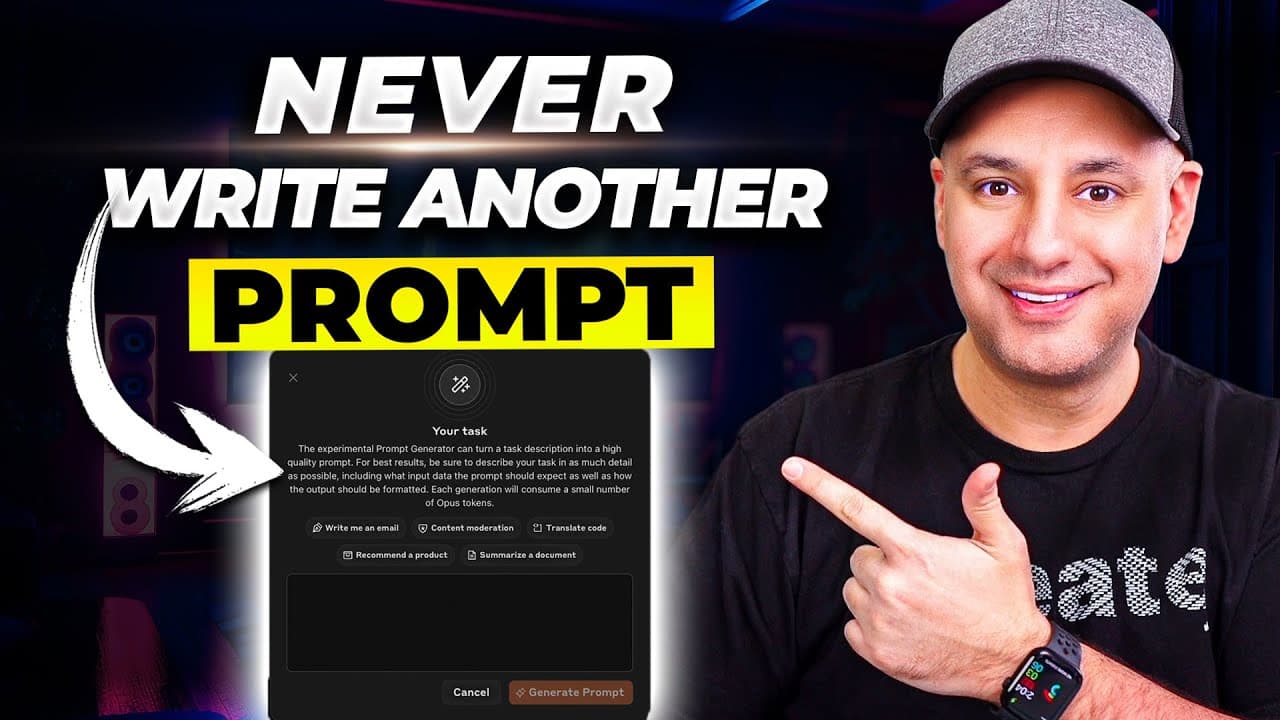
You can turn a basic sentence into a complete, editable prompt with an experimental generator on Anthropic Claude. The tool outputs detailed prompts you can use in AI apps, and you can refine them, create API keys, and access a prompt library to tailor outputs without deep prompting know how.
Transcript
if you've ever struggled to come up with a really good effective prompt to use inside of chat GPT for example I'm going to show you a tool that basically takes care of prompting for you you no longer have to figure out how to prompt things correctly it basically takes one sentence and gives you a really complete prompt that you could then use insid... Read More
Key Insights
- A basic input prompt can be expanded into a high quality, fully editable prompt by the generator.
- Using an API key is required to generate prompts, with a note on potential costs, typically a few cents per prompt.
- The editor shows red placeholders for variables, which you replace with your own information to customize prompts.
- The tool provides a formal structure that makes prompts more detailed and usable than single sentence prompts.
- A prompt library exists to save and reuse prompts, reducing repetitive creation work.
- Different AI models (like Claude and OpenAI) can be used with the generated prompts, enabling flexible deployment.
- The platform supports editing prompts after generation to fine tune the output for specific tasks.
- The video compares standard single prompts to Mega prompts that include sections and formatting for better results.
Install to Summarize YouTube Videos and Get Transcripts
Explore YouTube Video Summarizer or Get YouTube Transcript Extractor
Questions & Answers
Q: How does the prompt generator start from a basic sentence to a full prompt
The generator takes a basic prompt and converts it into a high quality, detailed prompt by expanding the description into structured sections. It outputs a fully editable prompt with placeholders and variables that you then tailor to your needs. This approach reduces the guesswork and improves the final output for AI models.
Q: What are the steps to use the Claude prompt generator
First, access the Claude prompt generator from Anthropic console and sign in or create an account. Then create an API key, optionally apply any available credits, and pay per usage if necessary. Finally, input a basic sentence, generate the prompt, and start editing to customize the result.
Q: Why are variables shown in brackets in prompts
Variables shown in brackets indicate sections that require user input. Replacing these brackets with your own data personalizes the prompt, ensuring the generated output fits your specific context. This helps create reusable templates that can be quickly adapted for different tasks.
Q: What is the benefit of a Mega prompt
A Mega prompt is longer and more structured, defining multiple sections and details that guide the AI response more precisely. This formatted approach reduces drift and ensures outputs stay aligned with the user’s goals, making it easier to achieve consistent, high quality results.
Q: Can the generated prompts be used with multiple AI platforms
Yes, the generated prompts can be used with various AI platforms including Claude and OpenAI. The structure and formatting are designed to be adaptable, so you can paste the prompt into different tools and models, choosing the best model for your needs.
Q: What is the role of the prompt library mentioned in the video
The prompt library serves as a repository of ready to use prompts across business and personal categories. Users can browse, copy, and adapt prompts to accelerate workflow, ensuring consistency and saving time by not creating prompts from scratch each time.
Q: What setup is required to start generating prompts
You need to sign in to the Anthropic console, create an API key, and ensure you have any applicable credits or funds for usage. Then you can input a basic sentence, generate the prompt, and begin editing to tailor it for your application.
Q: How does editing improve the final prompt
Editing allows you to refine the format, remove unnecessary brackets, adjust sections, and tailor the prompt precisely to your task. By tweaking the content line by line, you can ensure the output matches your desired style, tone, and level of detail, reducing the need for post generation corrections.
Summary & Key Takeaways
-
The video explains an experimental prompt generator that converts a simple description into a detailed, usable prompt for AI models.
-
It demonstrates how to access the tool on Anthropic Claude, create an API key, and handle basic setup steps to start generating prompts.
-
It also highlights editing, refining, and organizing prompts with a prompt library to improve reuse and consistency.
Read in Other Languages (beta)
Share This Summary 📚
Summarize YouTube Videos and Get Video Transcripts with 1-Click
Try YouTube Summary with ChatGPT & Claude or YouTube Transcript Generator
Explore More Summaries from Skill Leap AI 📚






Summarize YouTube Videos and Get Video Transcripts with 1-Click
Try YouTube Summary with ChatGPT & Claude or YouTube Transcript Generator