What Free Project Management Tools Does Miles Becker Use While Traveling? Notepad, Freedcamp and Slack
TL;DR
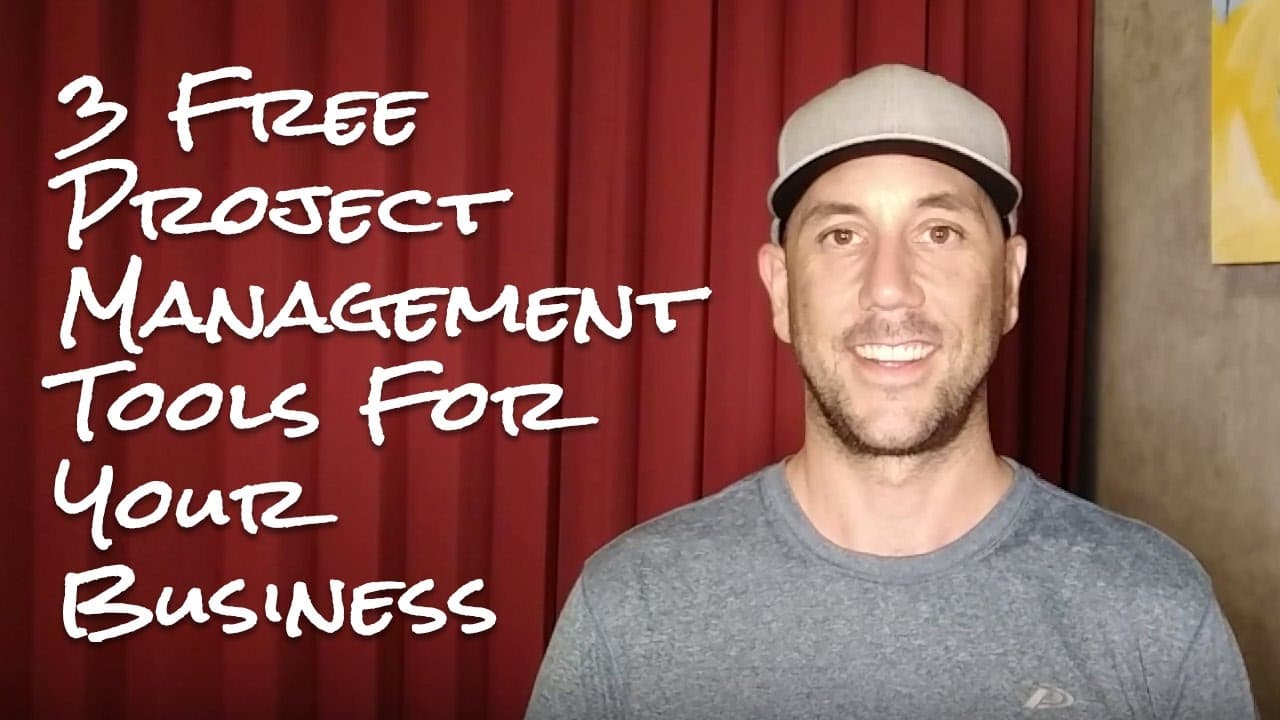
Miles Becker keeps his business and projects moving while traveling with three free tools: a Notepad file for his three daily priorities, Freedcamp for assigning and tracking team tasks, and Slack for quick communication. The system supports his team of about seven or eight people across multiple business areas. Read on to see how each tool fits into his workflow.
Transcript
hey miles Becker here and in this video we're gonna talk about the three tools that I use to keep my projects and my business on track while I travel now if you've been following the videos you know that I was just at a large kind of massive five-day conference in Bangkok followed up by a five day or a five night six-day event in Phuket and I just ... Read More
Key Insights
- Miles Becker shares his top three free tools for managing business projects while traveling, emphasizing simplicity and accessibility.
- The first tool is a notepad file that Miles uses to list the top three tasks for the day, ensuring focus and continuity.
- Freedcamp is highlighted as a comprehensive project management tool that allows team collaboration, task assignment, and tracking across various business verticals.
- Slack is preferred over Skype for team communication, facilitating quick text exchanges and maintaining organized channels for different business areas.
- The integration of Slack with mobile devices ensures seamless communication, allowing for quick responses and continuous project momentum.
- Miles emphasizes the importance of maintaining productivity and project management even while attending conferences and traveling internationally.
- The use of these tools has helped Miles manage a large team and complex projects, contributing to the growth and success of his business.
- Miles encourages viewers to try these tools and share their experiences, fostering a community of shared productivity practices.
- "all of these tools are completely free so that's the great part right here and the first tool is super simple" (1:04)
- "I keep a notepad file on my desktop of my computer it's titled three things" (1:12)
- "my project management system that I use is called freed camp fr EE D CA MP freed camp comm it's a free system" (2:36)
- "I use slack instead of Skype for team communication this is where I chat with my team just basic text chats back and forth" (4:07)
- "a notepad file freed camp and slack are the three real project management systems I use to keep my business moving forward while I travel" (5:22)
Install to Summarize YouTube Videos and Get Transcripts
Explore YouTube Video Summarizer or Get YouTube Transcript Extractor
Questions & Answers
Q: What three free project management tools does Miles Becker use while traveling?
Miles Becker uses a Notepad file, Freedcamp and Slack. Notepad tracks his three most important tasks, Freedcamp organizes projects and assignments, and Slack supports quick team communication.
Q: How does Miles Becker use Notepad to prioritize daily work?
He keeps a desktop Notepad file titled "three things" with his three most important tasks. Before finishing each day, he updates it with the next day's priorities, leaving himself a breadcrumb for the morning.
Q: Why does Miles Becker add Freedcamp to his Notepad system?
The Notepad file only supports his personal workflow and does not extend to the rest of the business. He and his wife are business partners with a team of about seven or eight people, so he uses Freedcamp to coordinate their work.
Q: How does Freedcamp help Miles Becker manage projects?
Freedcamp lets him create projects for different business verticals, add teammates and assign tasks to specific people. Teammates can indicate that tasks are being worked on, mark them completed and make their progress visible.
Q: What kinds of work does Miles Becker organize in Freedcamp?
He describes a marketing project with a pay-per-click section containing tasks, ad copy, ad sizes and ad shapes. He also uses a full category of tasks to coordinate a redesign of the business's main website.
Q: Why does Miles Becker use Slack instead of Skype?
He uses Slack for basic text conversations with his team. Channels separate discussions for customer support, social media marketing, development and design, while mentions and direct messages help people address specific questions quickly.
Q: How does Slack help keep projects moving while Miles Becker travels?
Slack has an app on his laptop and cell phone, so he can check messages while in an airport or relaxing in the evening. He can respond from his phone or get teammates what they need, allowing their work to continue.
Q: How do Notepad, Freedcamp and Slack work together?
Notepad keeps Miles focused on his three personal priorities for the day. Freedcamp coordinates larger projects involving multiple teammates, while Slack handles quick questions that do not require a full project-management post.
Summary & Key Takeaways
-
Miles Becker discusses three essential tools he uses to manage his business projects while traveling. These tools include a simple notepad file for daily task tracking, Freedcamp for comprehensive project management, and Slack for efficient team communication. Each tool is free and enhances productivity across different business areas.
-
The notepad file helps Miles focus on the top three tasks each day, providing a straightforward method to maintain continuity in his work. Freedcamp allows for detailed project management, enabling task assignments and tracking for a team of seven to eight people, ensuring projects stay on track.
-
Slack is used for team communication, offering organized channels for different business areas and facilitating quick exchanges. Its integration with mobile devices ensures that Miles can stay connected and respond promptly, maintaining project momentum even while traveling or attending conferences.
Read in Other Languages (beta)
Share This Summary 📚
Summarize YouTube Videos and Get Video Transcripts with 1-Click
Try YouTube Summary with ChatGPT & Claude or YouTube Transcript Generator
Explore More Summaries from Miles Beckler 📚





Summarize YouTube Videos and Get Video Transcripts with 1-Click
Try YouTube Summary with ChatGPT & Claude or YouTube Transcript Generator