How to Install a Minecraft Server on Raspberry Pi 4?
TL;DR
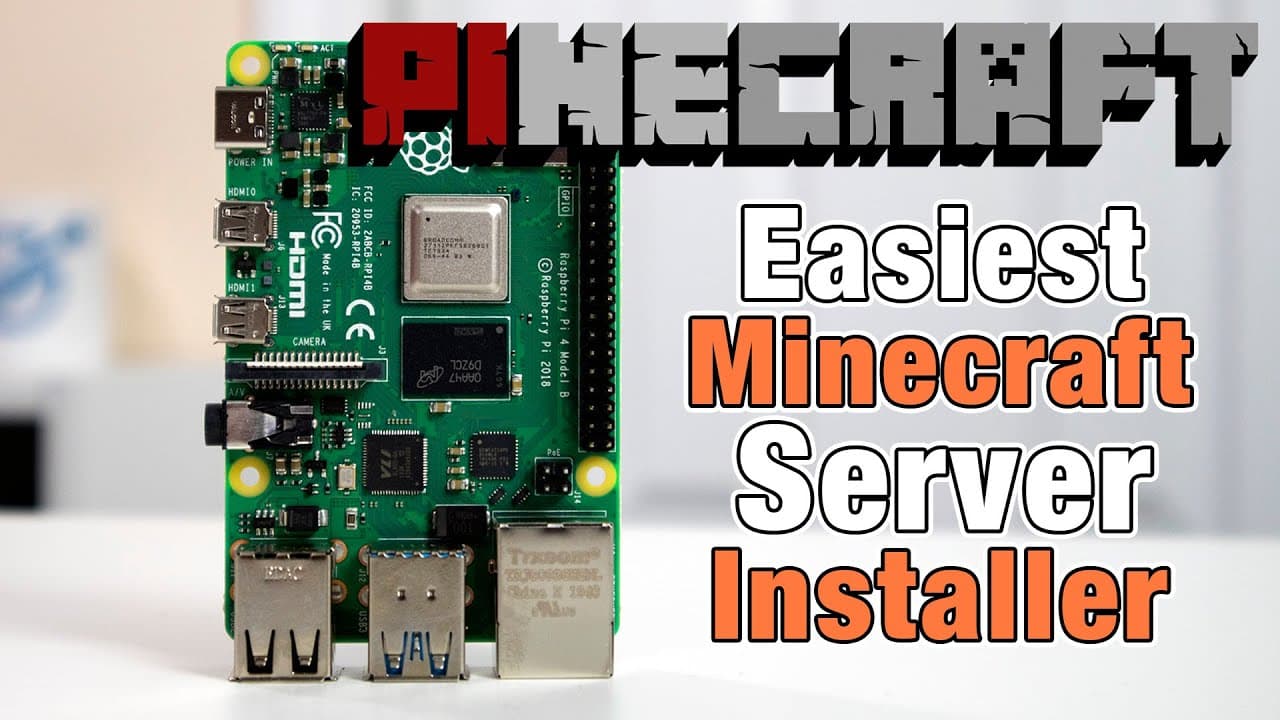
To install a Minecraft server on a Raspberry Pi 4, use a script that automates the process and allows you to choose different server types like Spigot or Paper. It's recommended to use an SSD for better performance and to allocate at least four gigabytes of RAM to ensure smooth operation during gameplay.
Transcript
hey guys don here from novaspirittech and welcome back to the channel and today i'm going to show you a simple way to install minecraft server onto your raspberry pi 4 using this script called minecraft so let's get started now a buddy of mine named robbie over at category 5 tv and i'll leave a link to his channel down in the description below crea... Read More
Key Insights
- 👤 The installation script simplifies the Minecraft server setup on Raspberry Pi, targeting users with varying technical expertise.
- ☠️ Utilizing an SSD instead of an SD card significantly enhances the performance and reliability of the server setup.
- 🦮 The video provides a clear guide on configuring Raspberry Pi OS Lite and essential settings for optimal server functionality.
- 👻 Multiple server options like Spigot, Paper, and Fabric are available, allowing users to choose based on their gaming needs.
- ❣️ Overclocking features ensure that the Raspberry Pi can handle the heavy demands of a Minecraft server effectively.
- 🎮 A minimum of four gigabytes of RAM is crucial for smooth performance and avoiding limitations during gameplay.
- 👾 The presenter emphasizes the importance of verifying server functionality through SSH access and in-game tests.
Install to Summarize YouTube Videos and Get Transcripts
Explore YouTube Video Summarizer or Get YouTube Transcript Extractor
Questions & Answers
Q: What are the benefits of using the Minecraft installation script provided by Robbie from Category 5 TV?
Robbie's installation script simplifies the Minecraft server setup process on Raspberry Pi, automating various tasks such as downloading dependencies and configuring settings. This user-friendly approach saves time and ensures that even those with limited technical knowledge can successfully set up their own Minecraft server without manual scripting or complex commands.
Q: Why is it recommended to use an SSD over an SD card for running a Minecraft server on Raspberry Pi?
An SSD is recommended over an SD card for running a Minecraft server on Raspberry Pi due to its superior read and write speeds. SD cards can wear out quickly when subjected to the intensive read/write activities that come with running a Minecraft server, potentially leading to data corruption or failure. An SSD enhances performance and longevity crucial for server applications.
Q: What are the different types of Minecraft servers that can be installed using the script?
The script allows the installation of various types of Minecraft servers, including the original Minecraft server, Spigot, Paper, and Fabric. Each type caters to different needs, with Paper being particularly recommended for its lightweight nature and optimal performance, making it ideal for users who prioritize speed and efficiency in their gaming experience.
Q: How does the server's performance compare during gameplay?
The server performs remarkably well on Raspberry Pi 4, with smooth operation during gameplay and efficient seed generation. The presenter mentioned that even demanding tasks, such as world regeneration, proceed without significant delays, highlighting that the setup is capable of supporting multiple players smoothly, demonstrating the server's adequacy for casual gaming.
Q: What system requirements are mentioned for running Minecraft on Raspberry Pi?
The video emphasizes that a minimum of four gigabytes of RAM is recommended to run Minecraft effectively on Raspberry Pi. Insufficient RAM can lead to sluggish performance, particularly during block generation, which can hinder gameplay experience. Sufficient memory ensures better multitasking and responsiveness during gaming sessions.
Q: What is the significance of overclocking the Raspberry Pi during the installation?
Overclocking the Raspberry Pi during installation is crucial as it optimizes the device's performance for running demanding applications like Minecraft. The script automatically detects the hardware and adjusts settings to enhance processing speed, ensuring smoother gameplay and better resource management, which is particularly needed in scenarios involving multiple users.
Q: How did the presenter verify that the server was set up correctly?
The presenter verified the server's setup by logging into the Raspberry Pi via SSH, checking the update of the system repositories, and following the installation steps shown in the terminal. Additionally, they utilized the Minecraft launcher to connect to the server using the specified IP address, confirming that gameplay was smooth and operational.
Q: Are there any additional resources provided for further tuning or guides?
Yes, the video encourages viewers to check Robbie's channel for additional guides and performance tuning tips related to the Minecraft server installation, as well as Luke’s channel for instructions on installing the Java version of Minecraft on Raspberry Pi. This approach offers viewers a broader perspective on optimizing their gaming experience.
Summary & Key Takeaways
-
The video demonstrates a straightforward method to install a Minecraft server on a Raspberry Pi 4 using a script created by Robbie from Category 5 TV. The script automates the setup process, allowing users to choose different server types.
-
The presenter shares the installation of Raspberry Pi OS Lite and highlights the importance of using an SSD instead of an SD card for better performance. The steps include enabling SSH and configuring basic settings through the Raspberry Pi Imager.
-
After installation, the video showcases the server's functionality, emphasizing its smooth operation during gameplay and seed generation on the Raspberry Pi 4, which meets the Minecraft server requirements.
Read in Other Languages (beta)
Share This Summary 📚
Summarize YouTube Videos and Get Video Transcripts with 1-Click
Try YouTube Summary with ChatGPT & Claude or YouTube Transcript Generator
Explore More Summaries from Novaspirit Tech 📚






Summarize YouTube Videos and Get Video Transcripts with 1-Click
Try YouTube Summary with ChatGPT & Claude or YouTube Transcript Generator