How Does Raspbian X Enable Gaming on Raspberry Pi?
TL;DR
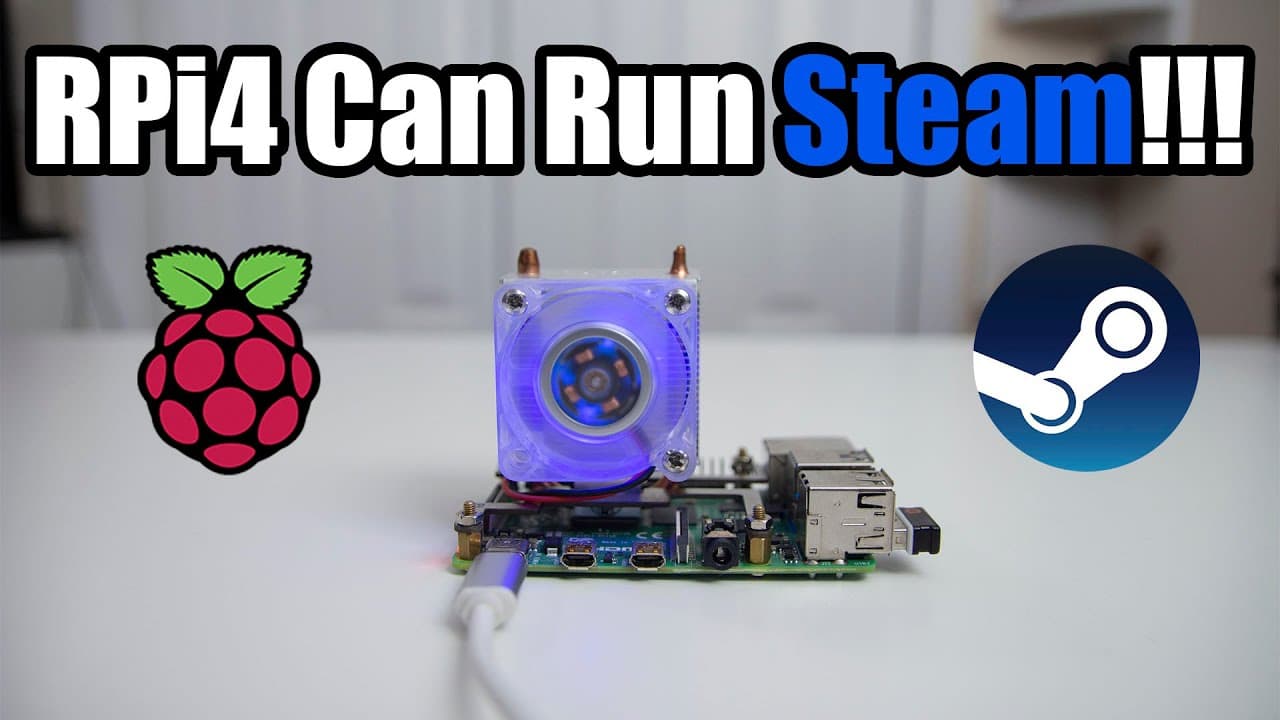
Raspbian X allows seamless gaming on Raspberry Pi by integrating Box 86, enabling the use of x86 applications like Steam and Netflix. The operating system features a Windows 10-like desktop and includes pre-installed tools and games, making it an impressive gaming platform despite being in pre-release. Community feedback is vital for ongoing improvements and bug fixes.
Transcript
he knows what's going on it's down here from Nova spirit second welcome back to our channel and today we are gonna be taking a look at this image called raspbian x made by my friend PI's labs so let's get started now before we get I want to say that PI's lab actually put a lot of hard work into getting this image working and the whole premise aroun... Read More
Key Insights
- 👾 Raspbian X integrates Box 86, providing access to a plethora of x86 applications and games on ARM-based Raspberry Pi.
- 👤 The interface designed for Raspbian X mimics Windows 10, enhancing user familiarity and experience.
- 😑 Pre-installed applications include notable titles and tools such as Steam and Netflix-compatible software, illustrating its versatility.
- 🐛 Community input is crucial for the success of Raspbian X, as ongoing development seeks to address emerging bugs and compatibility issues.
- 👾 The successful running of Linux-specific games marks a significant advancement in what Raspberry Pi can achieve as a gaming platform.
- 👤 The project's developer, PI's lab, continues to produce multiple versions and updates designed for varied user needs beyond just gaming.
- 👾 Users are encouraged to explore a range of software, including Teamspeak and retro gaming applications, facilitated by Box 86's capabilities.
Install to Summarize YouTube Videos and Get Transcripts
Explore YouTube Video Summarizer or Get YouTube Transcript Extractor
Questions & Answers
Q: What is Box 86 and how does it relate to Raspbian X?
Box 86 is a compatibility layer that enables x86 Linux binaries to run on ARM devices without full emulation, acting more like a wrapper. Raspbian X leverages Box 86 to allow users to run programs and games designed for the x86 architecture on the Raspberry Pi, thereby enhancing the usability of the operating system for gaming and applications.
Q: What specific features does Raspbian X offer for gamers?
Raspbian X comes with a pre-configured environment for gaming that allows the use of Steam to play Linux-compatible games. It features a desktop reminiscent of Windows 10, accessibility to various gaming titles, and support for online streaming services like Netflix, making it an attractive option for gamers seeking to use Raspberry Pi for gaming purposes.
Q: Can users expect stability and performance with Raspbian X?
While Raspbian X shows impressive performance for a pre-release build, users should be cautious as it is still in development. The gaming experience can vary based on software updates and user hardware. Users are encouraged to report bugs and provide feedback to help improve functionality as Box 86 continues to develop and gain support.
Q: Are there any limitations in the current version of Raspbian X?
Yes, the current version of Raspbian X is experimental, which means there may be occasional bugs or compatibility issues. For example, certain aspects of Steam may not function perfectly, or some games may not load as intended. Users should keep in mind that this is a preliminary version, and continuous development may address these issues.
Summary & Key Takeaways
-
Raspbian X, developed by PI's lab, is a pre-release operating system focused on providing an intuitive environment for Box 86, facilitating gaming and application usage on Raspberry Pi.
-
The system includes a Windows 10-like desktop environment and supports various applications like Steam, Netflix, and DRM content through its integrated tools and pre-installed software.
-
Although currently in experimental stages, Raspbian X shows impressive compatibility with games and applications and aims for further improvements with community feedback and ongoing development.
Read in Other Languages (beta)
Share This Summary 📚
Summarize YouTube Videos and Get Video Transcripts with 1-Click
Try YouTube Summary with ChatGPT & Claude or YouTube Transcript Generator
Explore More Summaries from Novaspirit Tech 📚






Summarize YouTube Videos and Get Video Transcripts with 1-Click
Try YouTube Summary with ChatGPT & Claude or YouTube Transcript Generator