How to Clean Your Graphics Card for Better Performance
TL;DR
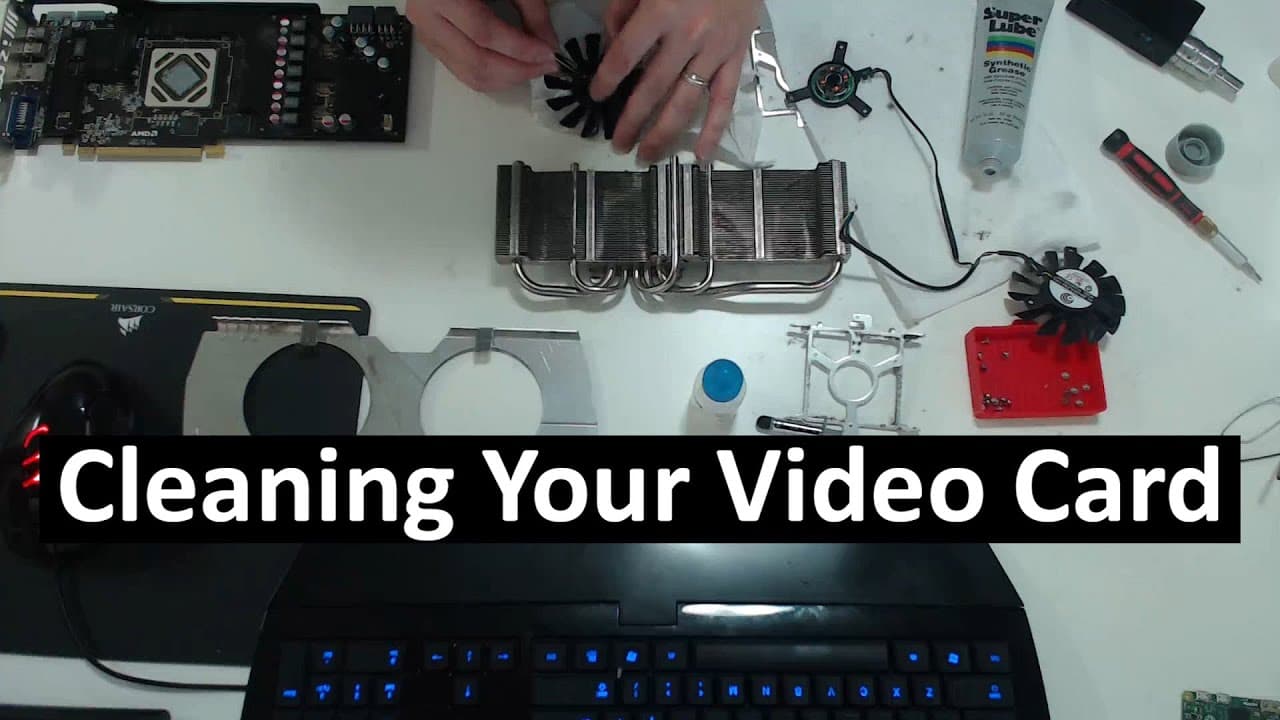
To clean your graphics card effectively, disassemble it carefully to remove dust and grime, focusing on the fans and heat sink. Replace old thermal paste with a small amount, roughly the size of a grain of rice, to optimize heat transfer. Regular maintenance can significantly enhance performance and reduce noise from your graphics card.
Transcript
hey guys what's going on it's Don here from Nova Spirit Tech and one of the things I start to notice is my computer is giving off a lot of fan noise when I'm starting to play games so which leads me to think that my graphic card is probably really dirty and dusty and everything so what we're going to be doing today in this video is taking apart cle... Read More
Key Insights
- ⌛ Regular maintenance of a graphics card can significantly reduce noise and overheating issues caused by dust accumulation over time.
- ⌛ The disassembly process for graphics cards can vary, but simpler designs with fewer screws make cleaning easier and less time-consuming.
- 🎴 A clean and well-lubricated fan can operate more quietly, prolonging the longevity of the graphics card.
- 🥵 Utilizing the right thermal paste is essential; too much can cause overheating, while too little may not fill in the necessary gaps for efficient heat transfer.
- 🧑💻 Don plans to separate content across different channels to keep topics organized, offering a variety of tutorials outside of tech-related subjects.
- 🎴 Properly maintaining a graphics card not only improves performance but also enhances the gaming experience by reducing interruptions from hardware failure.
- 🥺 Using quality cleaning products designed for thermal paste application can lead to better results and longer-lasting performance.
Install to Summarize YouTube Videos and Get Transcripts
Explore YouTube Video Summarizer or Get YouTube Transcript Extractor
Questions & Answers
Q: Why is cleaning the graphics card important?
Cleaning the graphics card is crucial to maintain its performance, as dust accumulation can lead to overheating, increased fan noise, and ultimately hardware failure. Regular maintenance can prevent these issues, ensuring smoother operation during gaming and other intensive tasks.
Q: What product does Don recommend for thermal paste application?
Don recommends Arctic Silver thermal paste for its reliability in heat transfer. Applying the right amount is essential; he suggests using a grain of rice-sized amount to avoid overheating due to excess paste. Proper application enhances the bond between the GPU and the heat sink.
Q: How can I safely remove fans during the cleaning process?
To safely remove fans, it’s important to first identify the screws holding them in place. Gently wiggle the wire connectors and avoid applying excessive force. Taking your time helps prevent damage to the fan wires, which can lead to malfunction if broken.
Q: What is the correct method for applying thermal paste?
The proper method for applying thermal paste involves first cleaning the surfaces with a thermal paste cleaner and ensuring they are dry. Don advises using a small amount of paste, about the size of a grain of rice, and applying it evenly across the GPU for effective heat transfer.
Summary & Key Takeaways
-
The video details a step-by-step guide on cleaning a graphics card, emphasizing the importance of dust removal and thermal paste application to enhance performance and reduce fan noise.
-
Don demonstrates the disassembly process, including safely removing the heat sink, fans, and applying synthetic grease to the fan motor for smoother operation.
-
He shares product recommendations for thermal paste cleaners and explains how to properly apply thermal paste to ensure optimal heat transfer from the GPU to the heat sink.
Read in Other Languages (beta)
Share This Summary 📚
Summarize YouTube Videos and Get Video Transcripts with 1-Click
Try YouTube Summary with ChatGPT & Claude or YouTube Transcript Generator
Explore More Summaries from Novaspirit Tech 📚






Summarize YouTube Videos and Get Video Transcripts with 1-Click
Try YouTube Summary with ChatGPT & Claude or YouTube Transcript Generator