What Jobs Can ChatGPT Work Handle for You?
TL;DR
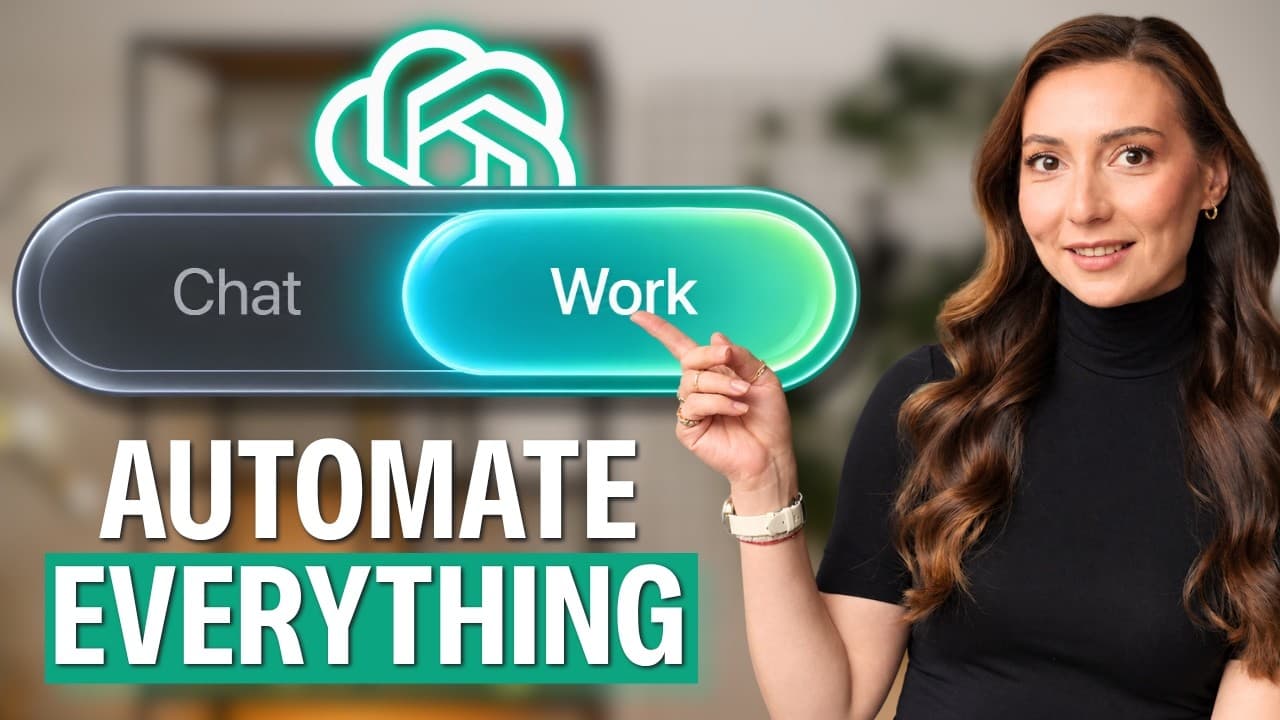
ChatGPT Work can complete multi-step jobs directly across files and connected tools, including cleaning spreadsheets, marking up agreements, preparing meeting briefs, assigning follow-up actions, drafting proposals, and creating hiring materials. Start with a narrowly scoped folder, keep permission prompts enabled, and work on copies because deleted files may not be recoverable.
Transcript
Everyone keeps telling you that Chat GPT got better with Chat GPT work, but nobody tells you what to do with it. So, here are 11 jobs that you can hand it this week. They're real ones. I do them myself on my own files. They get harder to believe as they go, and number 11 is probably the one that I would show someone if I only had 30 seconds. Starti... Read More
Key Insights
- ChatGPT Work is designed to complete jobs inside files and connected tools, rather than merely discuss what a user should do. It can open source material where it already lives, modify or create deliverables, and save the results back into the selected folder.
- Spreadsheet cleanup can include rebuilding inconsistent data, identifying duplicates, finding changing date formats, reconciling columns that disagree, documenting every detected issue, and creating charts. The requested output can include a clean tab and a separate audit tab while leaving the original untouched.
- Three safety locks reduce the risk of unwanted file changes: retain the default permission mode, restrict access to one playground folder, and work on a copy. Backup protection matters because files deleted during the workflow may not be recoverable through the recycle bin.
- Contract review can produce tracked changes, margin comments, missing-clause flags, and a drafted response based on the user's position. The result makes proposed edits visible and removable, but the system is not a legal adviser and should not decide important legal matters.
- Meeting preparation can combine information from a connected calendar, personal files, and web research into one page. The brief can cover the participant, recent company changes, previous commitments, and five useful questions, including promises that may not have been fulfilled.
- Post-meeting automation can turn a recorder transcript into an action register that identifies every commitment, owner, deadline, and unresolved responsibility. It can then post the register to a team Slack channel and tag each person associated with an action item.
- Email synthesis can distinguish firm agreements from ideas that were merely discussed across a long thread. ChatGPT Work can write a proposal in an existing template with scope, timeline, exclusions, and pricing placeholders, while separately listing every matter that remains unsettled.
- Hiring preparation can be handled as one connected job that creates a candidate scorecard, structured interview plan, scoring rubric, and 30-day onboarding plan. Keeping these materials within one long task helps maintain consistency and reduces reliance on unstructured personal judgment.
Install to Summarize YouTube Videos and Get Transcripts
Explore YouTube Video Summarizer or Get YouTube Transcript Extractor
Questions & Answers
Q: How can ChatGPT Work clean a sales spreadsheet?
ChatGPT Work can open a sales export in its existing folder, rebuild the data, and save the improved workbook back to that location. It can create a clean tab, add a separate record of detected problems and corrections, and produce charts for the factors that matter. The demonstrated checks include duplicates, inconsistent date formats, and columns containing conflicting information.
Q: What safety settings should I use with ChatGPT Work?
Use three safeguards before giving ChatGPT Work access to important files. Keep the default permission mode so it asks before acting outside the authorized folder, limit its scope to one playground folder instead of an entire drive or documents directory, and work on a copy. The copy serves as backup insurance because deleted files may not be recoverable from the recycle bin.
Q: How can ChatGPT Work review an agreement?
ChatGPT Work can open an agreement, apply proposed edits with tracked changes, and insert margin comments explaining each recommendation. It can also flag provisions that similar documents normally contain but the agreement omits, then draft a reply that is firm without being aggressive. The user should explain their position in the contract so the review and response reflect the correct perspective.
Q: Can ChatGPT Work replace a legal adviser?
ChatGPT Work cannot replace a legal adviser and should not be trusted to make important legal decisions. Its useful role is to inspect a document, expose potentially significant wording or omissions, explain proposed edits, and help the user anticipate topics worth raising. Any issue with meaningful legal or financial consequences should be taken to an appropriate legal adviser before action is taken.
Q: How can ChatGPT Work prepare me for a meeting?
ChatGPT Work can use a connected calendar to identify the person in an upcoming meeting, research that person and their company, and search the user's own files for prior interactions. It can combine these sources into a one-page brief covering background, recent company developments, the user's previous promises, and five questions worth asking during the conversation.
Q: How can ChatGPT Work manage action items after a call?
ChatGPT Work can read a transcript from a connected recorder and create an action register containing each commitment, the person who made it, the due date, and any responsibility that lacks an owner. It can then post the register to a Slack team channel and tag the people assigned to each action, reducing the need for manual copying, reminders, and follow-up chasing.
Q: How can ChatGPT Work turn emails into a proposal?
ChatGPT Work can read an entire email thread where it already exists and separate settled decisions from ideas that were only floated. It can then write a proposal directly in the user's template, covering scope, timeline, exclusions, and pricing placeholders. A separate unresolved-items list highlights questions that could otherwise become later disputes, such as data responsibilities or schedule slippage.
Q: How can ChatGPT Work help with hiring preparation?
ChatGPT Work can take a one-paragraph description of a role and produce four coordinated hiring documents: a scorecard defining what good performance looks like, a structured interview plan, a scoring rubric that reduces reliance on instinct, and a 30-day onboarding plan for the selected candidate. Treating these outputs as one sustained job helps keep the criteria and process aligned.
Summary & Key Takeaways
-
ChatGPT Work can turn an untrusted sales export into a finished report without requiring manual uploads or downloads. It opens the spreadsheet where it already lives, rebuilds the data, documents problems and corrections on a separate tab, adds useful charts, and preserves the original file when instructed to work safely.
-
The system can review an agreement, apply tracked changes, add explanatory margin comments, identify clauses that may be missing, and draft a firm reply. Its output can help users notice issues to raise with a legal adviser, but it should not be treated as legal advice or trusted with important legal decisions.
-
Connected workflows extend beyond individual files. ChatGPT Work can combine calendar details, personal records, and web research into a meeting brief, transfer commitments from a recorded call into Slack, convert a long email thread into a proposal, and produce coordinated scorecards, interview plans, scoring rubrics, and onboarding materials.
Read in Other Languages (beta)
Share This Summary 📚
Summarize YouTube Videos and Get Video Transcripts with 1-Click
Try YouTube Summary with ChatGPT & Claude or YouTube Transcript Generator
Explore More Summaries from AI Founders 📚





Summarize YouTube Videos and Get Video Transcripts with 1-Click
Try YouTube Summary with ChatGPT & Claude or YouTube Transcript Generator