How to automate YouTube repurposing on Zapier Make n8n
TL;DR
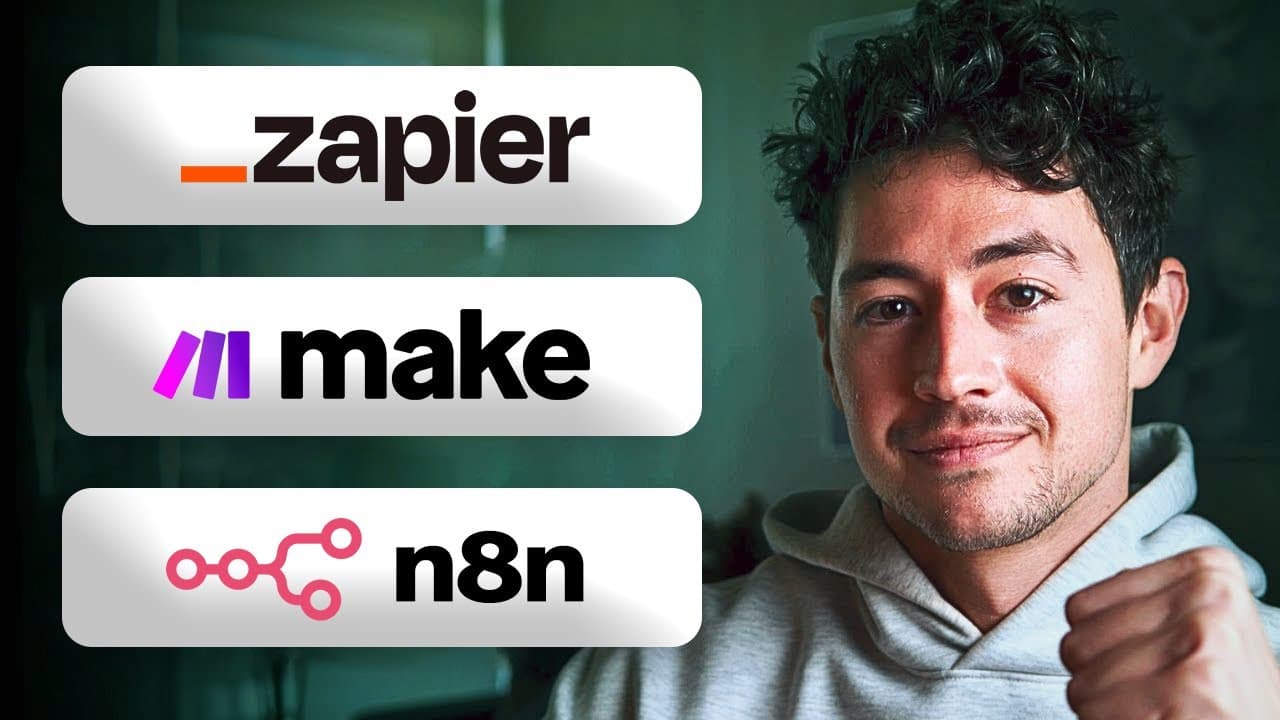
The video demonstrates building the same YouTube transcript workflow across Zapier, Make, and n8n to show real differences in setup. It starts with an email trigger containing a YouTube URL, scrapes the video transcript, passes the text to AI to generate social posts, and optionally posts to platforms. Each platform path has a distinct step count and layout.
Transcript
Cool exercise for us today. We're going to build the exact same system in three different platforms. That's Zapier, Make.com, and NAN. And I'm doing this because a lot of people have been wondering what are the differences between these platforms. Well, rather than just give you guys a bunch of my own and other people's opinions, might as well actu... Read More
Key Insights
- Zapier, Make, and n8n can implement the same YouTube transcript workflow using the same core steps, allowing direct platform comparison.
- The trigger chosen for the workflow is an inbound email, which carries the YouTube URL that starts the automation sequence.
- Transcript extraction is done via an external service or actor that processes the YouTube video and returns the text for AI processing.
- AI is used to transform the transcript into social media posts that resemble the style and format of different platforms.
- Each platform has a distinct visual and operational layout, resulting in five steps for Zapier, six steps for Make, and five steps for n8n.
- The presenter compares data structures and user-friendliness to determine which platform is easiest to set up and troubleshoot.
- Testing involves sending a real email to trigger the flow and validating that the transcript is correctly retrieved and parsed.
- The final optional step illustrated is to post generated content to multiple social platforms, completing the loop from discovery to distribution.
- More videos from this channel:
- More from this channel: Nick Saraev
Install to Summarize YouTube Videos and Get Transcripts
Explore YouTube Video Summarizer or Get YouTube Transcript Extractor
Questions & Answers
Q: How does the automation workflow start and what data does it rely on?
The workflow starts with an inbound email trigger, which serves as the activation event for the automation. The email must carry the YouTube video URL in a way that can be parsed by the system. This URL becomes the primary input for subsequent steps, including transcript scraping and AI-based content generation. Without this trigger data, the pipeline cannot proceed.
Q: What is the purpose of scraping the YouTube transcript in the process?
Scraping the YouTube transcript provides a text version of the video content, which is essential for AI to analyze and repurpose. The transcript serves as the raw material from which social posts will be generated. Access to the transcript ensures the AI can produce accurate, contextually relevant content aligned with the video topics and pacing.
Q: How is AI used in the workflow, and what model configuration is illustrated?
AI is used to convert the transcript into social media posts that reflect the target formats and styles of different platforms. The configuration shown includes setting a model to GPT-4 or similar, with specific prompts that describe the assistant role and constraints, a defined token limit, and a temperature setting to influence creativity. This setup guides the output toward useful, publishable content.
Q: What is the role of the platforms Zapier, Make, and n8n in this comparison?
Zapier, Make, and n8n are each used to implement the same end-to-end workflow with platform-specific segmentation. The video demonstrates that Zapier uses five steps, Make uses six steps, and n8n uses five steps. The comparison highlights UI differences, data structure implications, and the ease or difficulty of getting the flow up and running.
Q: What optional step is mentioned at the end of the workflow, and why is it useful?
An optional step is posting the generated social media content to multiple platforms such as Instagram, YouTube community posts, LinkedIn, X, and TikTok. This step completes the loop from content creation to distribution, enabling automated publishing and reducing manual effort while ensuring wider reach across networks.
Q: How does testing the workflow typically proceed according to the video?
Testing involves sending a real email with the video URL to trigger the flow. The system then processes the trigger, scrapes the transcript, sends it to AI for content generation, and can display the generated transcript and posts. Verifying the complete path ensures each stage properly handles input, data transfer, and output.
Q: What is the main reason for comparing three platforms in this video?
The main reason is to show how data structures and orchestration differ between Zapier, Make, and n8n in a real, tangible system. By building the same pipeline across platforms, the presenter reveals platform strengths, common pitfalls, and considerations for choosing the simplest, fastest, or most scalable option depending on user needs.
Q: Which platform path is described as having the most linear arrangement, and what does this imply?
Zapier is described as having a linear five-step arrangement, implying a straightforward, top-to-bottom flow that can be easier to follow for users who prefer a simple, sequential design. This linear layout contrasts with Make’s left-to-right multi-step design, highlighting how UI influences the perceived complexity of building automation.
Summary & Key Takeaways
-
The video explains creating a YouTube transcript automation across three platforms, highlighting that Zapier uses five steps, Make uses six steps, and n8n uses five steps, with different data structures and UI approaches. The workflow begins with an email trigger that supplies the video URL, proceeds to transcript extraction, AI-based content generation, and optional posting. The comparison aims to reveal platform strengths and gotchas.
-
The presenter demonstrates the end-to-end pipeline from triggering via email through to AI-generated social content, emphasizing practical differences in data handling and task orchestration between Zapier, Make, and n8n. The result is a live, multi-platform build that users can adapt to their own workflows and platforms.
-
The video emphasizes a practical, hands-on approach to automation by building the same system across three tools, showing how data moves and where each platform streamlines or complicates the path from video URL to social posts. It ends with a look at how to apply these lessons to your own automation projects.
Read in Other Languages (beta)
Share This Summary 📚
Summarize YouTube Videos and Get Video Transcripts with 1-Click
Try YouTube Summary with ChatGPT & Claude or YouTube Transcript Generator
Explore More Summaries from Nick Saraev 📚





Summarize YouTube Videos and Get Video Transcripts with 1-Click
Try YouTube Summary with ChatGPT & Claude or YouTube Transcript Generator