How to Create a USB Mouse Jiggler with Raspberry Pi Pico
TL;DR
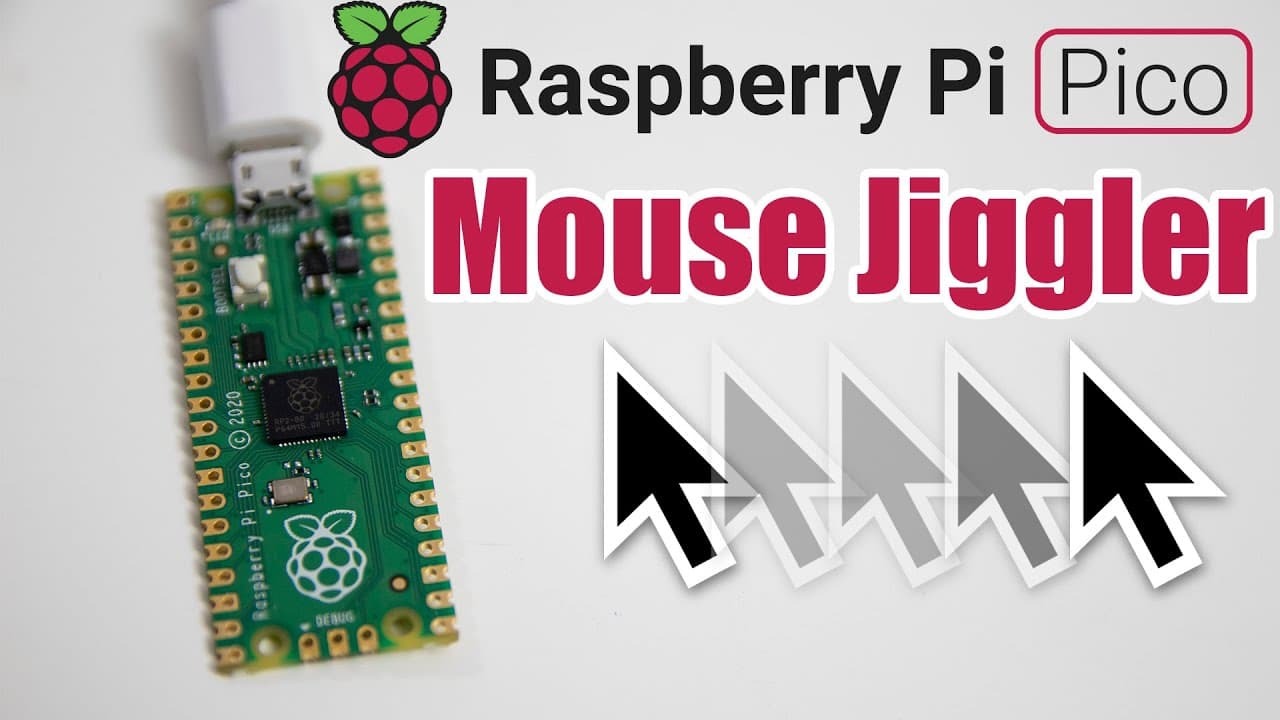
To create a USB mouse jiggler with a Raspberry Pi Pico, install CircuitPython, set up the necessary libraries, and program the device to simulate mouse movements. This setup keeps your computer awake without installing any software, making it ideal for work-from-home situations.
Transcript
hey guys it's don here from nova spare tech and welcome back to the channel and today we are going to be creating ourselves a mouse jiggler using the raspberry pi pico so let's get started so the purpose of this device is actually to prevent your computer from going to sleep and for those of you who are actually working from home where you actually... Read More
Key Insights
- 😪 The Raspberry Pi Pico is a versatile device that can perform tasks typically requiring more expensive software solutions, like preventing a computer from sleeping.
- 😫 Setting up CircuitPython on the Pico allows for easier programming in Python, making it accessible for hobbyists and learners.
- 🤗 Libraries like Adafruit's HID enable straightforward interaction with mouse and keyboard inputs, signifying the power of open-source hardware and software.
- 🥺 Visual feedback through an LED indicator enhances user interaction by confirming the device's operational status.
- 🤩 Customization is a key feature; users can adjust the degree of mouse movement to suit their preferences and environments.
- 💦 The project exemplifies how creative solutions can be implemented with inexpensive hardware to solve common technology issues in remote work scenarios.
- 👨💻 Sharing code on platforms like GitHub fosters community learning and collaboration in DIY tech projects.
Install to Summarize YouTube Videos and Get Transcripts
Explore YouTube Video Summarizer or Get YouTube Transcript Extractor
Questions & Answers
Q: What is the purpose of creating a mouse jiggler with Raspberry Pi Pico?
The mouse jiggler serves to prevent a computer from going to sleep, especially useful for users working from home who cannot install software on their work devices. By simulating mouse movements, the device keeps the computer active without needing external applications.
Q: How do you set up the Raspberry Pi Pico for this project?
The setup involves connecting the Raspberry Pi Pico to your computer, holding the boot select button to load it as a mass storage device, and then installing CircuitPython. You then need to copy the CircuitPython firmware file onto the Pico to enable programming.
Q: What libraries are necessary for this project and how are they installed?
The Adafruit HID library is necessary for simulating mouse movements with the Raspberry Pi Pico. While there is an option to install it through the Thonny IDE, a manual download and copying to the 'lib' folder can also be done if issues arise.
Q: What programming steps are involved in making the mouse jiggler?
Initially, you import necessary modules such as time and adafruit_hid.mouse. Then, create the mouse object and configure GPIO pins for an LED indicator. The core programming involves a loop that alternates the mouse position and LED status, creating the jiggling effect.
Q: How can the code be modified to appear less obvious?
To make the mouse jiggler's movements less obvious, you can decrease the distance the mouse moves. For instance, changing the movement parameters to 10 pixels instead of 100 results in smaller, less noticeable movements while still preventing the computer from sleeping.
Q: What should you do if the code fails to run smoothly?
If you encounter issues where the code isn't allowing you to modify it, using the keyboard shortcut Ctrl + C will interrupt the current execution. This action allows you to regain control and make adjustments to the code without shutdown interruptions.
Q: Where can interested users find the code for this project?
The code for the mouse jiggler is available on the creator's GitHub repository. Viewers are encouraged to check the channel's comments or descriptions for links to the code so they can copy and adapt it for their own use.
Q: What additional features can users implement in their mouse jiggler?
Users can further enhance the jiggler by programming a button to start or stop the jiggling process. This feature allows for greater control and flexibility in usage, enabling activation without needing to unplug and re-plug the device.
Summary & Key Takeaways
-
This guide focuses on using a Raspberry Pi Pico to create a mouse jiggler, which prevents a computer from sleeping. The solution targets users unable to install software on their work devices.
-
The process begins with installing CircuitPython on the Pico, followed by setting up the necessary libraries and coding the device to simulate mouse movement.
-
The provided code highlights manipulating a GPIO pin to activate an LED while programming the mouse movements, allowing customizable settings for subtle operation.
Read in Other Languages (beta)
Share This Summary 📚
Summarize YouTube Videos and Get Video Transcripts with 1-Click
Try YouTube Summary with ChatGPT & Claude or YouTube Transcript Generator
Explore More Summaries from Novaspirit Tech 📚






Summarize YouTube Videos and Get Video Transcripts with 1-Click
Try YouTube Summary with ChatGPT & Claude or YouTube Transcript Generator