Is Elementary OS 7 Worth Installing Despite Bugs?
TL;DR
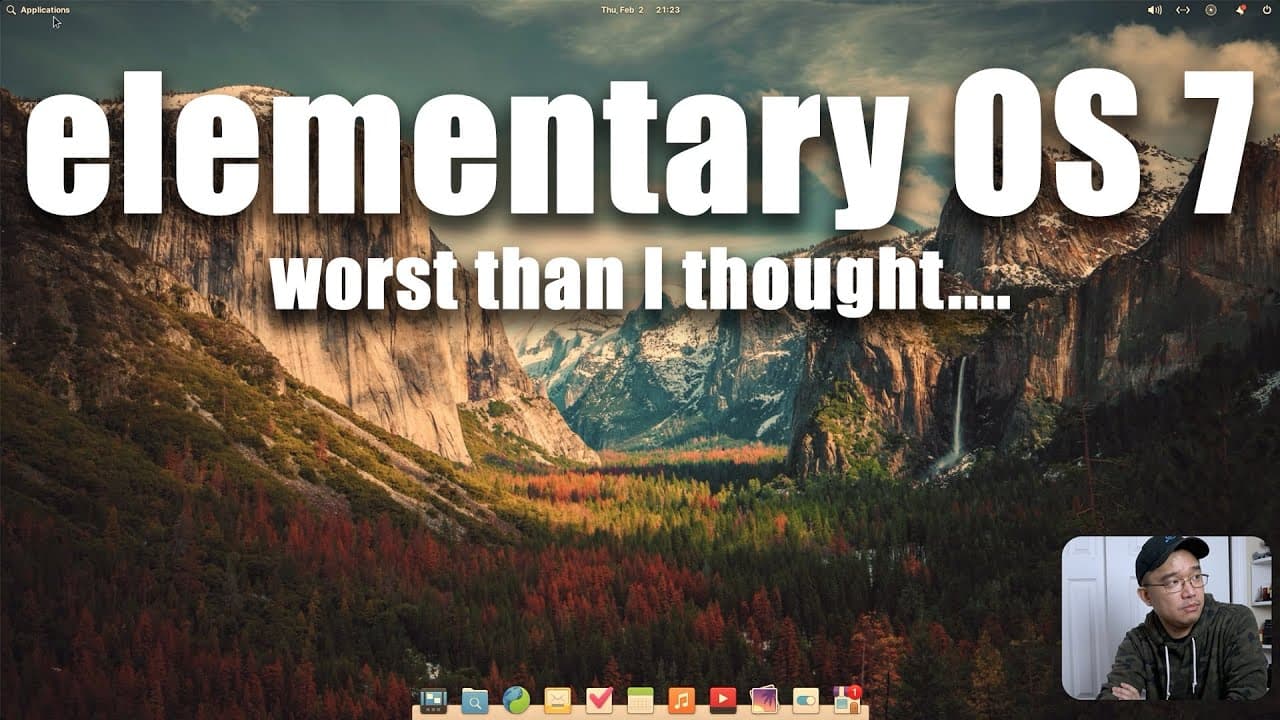
Elementary OS 7 has a simple installation process but is plagued by significant bugs in the App Center, hampering software updates and driver installations. Despite attractive features like dark mode and customization options, the overall user experience is hindered, making it unreliable as a daily driver.
Transcript
hey guys what's going on it's Don here from Nova spear Tech and welcome back to the channel and today we're going to be checking out Elementary OS 7. so let's begin iPhone 1 I'm super excited to see Elementary seven I didn't even expect this to be coming so soon because it took so long for six to come out I thought it was going to be a lot longer b... Read More
Key Insights
- 😚 Elementary OS 7 boasts a simple and rapid installation process that only requires a few clicks.
- 👤 Users may experience ongoing bugs related to the App Center's functionality, which can prevent successful software updates and installations.
- 💋 Customization features such as dark mode and adjustable text sizes are present, enhancing user experience, yet their potential is marred by existing system bugs.
- 😚 The review emphasizes the importance of stability over flair, illustrating that a visually appealing OS with fundamental flaws can disappoint users.
- 🫥 The reliance on terminal commands for driver installation highlights the potential learning curve for users unfamiliar with command line usage.
- 🥺 The reviewer's high expectations, stemming from positive past experiences with Elementary OS, showcase how early user anticipation can lead to disappointment when quality isn't met.
- 📫 Elementary OS 7 introduces some creative features, but the overall bugginess raises questions about its immediate viability for everyday tasks.
Install to Summarize YouTube Videos and Get Transcripts
Explore YouTube Video Summarizer or Get YouTube Transcript Extractor
Questions & Answers
Q: What were the major issues faced during the installation of Elementary OS 7?
The installation process was quite easy and took only three to four minutes. However, once installed, the reviewer faced persistent issues with the App Center not successfully installing updates or drivers, which impeded basic usability. The inability to download necessary components led to frustration and reliance on terminal commands, which was unexpected.
Q: How does the reviewer feel about the design features in Elementary OS 7?
The reviewer appreciates the design features, particularly the new dark mode and the ability to change accent colors. They find these options to enhance the visual appeal of the operating system. However, the reviewer expresses disappointment that these design improvements are overshadowed by the numerous bugs present in the system.
Q: What are the new features introduced in Elementary OS 7?
Elementary OS 7 introduces several new features, including dark mode and customizable icon sizes on the dock. Additionally, it has improved functionalities, such as the ability to create web applications from sites. Unfortunately, many of these features were not fully functional due to bugs, diminishing their utility.
Q: Did the reviewer manage to solve the installation issues encountered?
The reviewer ultimately had to manually install drivers through the terminal, a process they had hoped to avoid. While they were able to get NVIDIA drivers installed successfully, this was only done after wrestling with the App Center's failure to manage installations correctly.
Q: How does the performance of Elementary OS 7 compare to previous versions?
The reviewer had previously enjoyed stable experiences with earlier versions of Elementary OS. However, the reviewer indicates that Elementary OS 7 feels significantly less stable, citing too many bugs to comfortably recommend it as a daily operating system, especially compared to their experiences with Linux Mint.
Q: Why was the reviewer disappointed with Elementary OS 7 despite some positive aspects?
The reviewer loved certain features such as customization options and dark mode; however, the overwhelming number of bugs seriously affected usability. Issues like application crashes, slow web browser performance, and problems with the App Center overshadowed the improvements and made the system unreliable.
Summary & Key Takeaways
-
The reviewer expresses excitement about Elementary OS 7 but immediately encounters bugs during installation and initial setup, hindering the experience significantly.
-
Installation is straightforward and quick, yet issues arise with the App Center, which fails to install updates and drivers, leading to dependency on terminal commands.
-
Despite nice features like dark mode and customizations, the overall bugginess of the system prevents it from being a reliable daily driver for the reviewer.
Read in Other Languages (beta)
Share This Summary 📚
Summarize YouTube Videos and Get Video Transcripts with 1-Click
Try YouTube Summary with ChatGPT & Claude or YouTube Transcript Generator
Explore More Summaries from Novaspirit Tech 📚






Summarize YouTube Videos and Get Video Transcripts with 1-Click
Try YouTube Summary with ChatGPT & Claude or YouTube Transcript Generator