How to build and run local AI agents on your machine
TL;DR
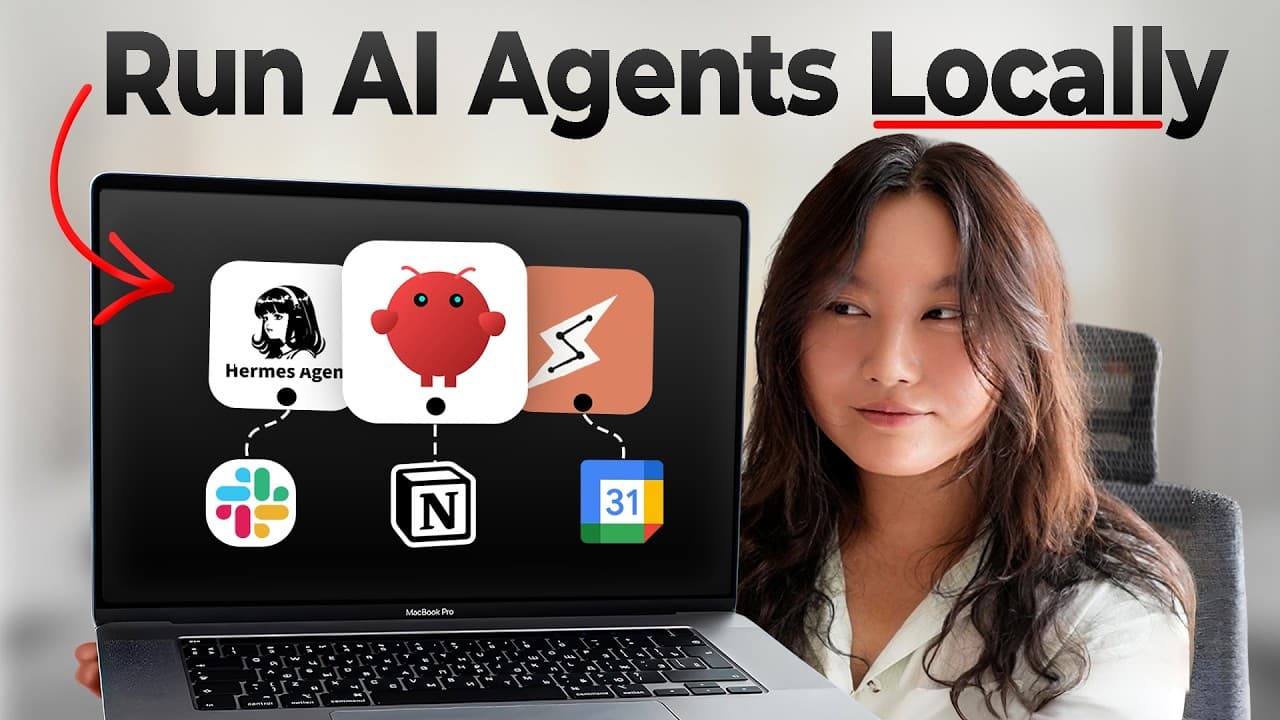
Local AI agents run on your own computer, enabling autonomous tasks and continuous operation with memory and tools. You choose the hardware, communication channels, and models to balance privacy, speed, and capability. They automate workflows, research, and software building while letting you monitor them remotely.
Transcript
I learned all about local AI agents for you. So, here is the cliffnotes version to save you the months that I have spent playing around and building with local AI agents like OpenClaw Nemo. Look, here's my little 24/7 claw factory doing research and building me software. So cute, right? And also no code safer options like anthropics claed moons to ... Read More
Key Insights
- Local AI agents are AI that can act and complete tasks autonomously while running on a user’s machine.
- Choosing a host depends on 24/7 uptime, hardware specs like RAM, and privacy considerations.
- Communication channels can range from Telegram to Discord to Slack, with multi channel setups for organization.
- The brain of a local AI agent is a model, with Claude Opus/Sonnet and open source options like Quinn and Kimmy as examples.
- Memory is stored as text about the user and tasks to personalize the agent’s behavior and history.
- Tentacles are tools and capabilities the agent can use, such as web search, email access, or code execution.
- Heartbeat or cron-like scheduling lets the agent run tasks automatically at set times or events.
- Security rails and proper design are crucial to prevent the agent from accessing unwanted data or performing risky actions.
Install to Summarize YouTube Videos and Get Transcripts
Explore YouTube Video Summarizer or Get YouTube Transcript Extractor
Questions & Answers
Q: How do you define a local AI agent and what makes it different from a cloud based agent?
A local AI agent is an AI that can take actions and complete tasks on its own while running directly on your machine. The key difference from cloud based agents is that the local agent operates offline or on private hardware, which can improve privacy and autonomy, as it does not rely on remote servers for its core operation. This setup enables continuous, personalized workflows and the ability to access local data securely.
Q: What are the main factors when deciding where to run a local AI agent?
The main factors are whether you need 24/7 running capability, the hardware specs such as CPU, GPU, and RAM, and privacy concerns about data access. If you require nonstop operation, a dedicated machine is often preferred. For high performance models, more RAM is beneficial, and for stricter privacy, a standalone device with restricted data access is advisable.
Q: What role does memory play in a local AI agent and how is it implemented?
Memory allows the agent to remember what it has learned about you and your tasks, enabling personalized interactions. It is implemented as a store of textual data describing the user, workflows, preferences, and past task outcomes. This memory guides future decisions and helps the agent stay aligned with ongoing goals.
Q: What are tentacles in the context of local AI agents and give examples?
Tentacles are the tools and capabilities the agent can use to perform tasks. Examples include web search, access to email, taking screenshots, text to speech, image generation, and more. Adding tentacles expands the agent’s ability to interact with the real world and complete complex workflows.
Q: How does an agent’s brain differ from its memory and tentacles?
The brain is the large language model that drives decision making and reasoning. Memory stores persistent information about you and tasks, while tentacles are the actionable tools the agent can deploy to perform operations. Together they enable autonomous, informed, and capable behavior.
Q: What are common hosting options mentioned for local AI agents?
Common hosting options include a personal laptop, an older laptop dedicated for the agent, a Mac Mini, a Mac Studio, a PC, or a VPS. The choice depends on continuous running needs, hardware capacity for large models, and how much the user values privacy and isolation of the agent from other data.
Q: What is the purpose of the heartbeat feature in local AI agents?
The heartbeat feature schedules tasks so the agent can run autonomously at set times or in response to events. For example, it can run a daily brief every morning or trigger workflows when a file is added to a folder. This enables proactive, time based automation without manual prompts.
Q: What safety principles are important when designing local AI agents?
Important safety principles include implementing guard rails to prevent access to unwanted data, controlling what the agent can do, and ensuring proper engineering practices. This involves careful model selection, memory management, restricted permissions, and monitoring to avoid unintended actions or data exposure.
Summary & Key Takeaways
-
Local AI agents are defined as autonomous programs that operate on your machine to take actions and complete tasks without constant input.
-
They require selecting where they live, such as a laptop, Mac Mini, or VPS, based on 24/7 availability, hardware specs, and privacy needs.
-
They use memory, tentacles (tools), and a brain (model) to perform tasks and can be controlled via single or multi channel communication during demos.
Read in Other Languages (beta)
Share This Summary 📚
Summarize YouTube Videos and Get Video Transcripts with 1-Click
Try YouTube Summary with ChatGPT & Claude or YouTube Transcript Generator
Explore More Summaries from Tina Huang 📚




Summarize YouTube Videos and Get Video Transcripts with 1-Click
Try YouTube Summary with ChatGPT & Claude or YouTube Transcript Generator