What Are the Best GPTs in the GPT Store to Try?
TL;DR
Screenshot to Code ranks as the single most useful GPT, letting you turn a website screenshot into code. Other standouts include InVideo AI (text-to-video), ScholarAI and Consensus (200 million research papers), Diagrams: Show Me, Convert Anything for file conversion, and Doc Maker for PDFs, documents, and PowerPoints.
Transcript
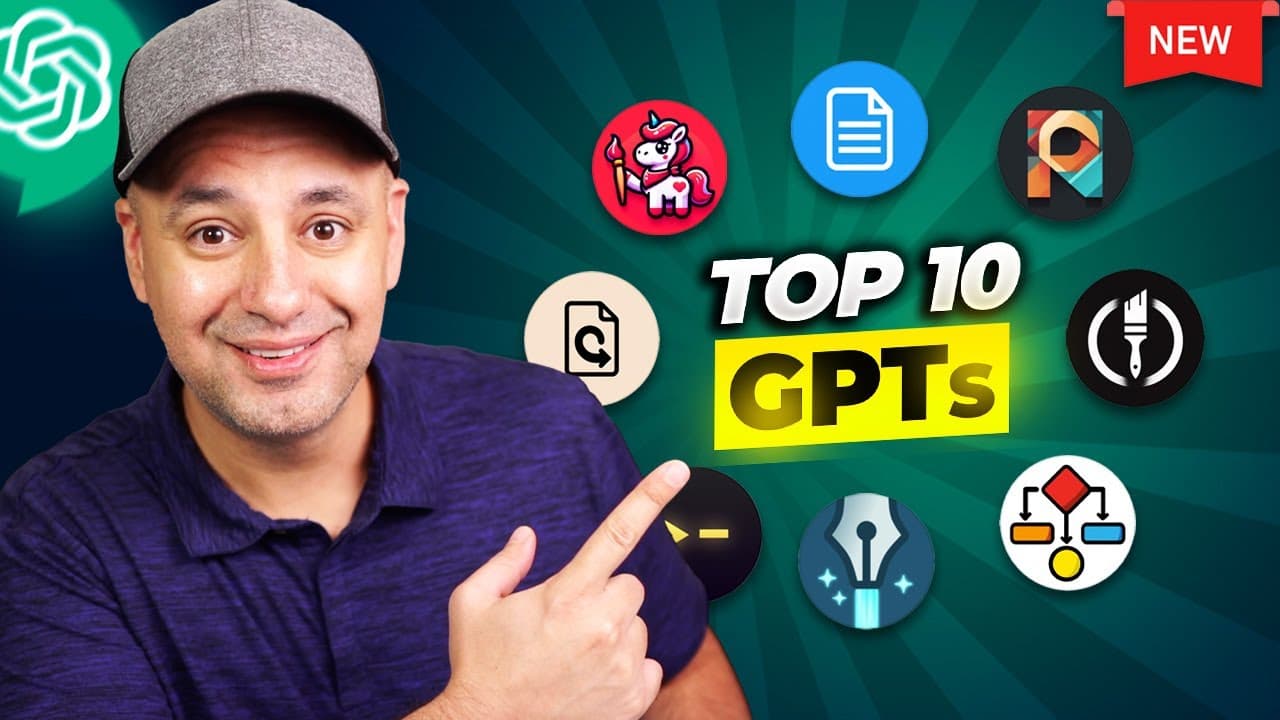
I want to show you the top 10 most useful GPT inside of the official GPT store that I found so far and it took me just about a week to record this video because I kept running out of credits even with the new teams version I still ran out of credits but I took these to a deep dive I tested a little over a 100 different gpts to make this top 10 list... Read More
Key Insights
- Screenshot to Code GPT is ranked number one, letting you point to a website layout you like, such as a pricing page, and generate code to build a page that looks the same.
- InVideo AI's GPT turns a single text sentence into a full video by connecting through an action to InVideo AI, generating a roughly 3-minute editable video using royalty-free stock clips and voiceover, with watermarks removed only on the paid plan.
- ScholarAI and Consensus tie at number three, each giving access to 200 million research papers and documents that ChatGPT alone cannot reach, useful for any kind of research.
- Convert Anything handles file conversions like PNG to JPEG or WAV to MP3 by running ChatGPT's Code Interpreter in the background to write the conversion code and return a download link.
- Logo Creator walks you through simple multiple-choice questions before generating logos, producing up to 16 variations, though DALL-E still struggles with text and typos so icon-only logos work best.
- Diagrams: Show Me quickly creates visual diagrams and mind maps from a request, making it useful for visual learners or teaching concepts, and has over 25,000 chats.
- Prompt Perfect enhances a user's prompt by adding the detail, context, and structure ChatGPT needs to give better responses, making it valuable for people new to prompting.
- The GPT search bar displays how many chats each GPT has had, giving a usage-based signal of popularity, with tools like Logo Creator showing over 100,000 chats and Canva over 100,000 messages.
Install to Summarize YouTube Videos and Get Transcripts
Explore YouTube Video Summarizer or Get YouTube Transcript Extractor
Questions & Answers
Q: What is the number one GPT in the GPT Store according to this video?
Screenshot to Code GPT is ranked number one. The creator explains you can point to a website whose layout you like, such as the way Shopify lays out its pricing page, and use the GPT to generate code so your own website can have a pricing page that looks just like it. It is presented as the creator's personal favorite among all the GPTs tested.
Q: How does the InVideo AI GPT create videos?
The InVideo AI GPT takes a single sentence or text prompt and turns it into an entire video. It works through an action that connects to the regular InVideo AI service, then gives you a link to click and log in to finalize creation. It produces a roughly 3-minute video with multiple scenes using royalty-free StoryBlocks stock footage and voiceover, and everything including the script and voiceover is editable. A free version exists but adds a watermark, so you must pay to remove it.
Q: Which GPTs are best for academic research?
ScholarAI and Consensus tie at number three for research. Between the two you have access to 200 million research documents that ChatGPT alone does not have access to. Consensus analyzes text, figures, and tables from 200 million research papers as well. The creator notes that unlike plugins, where you could run two or three at once, these GPTs must be used individually, so you go to each one separately.
Q: How do you convert file formats using the Convert Anything GPT?
Convert Anything handles conversion of any file type, such as changing a PNG to a JPEG for a website upload, or an audio file from WAV to MP3. It works by using ChatGPT's Code Interpreter in the background, which writes the actual code to perform the conversion, and then provides a direct download link to the converted file. The creator notes it has over 10,000 users and puts the whole process in one convenient place.
Q: Is the Logo Creator GPT good for making logos with text?
Logo Creator, which has over 100,000 chats, walks you through step-by-step multiple-choice questions before making a logo and can produce many variations, up to 16 in one example. However, DALL-E is not yet good at rendering text and often produces typos. The creator advises that if your logo needs text, you should experiment with more prompts or ask for an icon-only logo with no text, then add the text yourself in another app like Photoshop or Canva.
Q: What does the Prompt Perfect GPT do?
Prompt Perfect, which has 25,000 chats, improves the prompts you give ChatGPT. Since prompts usually need more detail, context, and structure to get a better response, this GPT enhances your prompt by adding all of those elements to take it to the next level. The creator recommends it especially for people who are new to prompting ChatGPT and want stronger results without knowing how to craft prompts themselves.
Q: Why was Canva's GPT not included in the top 10 list?
Canva's GPT has over 100,000 messages, but the creator left it off the list because it is not quite there yet. Instead of generating designs inside ChatGPT as he initially expected, it functions mainly as a template search tool that finds templates and links out to Canva. He said it is worth a look for speeding up template finding, but he would not include it until it can actually create the designs for you using chat.
Q: What is the GPT Finder mentioned in the video and how is it different?
GPT Finder is a GPT the creator built, listed by Skill Leap AI. Unlike other GPT finders, he assembled an entire document of the top GPTs across many categories and downloaded it as the GPT's knowledge base, made up of category PDFs. Rather than searching over 20,000 GPTs in a directory, it draws from a handpicked selection of just over 100 of the most useful GPTs, chosen based on his testing since GPTs first launched.
Summary & Key Takeaways
-
The creator tested over 100 GPTs across a week, repeatedly running out of credits even on the Teams version, to build a top 10 list of the most useful GPTs in OpenAI's official GPT Store. He also built a GPT Finder that uses a handpicked knowledge base of roughly 100 top GPTs by category.
-
The countdown includes Doc Maker for PDFs and PowerPoints, Super Describe for reverse-engineering DALL-E prompts from images, Prompt Perfect for enhancing prompts, Logo Creator, Creative Writing Coach for tailored writing feedback, Convert Anything for file conversions, and Diagrams: Show Me for visual diagrams.
-
The top three are ScholarAI and Consensus for accessing 200 million research papers, InVideo AI for turning text prompts into full editable videos, and Screenshot to Code at number one. Extra picks include Zapier's automation consultant and Canva, though Canva was left off the list because it only finds templates rather than generating designs.
Read in Other Languages (beta)
Share This Summary 📚
Summarize YouTube Videos and Get Video Transcripts with 1-Click
Try YouTube Summary with ChatGPT & Claude or YouTube Transcript Generator
Explore More Summaries from Skill Leap AI 📚





Summarize YouTube Videos and Get Video Transcripts with 1-Click
Try YouTube Summary with ChatGPT & Claude or YouTube Transcript Generator