How to Set Up a Raspberry Pi Surveillance System
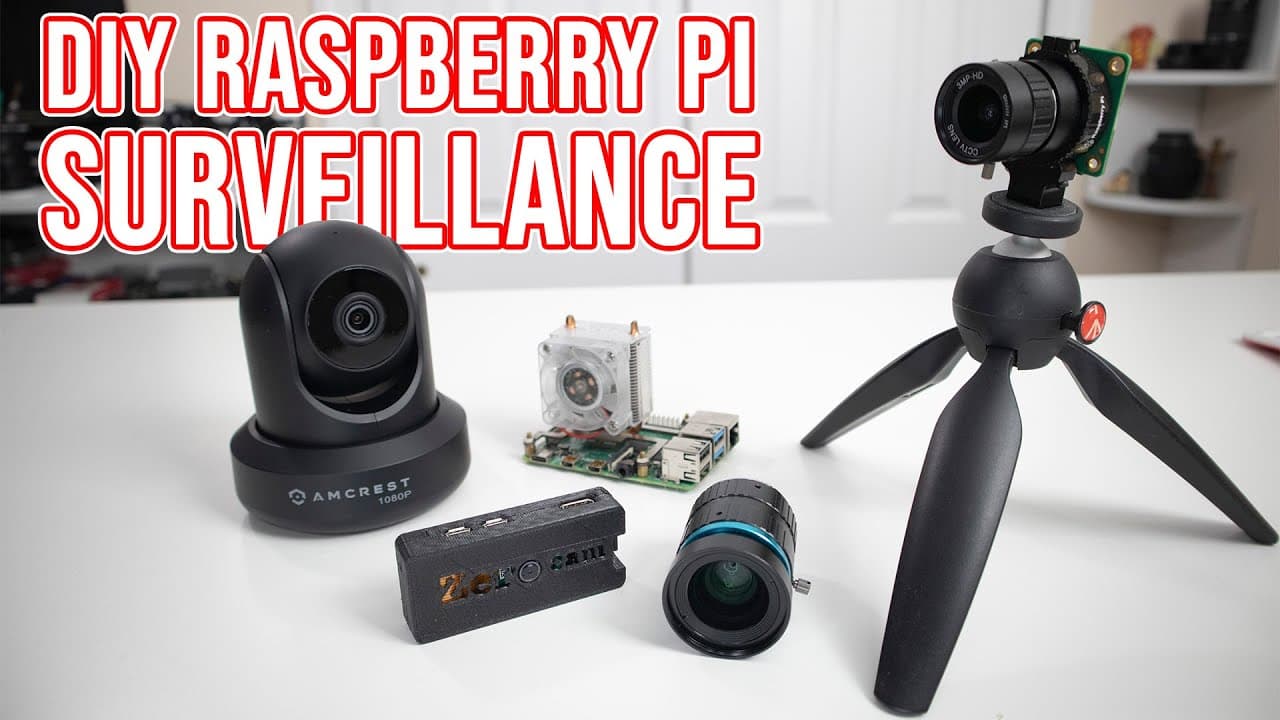
TL;DR
To set up a Raspberry Pi surveillance system, use a Raspberry Pi 4 and MotionEyeOS, which allows you to connect multiple cameras and store footage. Start by flashing the software onto an SD card, configuring your Wi-Fi settings, and adding the desired cameras. With a minimum of 4GB RAM on the Raspberry Pi 4, you can achieve smoother performance and flexible surveillance options.
Transcript
hey guys what's going on it's don here from nova spur tech and welcome back to the channel and today we are going to be building ourselves a video surveillance system using the raspberry pi so let's get started before we begin i do want to talk about the hardware before we talk about the software this way you know what i'm going to be using for thi... Read More
Key Insights
- ♓ The Raspberry Pi 4, with a minimum of 4GB RAM, is highly recommended for a smooth surveillance experience due to its enhanced processing capabilities.
- 🎥 Integration of various camera types, including standard Raspberry Pi modules and IP cameras, provides flexibility in setup and coverage.
- 😫 Motion Io software is user-friendly, offering motion detection and setting adjustments to optimize performance for different monitoring needs.
- ♿ A VPN is crucial for protecting data privacy while accessing the surveillance system remotely, particularly on public networks.
- ☠️ The installation process is straightforward, involving flashing images to SD cards and configuring wireless settings for the Raspberry Pi Zero.
- ☠️ Effective storage management is vital; selecting appropriate SD card sizes can influence how long footage is retained.
- ☠️ Configuration steps like adjusting frame rates and recording modes can have direct impacts on system performance and storage requirements.
Install to Summarize YouTube Videos and Get Transcripts
Explore YouTube Video Summarizer or Get YouTube Transcript Extractor
Questions & Answers
Q: What are the key components needed for this Raspberry Pi surveillance system?
The primary components include a Raspberry Pi 4 (at least 4GB RAM recommended), a Raspberry Pi Zero, camera modules for both systems, and an additional IP camera. A storage solution, such as an SD card with adequate space for footage, is also necessary. The performance upgrade from using the Raspberry Pi 4 compared to older models is particularly beneficial for handling multiple camera feeds.
Q: Why is using a VPN like Private Internet Access important when setting up this system?
A VPN, such as Private Internet Access, is vital for safeguarding your internet activity from your Internet Service Provider (ISP) and potentially malicious actors, especially when accessing your surveillance system over public networks. It encrypts data transfers, making it more challenging for unauthorized users to intercept or monitor your activity.
Q: How does the Motion Io software enhance the surveillance experience?
Motion Io software allows for real-time motion detection and video recording. It enables users to configure camera settings, such as sensitivity and recording modes, ensuring effective monitoring of areas of interest. Furthermore, the software can handle multiple cameras simultaneously, consolidating footage into one central location for easy access.
Q: Can additional cameras be added to this surveillance system later on?
Yes, the Raspberry Pi surveillance system is scalable, allowing users to add more cameras as needed. By configuring the additional cameras within the Motion Io software and ensuring they support compatible protocols, such as RTSP for IP cameras, users can expand their surveillance network efficiently.
Summary & Key Takeaways
-
The video explains how to create an effective video surveillance system using Raspberry Pi hardware, specifically the Raspberry Pi 4 and Zero.
-
Recommended hardware includes various Raspberry Pi models and camera modules, emphasizing the importance of RAM for better performance during surveillance tasks.
-
The installation of Motion Io software is detailed, along with setting up multiple cameras, storing footage, and configuring network settings for easy access.
Read in Other Languages (beta)
Share This Summary 📚
Summarize YouTube Videos and Get Video Transcripts with 1-Click
Try YouTube Summary with ChatGPT & Claude or YouTube Transcript Generator
Explore More Summaries from Novaspirit Tech 📚






Summarize YouTube Videos and Get Video Transcripts with 1-Click
Try YouTube Summary with ChatGPT & Claude or YouTube Transcript Generator