What Is Nobara and How Does It Enhance Linux Gaming?
TL;DR
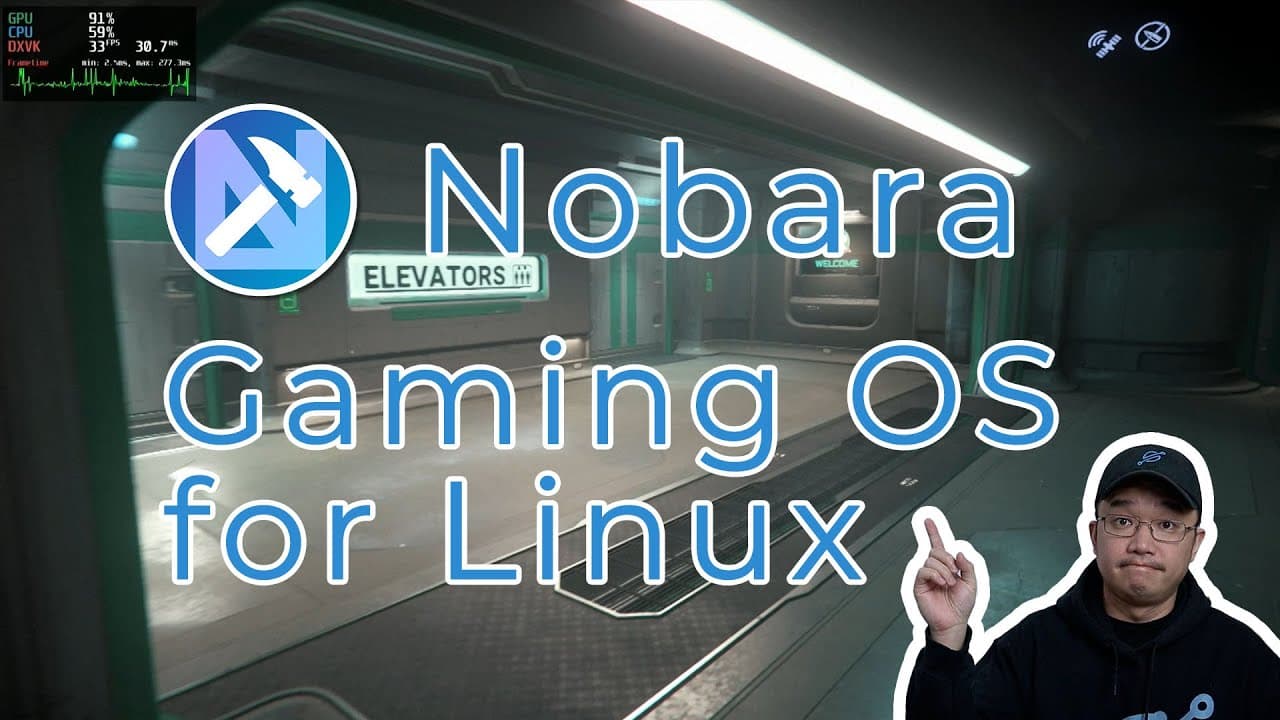
Nobara is a Linux gaming operating system based on Fedora that optimizes the gaming experience by addressing common issues like missing drivers and software dependencies. With various pre-installed tools and user-friendly features, it aims to simplify the setup process for gamers, making it accessible for beginners while still powerful for experienced users.
Transcript
hey guys what's going on it's don here from nova spare tech and welcome back to the channel and today we're going to be checking out a linux gaming operating system called nobara made by glorious egrow so let's get started now if you remember about a month ago i actually did a video review on fedora installing into my system and using it for a firs... Read More
Key Insights
- 🏛️ Nobara is built specifically for gaming on Linux, addressing the often steep learning curve associated with using Fedora.
- 👾 The inclusion of tools like Proton GE significantly improves game compatibility and provides easy installation for legacy titles.
- 👤 Nobara is distinguished from Fedora as a completely independent project, incorporating Fedora’s repositories while refining its user experience.
- 😑 The operating system pre-installs essential applications for gaming, streaming, and productivity, enhancing its utility beyond gaming.
- 👤 Users seeking a smoother out-of-the-box experience will appreciate Nobara's simplified approach to driver and software installation.
- 👤 Nobara’s system performance benefits from continuous updates and community contributions, indicating a commitment to improving user experience.
- 🖐️ Early adopters of the operating system can play a crucial role in shaping its development through feedback and bug reports.
Install to Summarize YouTube Videos and Get Transcripts
Explore YouTube Video Summarizer or Get YouTube Transcript Extractor
Questions & Answers
Q: What is Nobara and how does it differ from Fedora?
Nobara is a customized version of Fedora tailored specifically for gaming, created by developer Glorious Eggroll. Unlike Fedora, which may lack certain gaming-specific packages at installation, Nobara comes with essential tools and patches integrated to enhance the gaming experience significantly. This makes it a more appealing choice for gamers who want a smoother setup with fewer hurdles.
Q: How does Glorious Eggroll contribute to the Nobara project?
Glorious Eggroll is a prominent figure in the Linux gaming community, known for his development of the Proton GE software that improves game compatibility. His expertise as a Red Hat engineer influences Nobara's design, ensuring it includes necessary gaming patches and driver support. This dedication helps users avoid many typical challenges encountered in other Linux distributions.
Q: What kind of pre-installed applications are available in Nobara?
Nobara provides a range of pre-installed applications that cater to gamers and content creators, including OBS Studio for streaming, Blender and Inkscape for 3D modeling and graphics, and G Overlay for graphical tests. It also incorporates Proton Up for managing game compatibility layers and allows smooth integration with Steam and Epic Games.
Q: Are there any known issues with Nobara as of now?
As with any evolving Linux distribution, Nobara may present some bugs, especially since it remains experimental. Users have reported occasional graphical glitches or issues with specific games. However, many of these issues are not inherent to Nobara itself but are related to the games and their compatibility. Users are encouraged to provide feedback and updates as the project develops.
Summary & Key Takeaways
-
Nobara is a modified version of Fedora, specifically optimized for gaming, created by well-known developer Glorious Eggroll, who is also a Red Hat engineer.
-
The operating system addresses common challenges faced by gamers on Linux, such as missing third-party drivers and software dependencies, enhancing the gaming experience right out of the box.
-
Nobara includes various pre-installed applications and tools for gaming, content creation, and overall system usability, making it accessible for both beginners and experienced users.
Read in Other Languages (beta)
Share This Summary 📚
Summarize YouTube Videos and Get Video Transcripts with 1-Click
Try YouTube Summary with ChatGPT & Claude or YouTube Transcript Generator
Explore More Summaries from Novaspirit Tech 📚






Summarize YouTube Videos and Get Video Transcripts with 1-Click
Try YouTube Summary with ChatGPT & Claude or YouTube Transcript Generator