How Do You Build and Deploy an End-to-End Machine Learning Project with Amazon SageMaker?
TL;DR
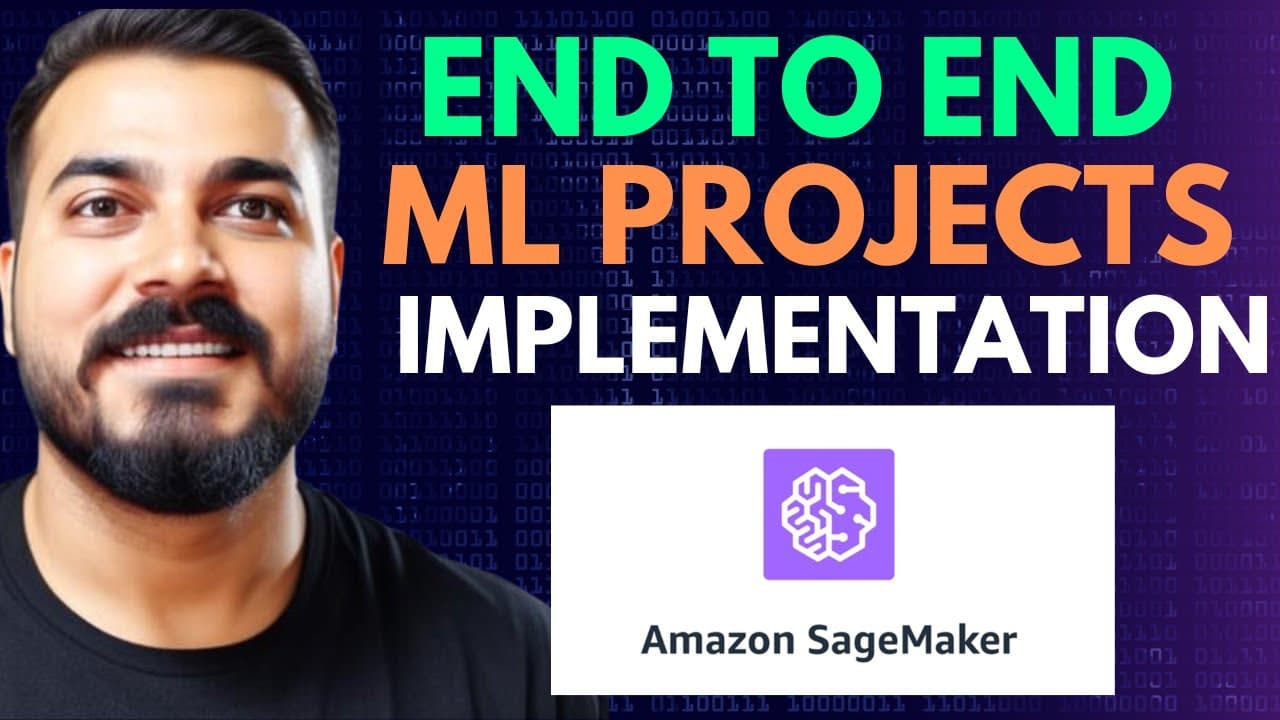
To build and deploy an end-to-end machine learning project with Amazon SageMaker, configure AWS CLI credentials, create an isolated Python environment, install the required libraries, and prepare the dataset and S3 storage. The example uses Python 3.8 and a mobile price classification dataset, with SageMaker supporting model building, training, deployment, and endpoints. Read on for the exact setup and project workflow.
Transcript
hello all my name is krishnaik and welcome to my YouTube channel so guys in this video we are going to create an end to end machine learning project with the help of Amazon's Sage maker so if you don't know about Sage maker it is very much popular used in many Industries who are specifically using AWS Cloud using the Amazon Sage maker you will be a... Read More
Key Insights
- Amazon SageMaker is presented as a service for building, training, and deploying machine learning models. It can also create and expose endpoints that applications can use, allowing the project workflow to extend from model development to application access.
- The example problem is mobile price classification based on a collection of device features. The target is the price range of a specific mobile device, making the project a classification task rather than a regression or unsupervised learning problem.
- AWS CLI configuration is required because the implementation is performed through code instead of relying entirely on the AWS console. The configured command-line interface enables the local VS Code environment to interact with AWS and initiate SageMaker-related operations.
- An IAM user provides the credentials used by the local development environment. The walkthrough creates a user, attaches administrator access for the demonstration, generates an access key and secret access key, and downloads the credentials as a CSV file.
- Access credentials are configured locally by running aws configure. The command requests the access key ID, secret access key, default region, and output format, with US East 1 used as the region and no default output format selected.
- A separate Conda environment isolates the project's Python packages. The demonstrated command creates a local environment named myenv with Python 3.8, while Python 3.9 is also identified as an available choice for the setup.
- The required Python packages are SageMaker, scikit-learn, pandas, NumPy, and IPython kernel. SageMaker supports AWS interaction, scikit-learn supports machine learning algorithms, and IPython kernel enables use of the environment from a Jupyter notebook.
- An S3 bucket supplies persistent storage for the project workflow. The walkthrough creates a bucket in US East 1 and emphasizes selecting a unique bucket name before proceeding with the later stages of the SageMaker implementation.
Install to Summarize YouTube Videos and Get Transcripts
Explore YouTube Video Summarizer or Get YouTube Transcript Extractor
Questions & Answers
Q: How do you build and deploy an end-to-end machine learning project with Amazon SageMaker?
Begin by installing and configuring the AWS CLI with an IAM user's access key, secret access key, and default region. Create an isolated Python environment, install SageMaker and the other required libraries, prepare the mobile price classification dataset, and create an S3 bucket. SageMaker can then support building, training, deploying, and exposing the model through an endpoint.
Q: How do you configure AWS access for the SageMaker project?
Create an IAM user, attach the permissions needed for the demonstration, and generate an access key from the security credentials section. Install AWS CLI and run aws configure, then enter the access key ID, secret access key, and US East 1 as the default region. The walkthrough leaves the default output format unspecified.
Q: Why is AWS CLI required in this SageMaker workflow?
The project is implemented through code in a local development environment instead of entirely through the AWS console. Configuring AWS CLI connects that environment to AWS so commands and SageMaker-related operations can be initiated locally.
Q: How do you create the Python environment for the project?
Create a dedicated Conda environment inside the project folder and activate it before installing the dependencies. The demonstrated environment is named myenv and uses Python 3.8, although Python 3.9 is also mentioned as an option.
Q: Which Python libraries are required for the SageMaker example?
The requirements file includes SageMaker, scikit-learn, pandas, NumPy, and IPython kernel. These packages support the AWS machine learning workflow, algorithms, data handling, and use of the environment in a Jupyter notebook. They are installed from requirements.txt with pip.
Q: What machine learning problem does the SageMaker project solve?
The project uses a mobile price classification dataset to predict the price range of a specific mobile device from its available features. Because the output is a price-range class, it is treated as a classification problem.
Q: How is an S3 bucket prepared for the SageMaker project?
Create a new S3 bucket and select the US East 1 region used by the walkthrough. Choose a unique bucket name for the mobile-price project. The bucket provides persistent storage for the SageMaker workflow.
Q: What do the two parts of the SageMaker project cover?
The first part uses a Jupyter notebook to explain the setup step by step, including AWS credentials, CLI configuration, libraries, the dataset, and S3 preparation. The planned second part creates an end-to-end project following the full life cycle, including a data ingestion layer and related project components.
Summary & Key Takeaways
-
The project begins with AWS access preparation. An IAM user is created, permissions are attached, and access keys are generated from the security credentials section. After installing the AWS CLI, the aws configure command connects the local development environment to AWS by recording the access key, secret key, and default region.
-
A dedicated Conda environment is created inside the project folder with Python 3.8, although Python 3.9 is also mentioned as an option. A requirements file lists SageMaker, scikit-learn, pandas, NumPy, and IPython kernel. Installing these packages prepares VS Code and a Jupyter notebook for the machine learning workflow.
-
The example uses a mobile price classification dataset. Its objective is to predict the price range of a mobile device from the available features. An S3 bucket is then created in the US East 1 region to provide storage needed by the SageMaker workflow, with attention given to choosing a unique bucket name.
Read in Other Languages (beta)
Share This Summary 📚
Summarize YouTube Videos and Get Video Transcripts with 1-Click
Try YouTube Summary with ChatGPT & Claude or YouTube Transcript Generator
Explore More Summaries from Krish Naik 📚





Summarize YouTube Videos and Get Video Transcripts with 1-Click
Try YouTube Summary with ChatGPT & Claude or YouTube Transcript Generator