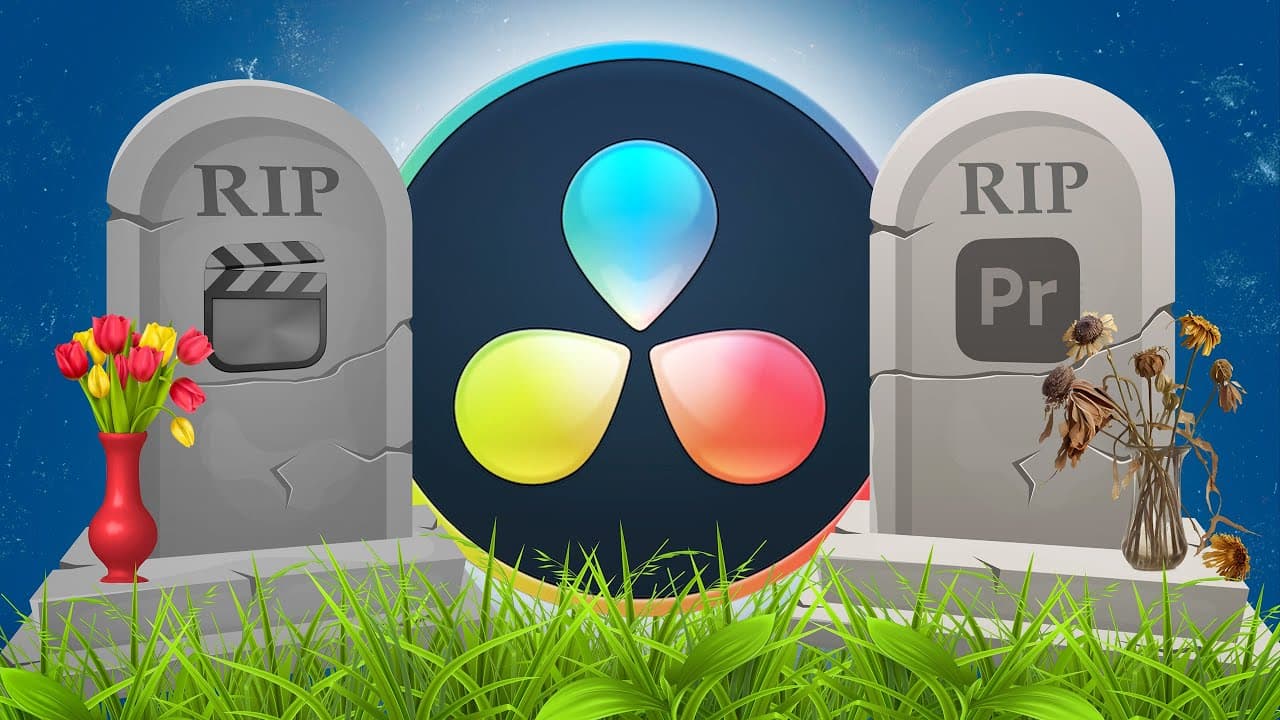
The REAL Reason(s) Everyone's Switching to DaVinci Resolve 18 & 18.5!
TL;DR
DaVinci Resolve is gaining popularity as a video editing software due to its free version, stability, new features, and the current trend of YouTube videos about switching to it.
Transcript
Final Cut Pro is dead. Premiere Pro... also dead. or are they? I mean, right now, it seems like literally everyone is switching to DaVinci Resolve and of course everyone's also making the obligatory "I'm switching to DaVinci Resolve, here's why" video now great videos interesting videos also, "Doa nie van", but I'm gonna tell you the real ... Read More
Key Insights
- 🥶 DaVinci Resolve's free version is a powerful tool for professional video editing, making it an attractive choice for many creators.
- ❓ The software is known for its stability and advanced features like tracking, automatic captions, and advanced color grading.
- 📉 The rise in popularity of DaVinci Resolve has led to a trend of creators making videos about switching to the software to capitalize on the views and attention.
- ⚾ Content creators should switch editors based on their personal needs and preferences instead of following trends.
- ❓ DaVinci Resolve's popularity is a result of both its capabilities and the hype around it, but that doesn't mean other editing software is inferior.
- ⚾ The decision to switch editors should be based on individual workflow and satisfaction with the current software.
- 🎨 DaVinci Resolve's popularity may influence the availability of plugins and resources specifically designed for the software.
Install to Summarize YouTube Videos and Get Transcripts
Explore YouTube Video Summarizer or Get YouTube Transcript Extractor
Questions & Answers
Q: Is DaVinci Resolve really free?
Yes, DaVinci Resolve offers a free version that provides professional video editing capabilities. The Studio version, which requires a one-time fee, offers additional features.
Q: How stable is DaVinci Resolve compared to Premiere Pro?
Many users have found DaVinci Resolve to be more stable than Premiere Pro, with fewer crashes and technical issues. However, it does not mean that DaVinci Resolve never crashes, as it may still have occasional glitches.
Q: What are some of the key features of DaVinci Resolve?
DaVinci Resolve offers several important features, including tracking for text and objects, planar tracking for surfaces, automatic captions, cloud editing for collaboration, voice isolation, and a wide range of built-in titles and effects.
Q: Why are many content creators making videos about switching to DaVinci Resolve?
The popularity of DaVinci Resolve has led to a trend of YouTube videos about switching to the software. Many creators are attracted to the views and attention these videos receive, as well as the growing number of plugins and resources available for DaVinci Resolve.
Key Insights:
- DaVinci Resolve's free version is a powerful tool for professional video editing, making it an attractive choice for many creators.
- The software is known for its stability and advanced features like tracking, automatic captions, and advanced color grading.
- The rise in popularity of DaVinci Resolve has led to a trend of creators making videos about switching to the software to capitalize on the views and attention.
- Content creators should switch editors based on their personal needs and preferences instead of following trends.
- DaVinci Resolve's popularity is a result of both its capabilities and the hype around it, but that doesn't mean other editing software is inferior.
- The decision to switch editors should be based on individual workflow and satisfaction with the current software.
- DaVinci Resolve's popularity may influence the availability of plugins and resources specifically designed for the software.
- Trying out DaVinci Resolve is recommended due to its free version, but switching editors should be a personal choice rather than a response to trends.
Summary & Key Takeaways
-
DaVinci Resolve is a popular video editing software that many people are switching to from Premiere Pro and Final Cut Pro.
-
The free version of DaVinci Resolve offers professional video editing capabilities, while the Studio version provides additional features for a one-time fee.
-
The software is known for its stability, with fewer crashes compared to Premiere Pro. It also offers a range of powerful features, such as tracking, automatic captions, and advanced color grading.
Read in Other Languages (beta)
Share This Summary 📚
Summarize YouTube Videos and Get Video Transcripts with 1-Click
Try YouTube Summary with ChatGPT & Claude or YouTube Transcript Generator
Explore More Summaries from Joris Hermans 📚
![I Replaced ALL my ADOBE APPS with these [free or cheaper] Alternatives! thumbnail](/_next/image?url=https%3A%2F%2Fi.ytimg.com%2Fvi%2F5EfqHg49kMk%2Fhqdefault.jpg&w=750&q=75)
Summarize YouTube Videos and Get Video Transcripts with 1-Click
Try YouTube Summary with ChatGPT & Claude or YouTube Transcript Generator