How to Use Every n8n JavaScript Function
TL;DR
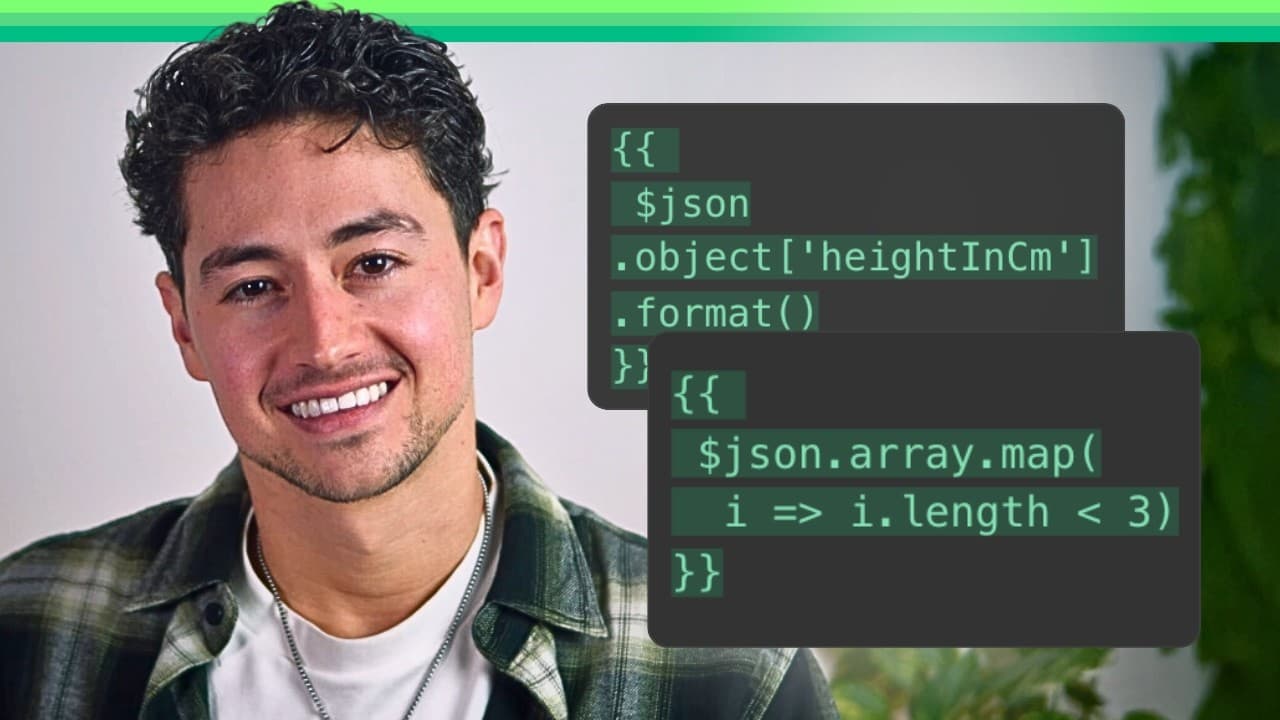
Use n8n functions by selecting an input variable in an expression, adding a period, and choosing the required operation from the function editor. The 106 built-in functions cover strings, numbers, arrays, objects, and Booleans, while practical operations such as split, replaceAll, map, and reduce help transform workflow data faster.
Transcript
hey in this video we're going to be going through all n8n functions as at the time of this recording there are 106 of them and they're broken down into the following categories we have string functions number functions array functions object functions and Boolean functions as somebody who scaled an animation agency to 72k a month realistically I fi... Read More
Key Insights
- n8n has 106 built-in functions organized into string, number, array, object, and Boolean categories. These operations can be applied within expression fields to inspect, transform, and restructure workflow data without leaving the workflow editor.
- The Edit Fields node is a way to define variables, rename fields, and prepare data for later nodes. It supports manual mapping and JSON modes, making it useful for creating representative values before testing expressions.
- n8n functions are accessed by selecting an input variable and typing a period after its expression. This opens the function editor, where available and suggested operations can be selected for the current value.
- The result panel provides real-time feedback while an expression is being edited. Watching this output helps confirm whether a function, argument, substring, or delimiter produces the intended result before the workflow continues.
- The includes function checks whether a string contains a specified ordered substring. It returns true when the exact sequence appears within the source text and false when the characters are absent or arranged in a different order.
- The split function converts one string into an array by dividing it at a chosen delimiter. A comma followed by a space, for example, separates a text list of names into individual array values.
- The startsWith and endsWith functions test opposite boundaries of a string. startsWith checks the opening characters, while endsWith checks the closing characters, and each returns a Boolean result based on whether the supplied sequence matches.
- Practical n8n JavaScript applications include base64 encoding, website scraping, HTML tag stripping, and datetime management. The function library also includes array operations such as append, map, and reduce for processing collections of workflow data.
Install to Summarize YouTube Videos and Get Transcripts
Explore YouTube Video Summarizer or Get YouTube Transcript Extractor
Questions & Answers
Q: How do you use JavaScript functions in n8n expressions?
Select a variable produced by an earlier node and place it in the expression field. After the variable expression turns green, type a period to open the function editor, then choose the operation you need and provide its arguments. The result panel updates as the expression changes, allowing you to verify the transformation before running the workflow further.
Q: What types of built-in functions does n8n provide?
n8n provides 106 built-in functions at the time covered, divided into five categories: string functions, number functions, array functions, object functions, and Boolean functions. The collection supports operations ranging from checking and replacing text to processing arrays with append, map, and reduce, as well as working with structured objects and true or false values.
Q: What is the Edit Fields node used for in n8n?
The Edit Fields node is used to set variables, rename fields, and prepare values for later workflow steps. It offers manual mapping and JSON modes. In the demonstration, JSON mode creates a string, a number, an array of names, an object containing personal fields, and a Boolean, providing sample data for testing each function category.
Q: How does the includes function work in n8n?
The includes function searches a string for a specified substring and returns a Boolean result. For the source string “hello,” searching for “hell” returns true because that ordered sequence is present. Rearranging the same letters returns false because strings are read from left to right and the requested sequence must appear in the correct order.
Q: How does the split function convert text into an array?
The split function divides a string wherever a selected delimiter occurs, then returns the resulting pieces as an array. Splitting a comma-and-space-separated list such as Sarah, Sally, and Stephanie produces separate array values. Supplying no delimiter splits the text by individual characters, while repeated delimiters can create an empty string between adjacent matches.
Q: Why is the n8n expression result panel useful?
The result panel shows real-time feedback while a function expression is being constructed or changed. It immediately reveals whether a string test returns true or false and how a transformation changes the input. This makes the panel useful for checking substrings, delimiters, arguments, and expected output before relying on the expression in later workflow steps.
Q: How do startsWith and endsWith differ in n8n?
startsWith checks whether a string begins with a supplied sequence of characters, while endsWith checks whether it finishes with that sequence. Both functions return true or false. For a value such as “hello!”, startsWith can confirm the opening letters, and endsWith can confirm the exclamation point or other characters appearing at the end.
Q: What practical tasks can n8n JavaScript functions handle?
n8n JavaScript functions can support text manipulation, number processing, array transformation, object handling, and Boolean checks inside workflows. The covered practical applications include base64 encoding, website scraping, HTML tag stripping, and datetime management. Named operations such as replaceAll, append, map, and reduce provide additional ways to clean, restructure, and process incoming automation data.
Summary & Key Takeaways
-
n8n provides 106 built-in functions across five data categories: strings, numbers, arrays, objects, and Booleans. The demonstration creates representative values in an Edit Fields node, then uses another Edit Fields node to apply expressions and inspect each operation’s output while building and testing the workflow.
-
String functions perform common inspection and transformation tasks. includes checks whether an ordered substring exists, startsWith and endsWith inspect the boundaries of a value, and split converts text into an array using a selected delimiter. The result panel provides immediate feedback as expressions are changed.
-
The broader function library includes number, array, object, and Boolean operations, with append, map, and reduce named as useful array examples. Practical applications extend beyond isolated demonstrations to base64 encoding, website scraping, HTML tag stripping, and datetime management, showing how JavaScript expressions support real automation work.
Read in Other Languages (beta)
Share This Summary 📚
Summarize YouTube Videos and Get Video Transcripts with 1-Click
Try YouTube Summary with ChatGPT & Claude or YouTube Transcript Generator
Explore More Summaries from Nick Saraev 📚






Summarize YouTube Videos and Get Video Transcripts with 1-Click
Try YouTube Summary with ChatGPT & Claude or YouTube Transcript Generator