How to Set Up a Linux Laptop for Video Editing
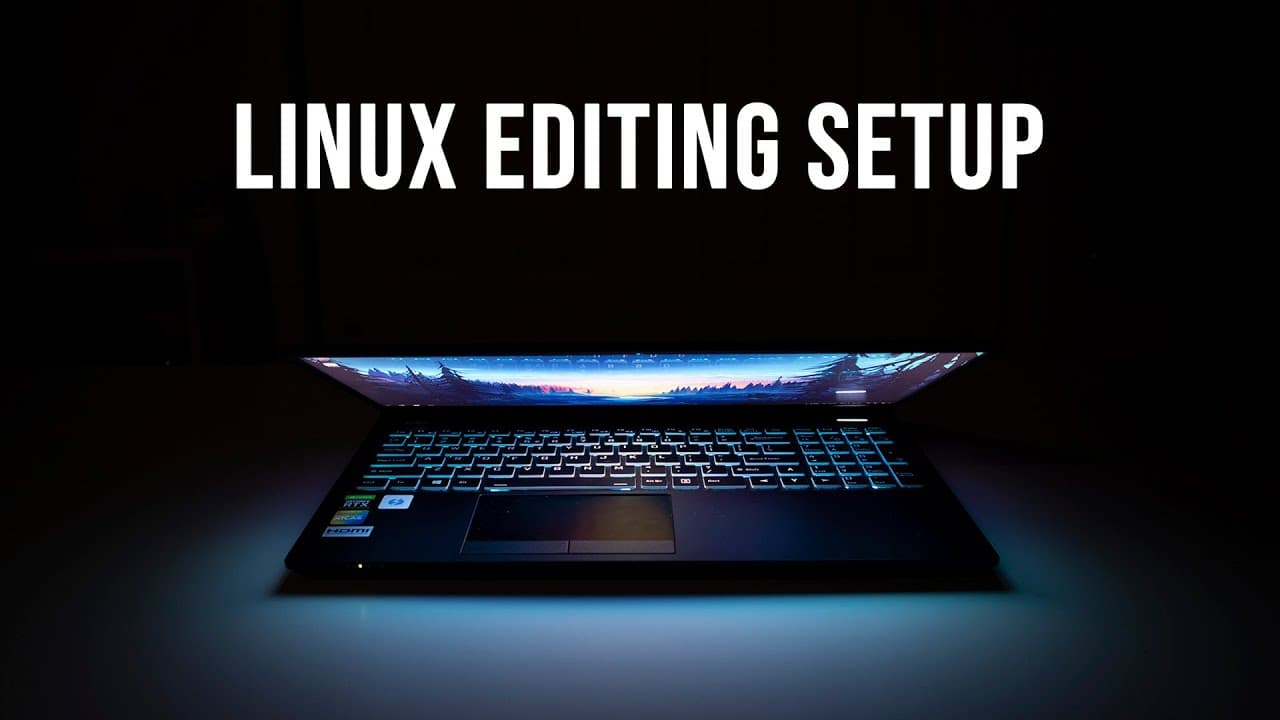
TL;DR
To set up a Linux laptop for video editing, customize the desktop environment with tools like Dash to Panel and essential software like DaVinci Resolve and OBS. Ensure optimal performance by managing GPU settings for tasks and monitor battery life, which varies based on usage, achieving 5-6 hours during casual use.
Transcript
hey guys what's going on it's don here from nova spirit tech and welcome back to the channel and today i want to show you guys how i would set up my linux editing laptop so let's get started on my last video juno computers actually sent me over the neptune 15 which is a very powerful computer especially for editing so i decided to edit my last vide... Read More
Key Insights
- 👤 Customizing the Linux desktop to a preferred layout enhances user productivity and comfort during editing tasks.
- 🈸 Utilizing specific applications tailored for editing, audio, and gaming is crucial for an efficient workflow.
- 🐎 The importance of GPU and CPU balance in a laptop affects video editing speed and overall performance.
- 🍵 The performance benchmarks during exporting tasks indicate the laptop's strength in handling video editing workloads effectively.
- 👋 Fan noise management during different tasks is essential for maintaining a good user experience, especially when editing.
- 🙂 Battery performance varies greatly between light tasks and gaming, necessitating different usage strategies for optimal results.
- 🕴️ The discontinuation of popular extensions like Arc Menu can compel users to find alternatives that suit their workflow.
Install to Summarize YouTube Videos and Get Transcripts
Explore YouTube Video Summarizer or Get YouTube Transcript Extractor
Questions & Answers
Q: What makes the Juno Neptune 15 a good choice for video editing?
The Juno Neptune 15 is noted for its powerful specifications, which include an Intel integrated graphics option and a dedicated RTX 2060 GPU. This combination allows for versatile performance in video editing applications like DaVinci Resolve, providing quick export times and the ability to handle demanding tasks without significant lag.
Q: How did the presenter customize their Linux desktop?
The presenter customized their desktop by shifting to the Dash to Panel layout for a Windows-like experience, reducing icon sizes, and utilizing the default Gnome application menu due to the discontinuation of the Arc menu. They also integrated several useful extensions to enhance accessibility and usability, allowing for a more personalized workflow.
Q: Why did the presenter choose specific applications for video editing?
The presenter selected applications such as DaVinci Resolve, Audacity, and OBS for their specific functionalities. DaVinci Resolve is favored for comprehensive video editing features, Audacity is useful for audio tasks, and OBS is essential for screen recording, covering the necessary tools for their editing process.
Q: What were the performance results for exporting videos?
The presenter highlighted impressive export performance with the Juno Neptune 15, managing to export edited videos in approximately 40 seconds using the GPU and 50 seconds using the CPU. This efficiency showcases the laptop's capabilities, particularly in processing power and thermal management during intensive tasks.
Q: How does the laptop handle gaming performance?
The Juno Neptune 15 is equipped to handle gaming with its dedicated RTX 2060 GPU. While gaming does increase fan noise, the overall performance is satisfactory, allowing for smooth gameplay with accessible graphics settings. The presenter specifically highlighted their experience running games like Roller Coaster Tycoon successfully.
Q: What battery life can users expect during varied usage?
Users can expect about five to six hours of battery life with normal usage, including web browsing and light editing tasks. However, for more demanding activities like gaming, it is recommended to keep the laptop plugged in to maintain optimal performance.
Summary & Key Takeaways
-
The video showcases how to set up a Linux laptop, specifically focusing on a Juno Neptune 15 computer designed for editing.
-
It emphasizes customization, including desktop layout adjustments, application selections, and necessary software extensions for enhanced productivity.
-
The presenter discusses performance metrics, showcasing both editing capabilities and gaming performance, along with battery life insights.
Read in Other Languages (beta)
Share This Summary 📚
Summarize YouTube Videos and Get Video Transcripts with 1-Click
Try YouTube Summary with ChatGPT & Claude or YouTube Transcript Generator
Explore More Summaries from Novaspirit Tech 📚






Summarize YouTube Videos and Get Video Transcripts with 1-Click
Try YouTube Summary with ChatGPT & Claude or YouTube Transcript Generator