Spitfire Audio BBCSO Interface
TL;DR
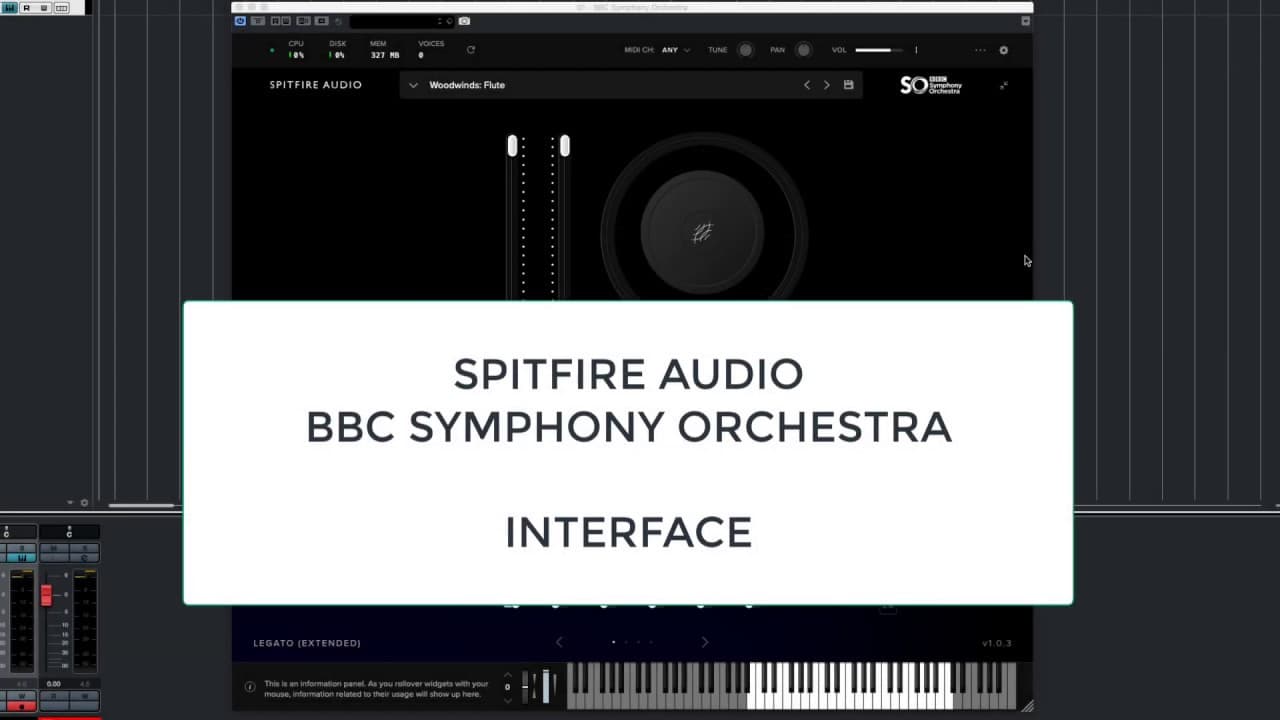
Quick walkthrough and analysis of the new Spitfire Audio BBC Symphony Orchestra VST plugin.
Transcript
hello I'm gonna give you a very quick walk through the new Spitfire audio BBC Symphony Orchestra VST plugin I've got the VST loaded in Cubase version 10 on a Mac operating system the sounds have been loaded off an SSD external running through thunderbolt 2 but that doesn't really matter for this purpose this is the new plug-in I've loaded a flute s... Read More
Key Insights
- 😑 The Spitfire Audio BBC Symphony Orchestra VST plugin offers a comprehensive set of controls for expression, dynamics, balance, and effects.
- 🌥️ The interface of the plugin is large and somewhat cumbersome, occupying a significant amount of screen real estate.
- 👤 Navigation through the plugin and selection of articulations is straightforward, with a user-friendly menu and visual cues.
- 👻 The mix options in the plugin allow for control over microphone settings and panning, providing flexibility in achieving desired sounds.
- 🏛️ The plugin features a built-in reverb effect, although the available parameters for customization are limited.
- 🍉 The interface could benefit from improvements in terms of scaling, visibility of settings, and integration with MIDI controllers.
- 👻 The ability to customize articulations and memory usage allows users to tailor the plugin to their specific needs.
Install to Summarize YouTube Videos and Get Transcripts
Explore YouTube Video Summarizer or Get YouTube Transcript Extractor
Questions & Answers
Q: How can you control the expression and volume in the Spitfire Audio BBC Symphony Orchestra VST plugin?
The expression and volume can be controlled using the slider on the interface, which responds to MIDI controller CC 11. It is possible to remove CC 11 and assign a different automation if desired.
Q: What controls the dynamics in the plugin?
The dynamics in the plugin are controlled by the mod lever or MIDI pedal. Moving the mod lever or pedal affects the dynamic level of the instrument being played.
Q: How can you control the reverb and vibrato in the plugin?
The reverb and vibrato can be controlled using a knob in the plugin interface. Clicking on the knob reveals a menu where different parameters, including reverb and vibrato, can be selected. The reverb knob is assigned to a particular MIDI controller, while the vibrato knob is assigned to a different controller.
Q: Can you customize the articulations and memory usage in the plugin?
Yes, the plugin allows customization of the available articulations for each instrument. The user can select which articulations to include or exclude, which affects the memory usage. This feature provides flexibility and memory optimization.
Summary & Key Takeaways
-
The content provides a walkthrough of the Spitfire Audio BBC Symphony Orchestra VST plugin in Cubase version 10 on a Mac operating system.
-
The interface of the plugin is described, including controls for expression, dynamics, balance, and size.
-
Different features of the plugin, such as articulation selection, mix options, and effects, are discussed.
Read in Other Languages (beta)
Share This Summary 📚
Summarize YouTube Videos and Get Video Transcripts with 1-Click
Try YouTube Summary with ChatGPT & Claude or YouTube Transcript Generator
Explore More Summaries from Dory Video 📚






Summarize YouTube Videos and Get Video Transcripts with 1-Click
Try YouTube Summary with ChatGPT & Claude or YouTube Transcript Generator