What Are the Different Types of PDF Files?
TL;DR
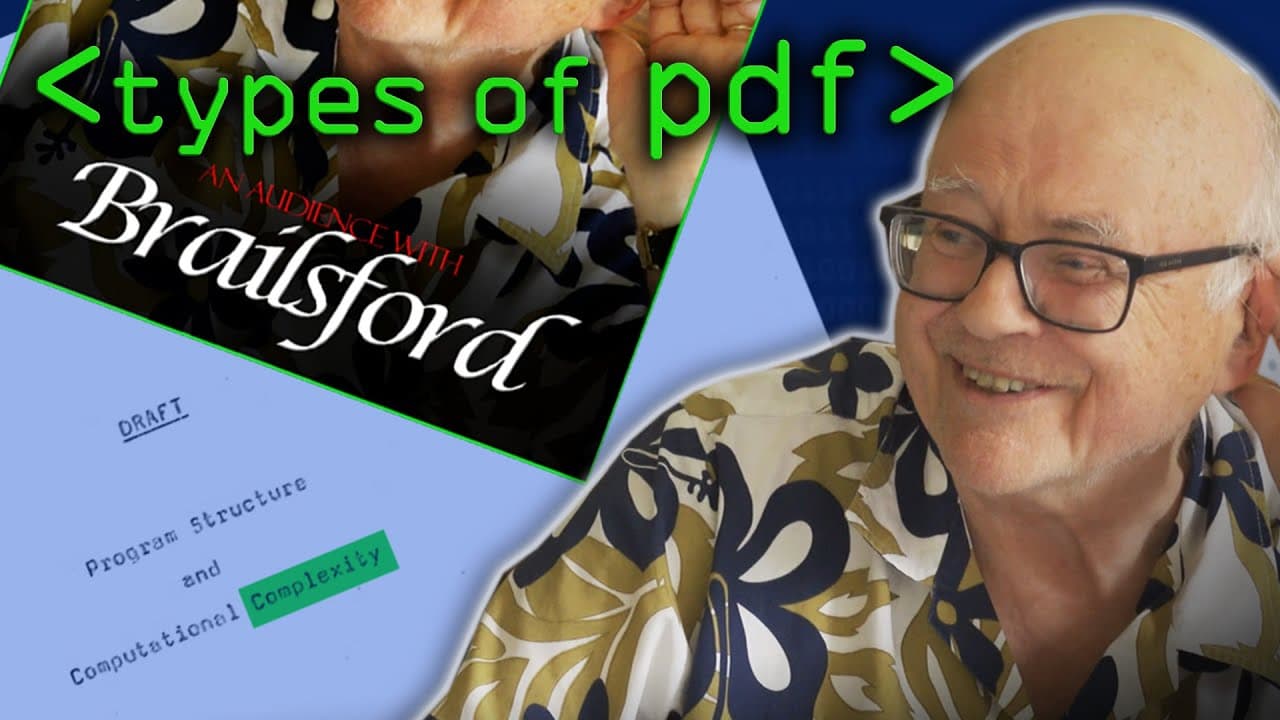
PDF files come in three primary types, each varying in quality. Professional PDFs are created with advanced software for the best quality, bitmap scans are direct scans of documents, and searchable bitmap PDFs combine features of both to allow some text searchability while retaining a bitmap format.
Transcript
one of the phrases that's become common parlance if you like since the launch of pdf in the early 1990s is it's okay i'll just send you a pdf and a lot of people don't realize what a broad church that is it covers a multitude of sins yes you may get an ultra high quality thing that could be printed in vogue magazine in 23 different colors on glossy... Read More
Key Insights
- 😘 PDF files can range from high-quality professional documents to low-quality bitmap scans.
- 🅰️ There are three main types of PDFs: professional, bitmap scan, and searchable bitmap.
- 👻 Searchable bitmap PDFs provide a compromise between quality and searchability, allowing users to search for text within a bitmap scan.
- 💨 Professional PDFs offer the highest quality, while bitmap scans are a quick and convenient way to create PDFs from physical documents.
- 👾 Font recognition and proper typesetting in PDFs can greatly improve quality and space efficiency.
- 🌸 Downsampling color in PDFs can help reduce file size without significant loss of quality.
- 👨🔬 Searching for specific content within a bitmap scan is made easier with searchable bitmap PDFs.
Install to Summarize YouTube Videos and Get Transcripts
Explore YouTube Video Summarizer or Get YouTube Transcript Extractor
Questions & Answers
Q: What are the three main types of PDFs?
The three main types of PDFs are professional PDFs, bitmap scans, and searchable bitmap PDFs.
Q: What is the difference between a professional PDF and a bitmap scan?
A professional PDF is created using software like Adobe InDesign and offers high-quality resolution and well-rendered colors. On the other hand, a bitmap scan is a scanned copy of a physical document, which may have variable scan quality and limited searchability.
Q: How does a searchable bitmap PDF differ from a regular bitmap scan?
A searchable bitmap PDF combines the quality of a bitmap scan with the ability to recognize text using OCR (optical character recognition) technology. This allows for limited searchability and highlighting of recognized text within the bitmap.
Q: What are the advantages of using a professional PDF over a bitmap scan?
Professional PDFs offer sharp and perfect resolution, beautifully rendered colors, and the ability to magnify infinitely. They are created using professional software and provide the best possible quality.
Summary & Key Takeaways
-
PDF files can be of varying quality, from high-quality prints to low-resolution bitmap scans.
-
There are three important types of PDFs: professional PDFs created using software like Adobe InDesign, bitmap scans created by scanning physical documents, and searchable bitmap PDFs that combine the best aspects of both.
-
Searchable bitmap PDFs offer the ability to recognize text from bitmap scans and make them searchable, providing a compromise between quality and searchability.
Read in Other Languages (beta)
Share This Summary 📚
Summarize YouTube Videos and Get Video Transcripts with 1-Click
Try YouTube Summary with ChatGPT & Claude or YouTube Transcript Generator
Explore More Summaries from Computerphile 📚





Summarize YouTube Videos and Get Video Transcripts with 1-Click
Try YouTube Summary with ChatGPT & Claude or YouTube Transcript Generator